
How to write alt text for an exported figure
In Export (Ctrl+Shift+E), the Alt text box is filled from the name, formula and SMILES. Edit it to say what matters; the Accessibility row reports any issues.
Steps
Select what you want to export and press Ctrl+Shift+E.
Read Alt text. It is written for you from the name, formula and SMILES, for example "Aspirin, C9H8O4. SMILES: CC(=O)OC(C=CC=C1)=C1C(=O)O."
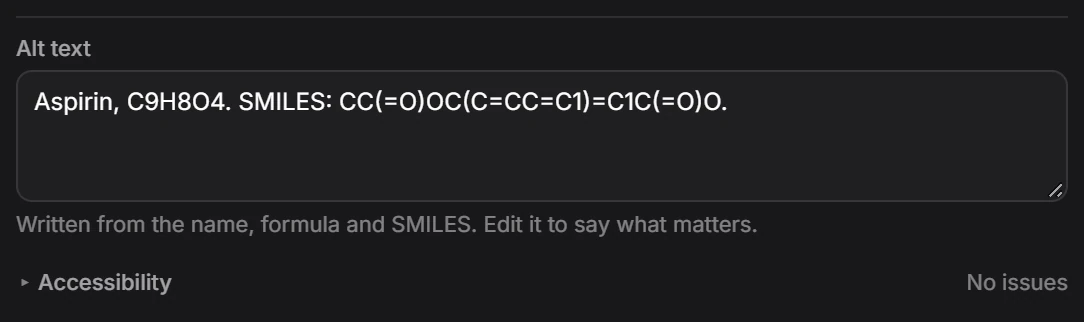
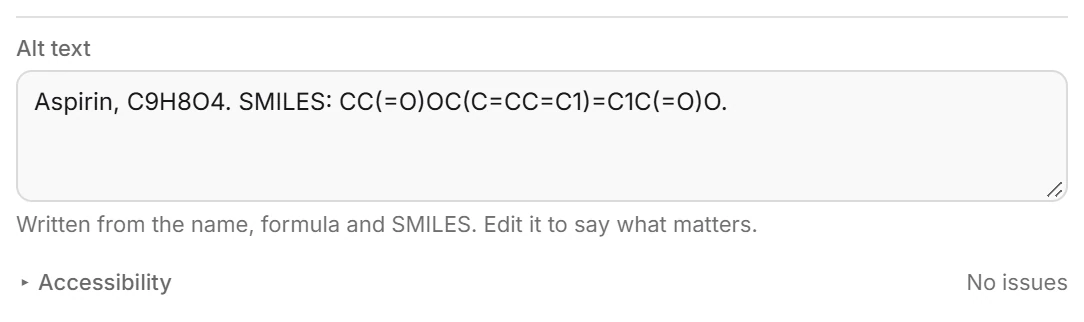
Edit it to say what the figure is for, such as the step it shows or the comparison it makes.
Check Accessibility. It reads No issues when the export passes, and opens to list what to fix otherwise.
Export.
Is this helpful?
Last updated Nov 12, 2026
- Still stuck? Read the FAQ or contact support.
- Something wrong on this page? Tell us.
- For AI tools: llms.txt