
Getting started
Open Athanor, draw your first structure, find your way round the window and learn where your work is kept. No account needed.
Start here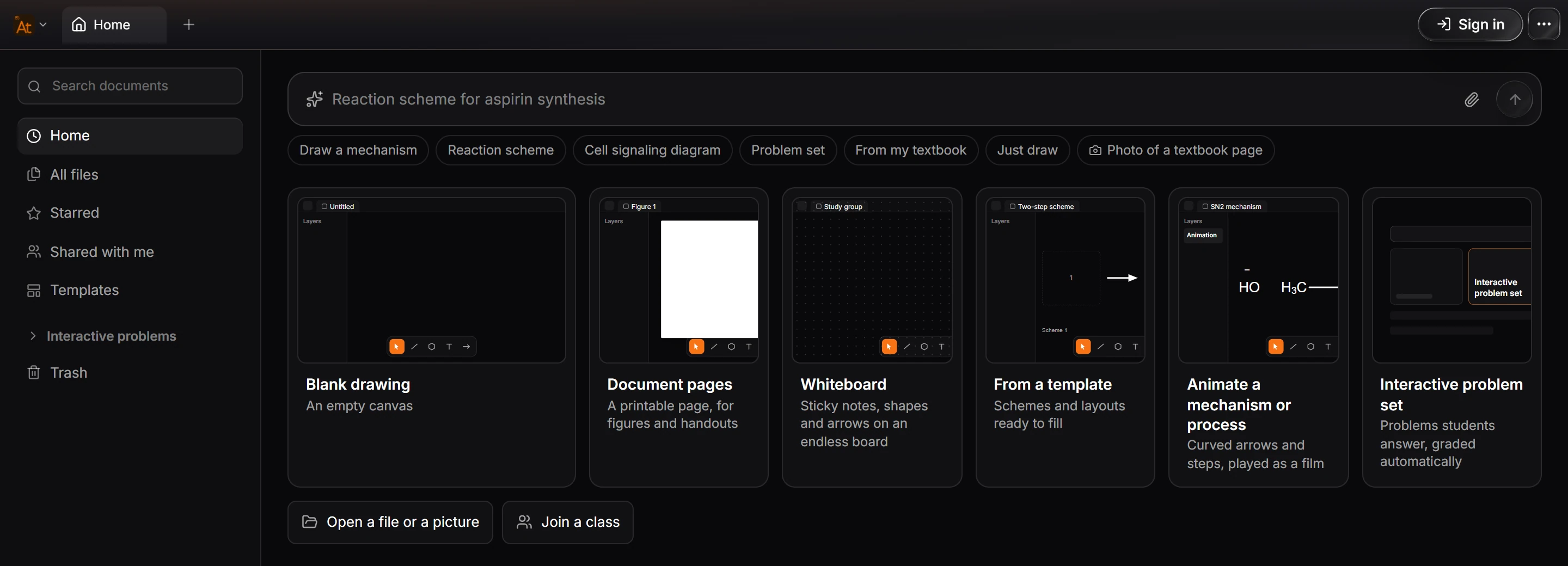
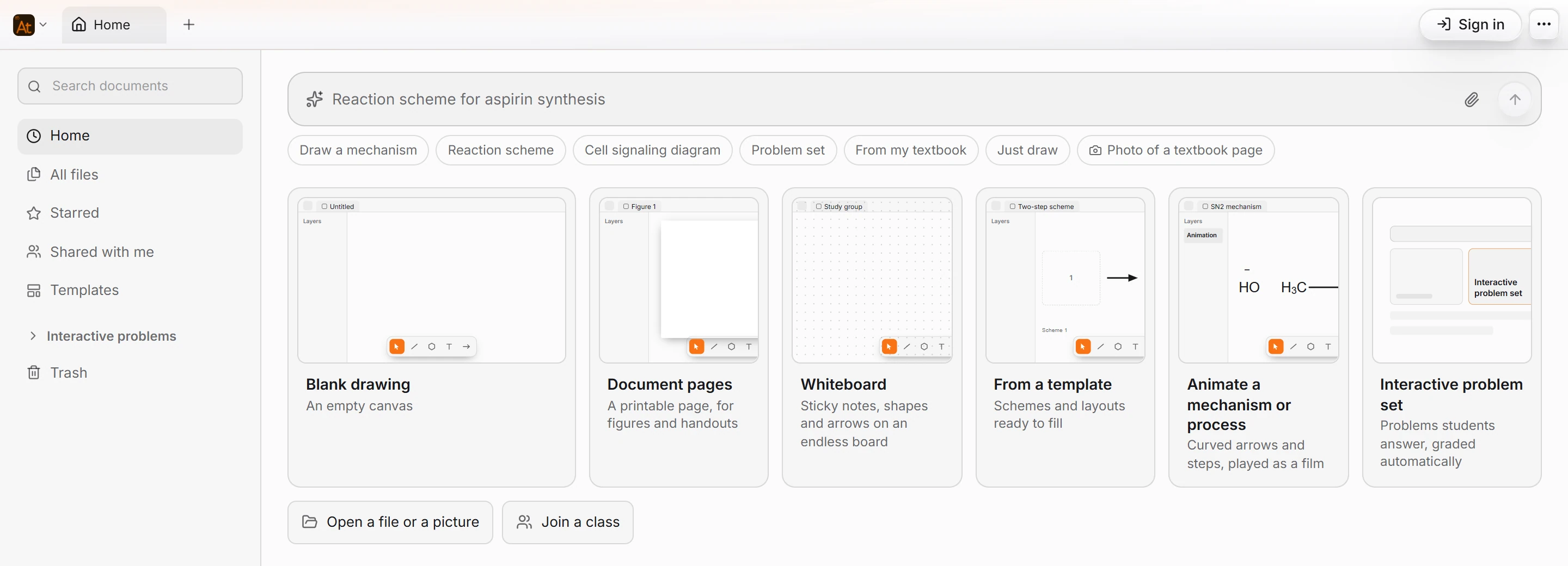 1 · How-toHow to open AthanorAthanor runs in your browser at athanor.arbastro.com/app and as a Windows desktop app. Both are the same app, and you do not need an account to draw, convert or export.
 2 · How-to · AccountHow to install Athanor on WindowsChoose Download for Windows on athanor.arbastro.com, run the installer and sign in with a free arbastro account. The desktop app is the same as the web app, updates itself, and opens .athanor, CDX and CDXML files by double-click.
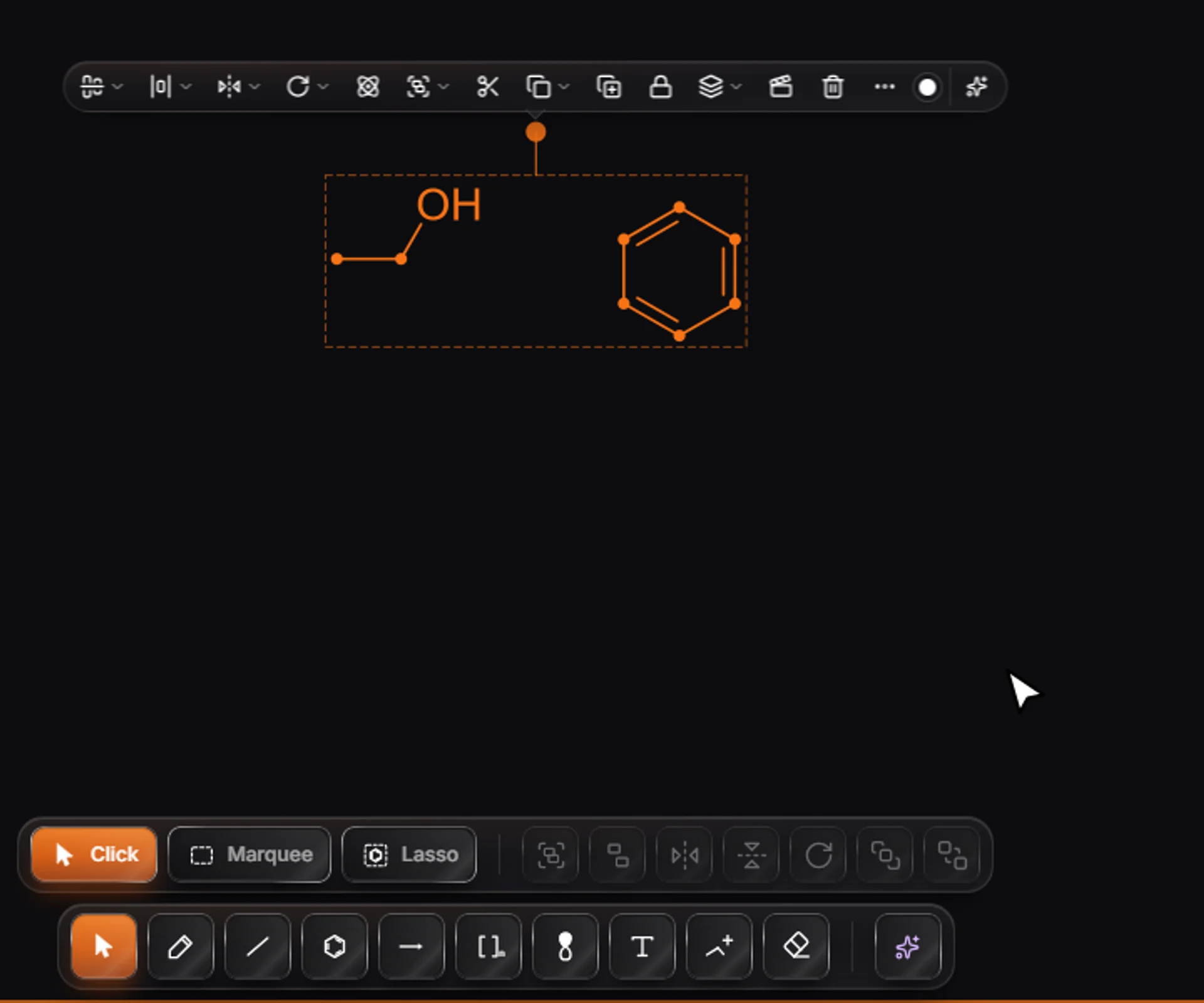
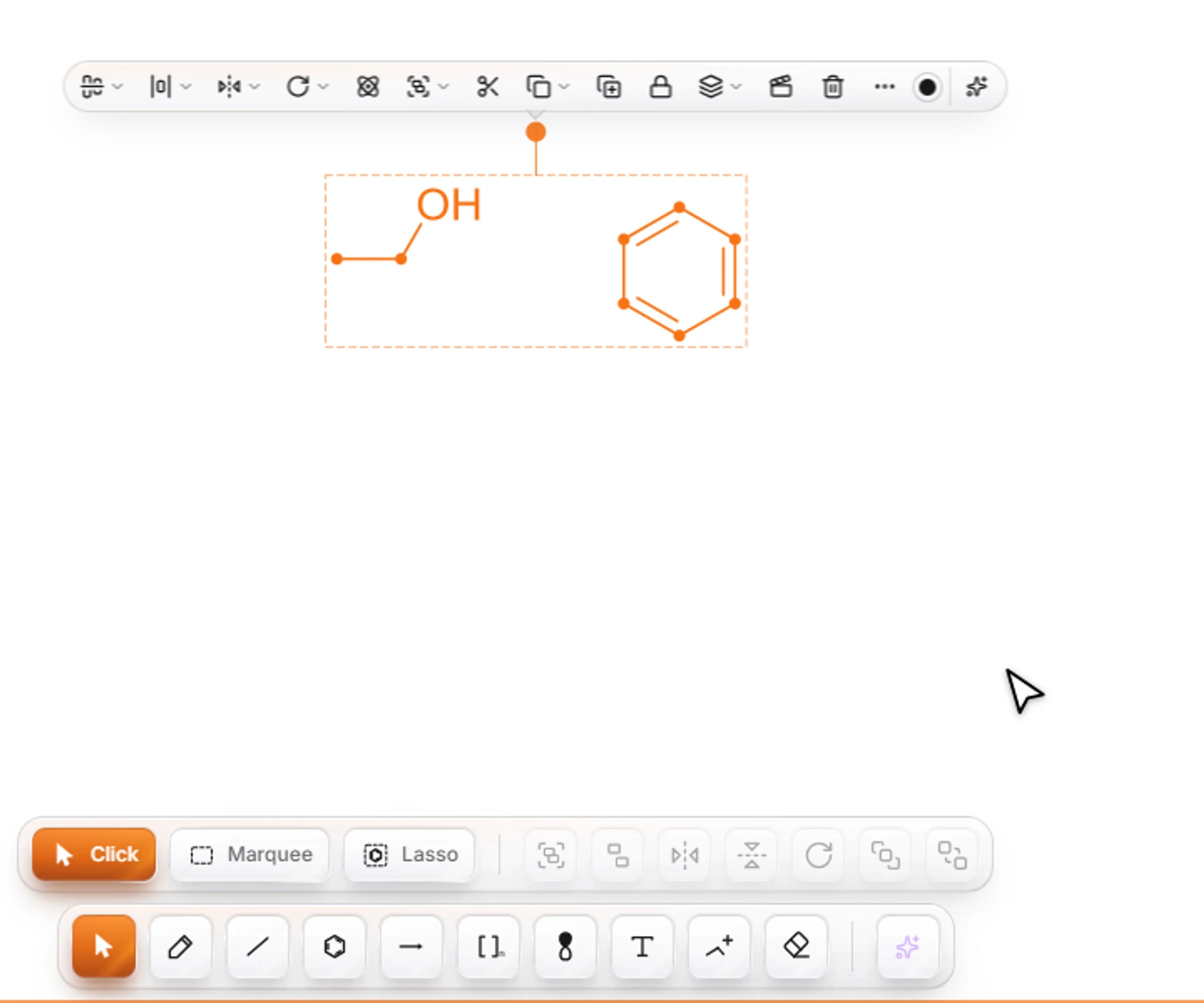 3 · TutorialDraw your first structurePress D for the Bond tool, click the canvas and then click the end atom to grow a chain, point at an atom and press O to make it oxygen, press R then J for benzene, press Ctrl+Shift+K to tidy, and Ctrl+Shift+E to export.
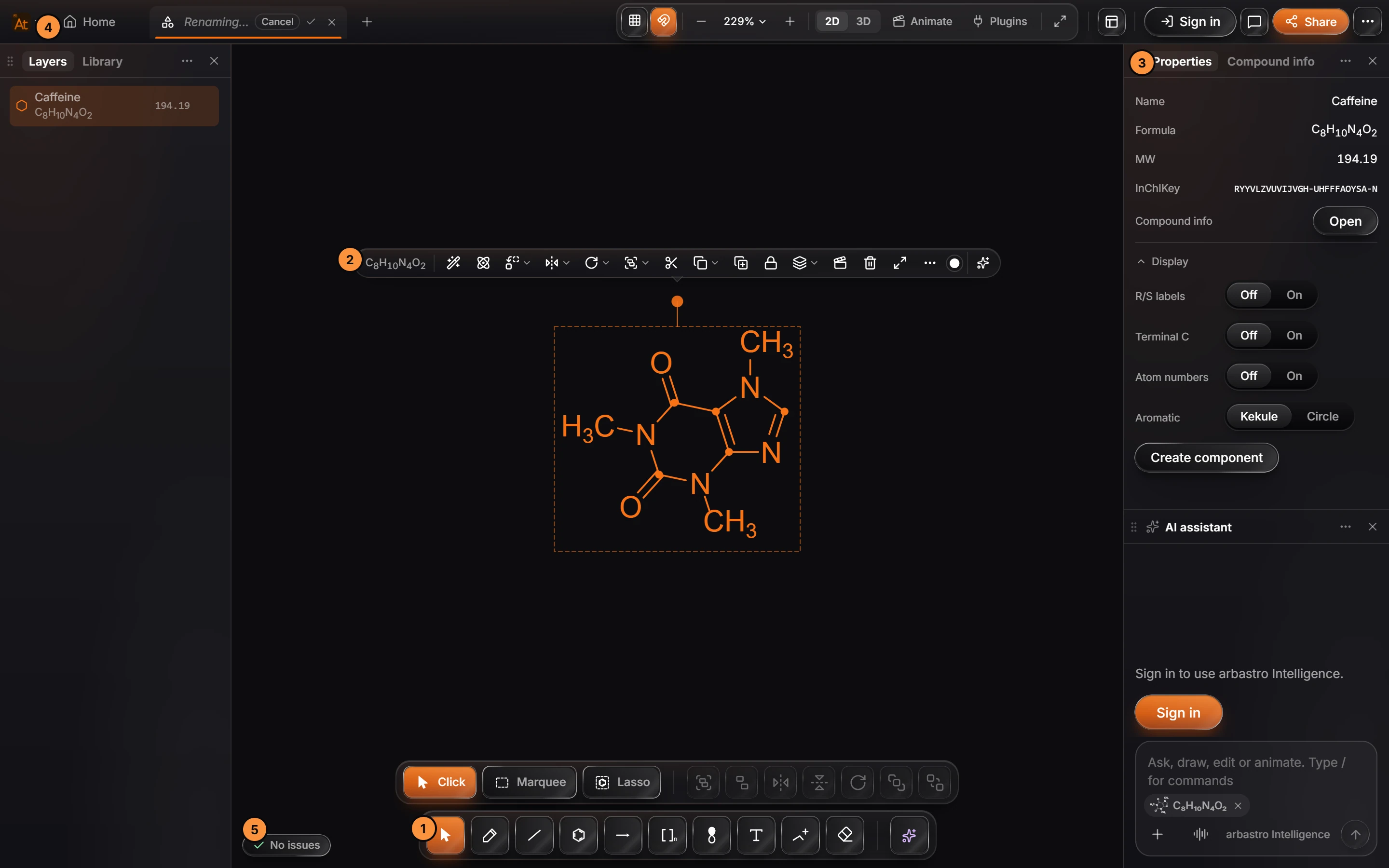
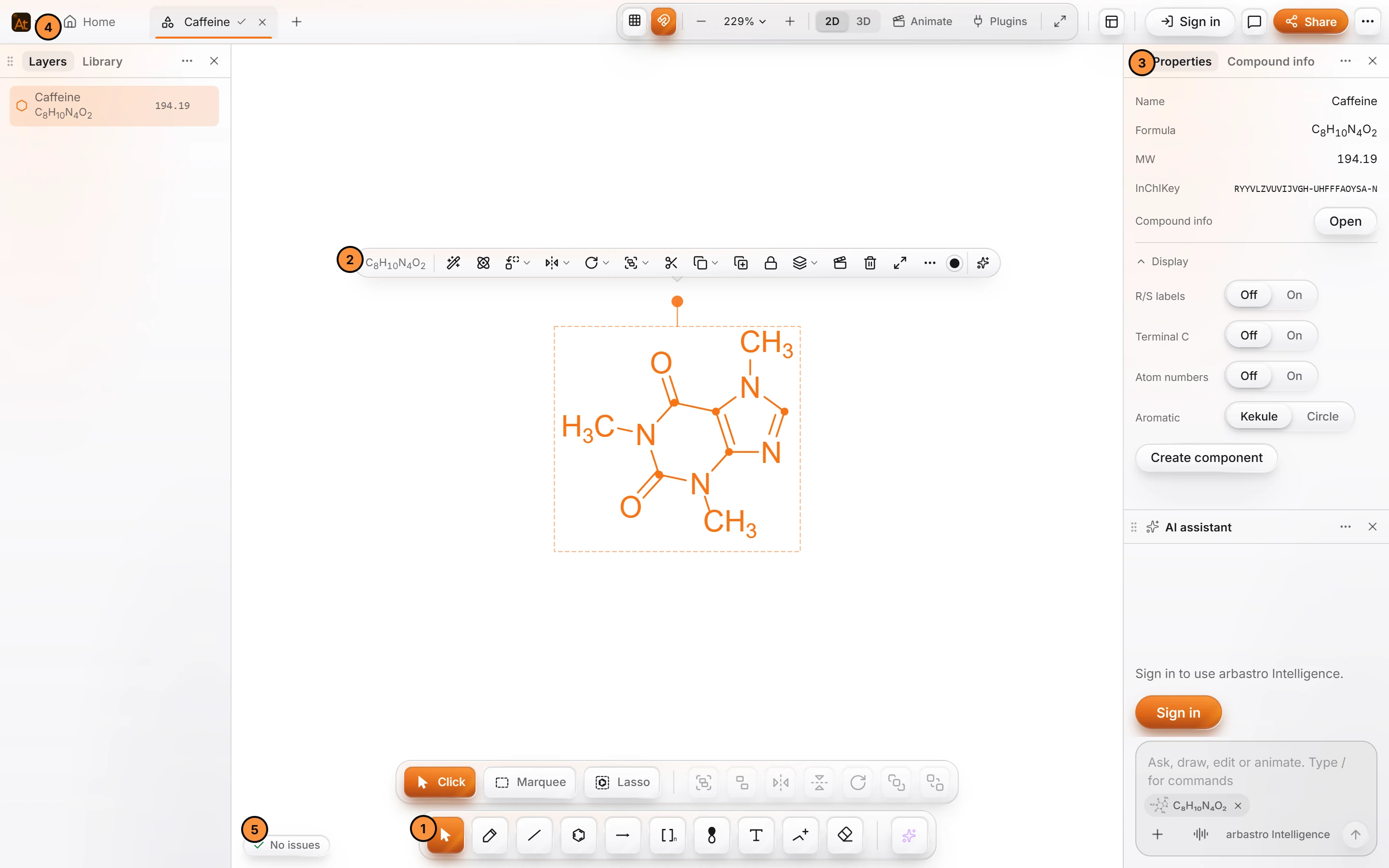 4 · ConceptThe Athanor windowThe drawing tools are in the toolbar at the bottom, panels sit at the left and right, documents open in tabs, and the Athanor mark at the left of the tab bar opens the Main menu (File, Edit, View, Insert, Object, Help).
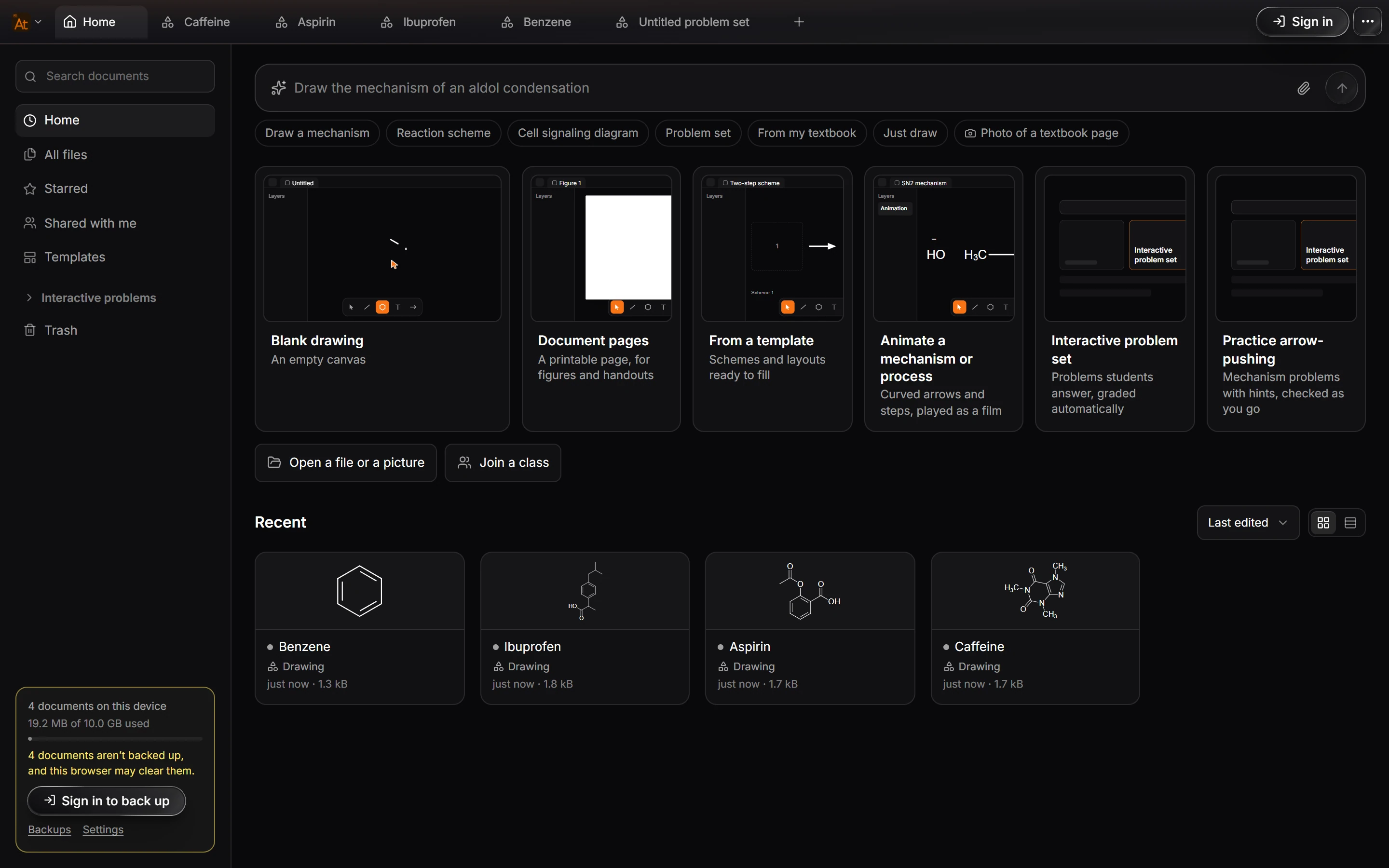
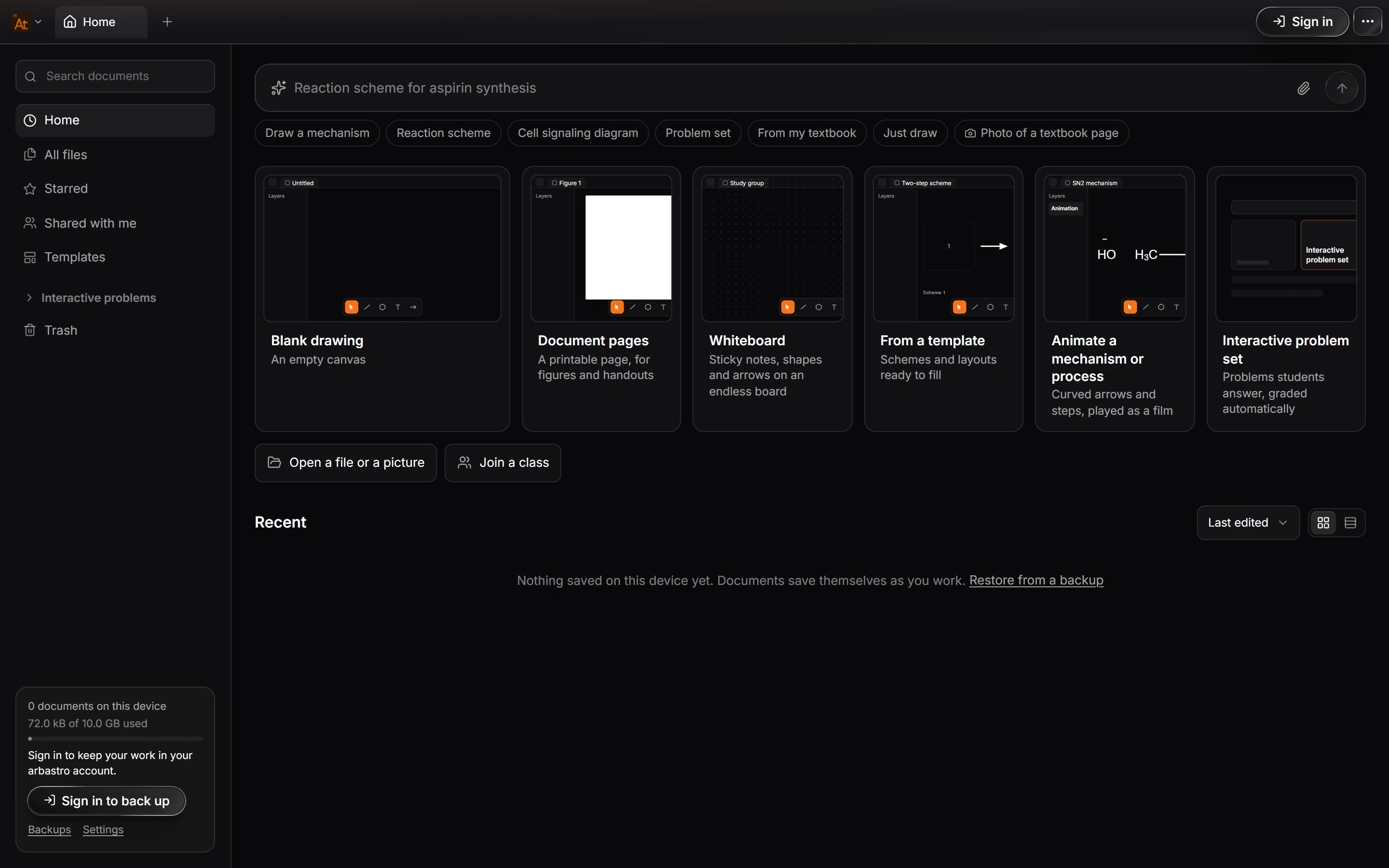
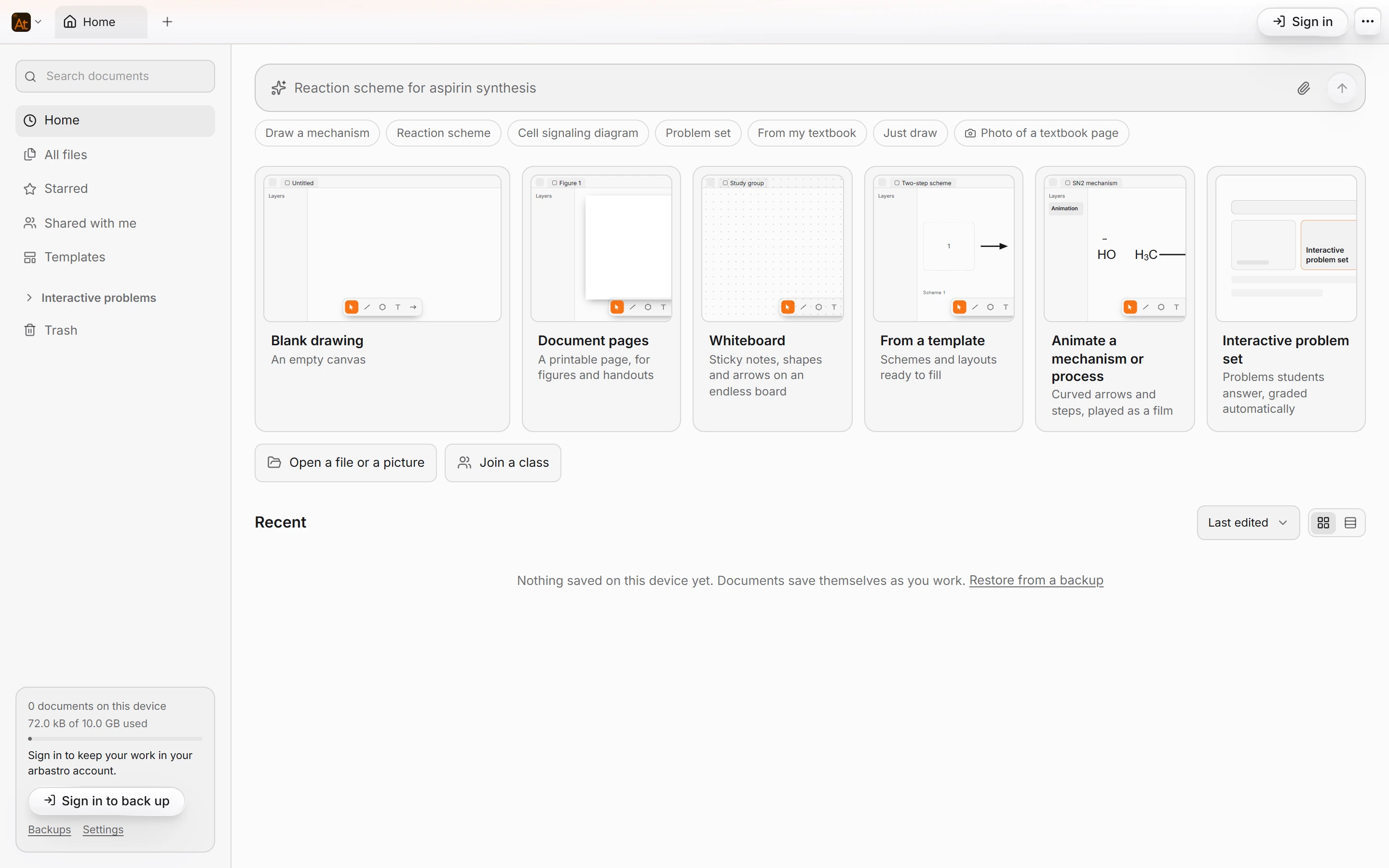
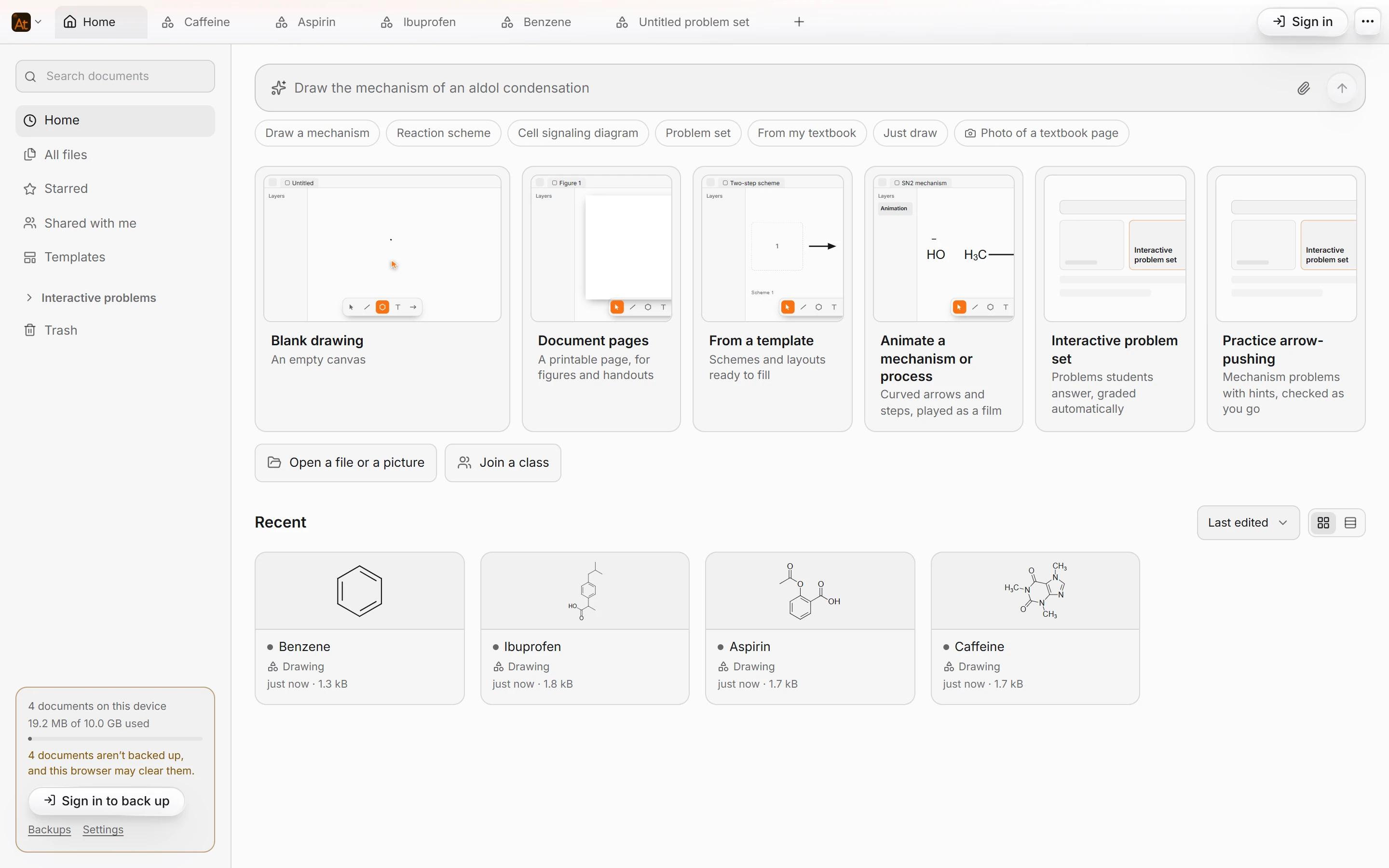 5 · How-toHow to start a new document from HomeOpen Home (the first tab, or File › Home) and pick a start card: Blank drawing, Document pages, From a template, Animate a mechanism or process, Interactive problem set, or Practice arrow-pushing. New document is Ctrl+N.
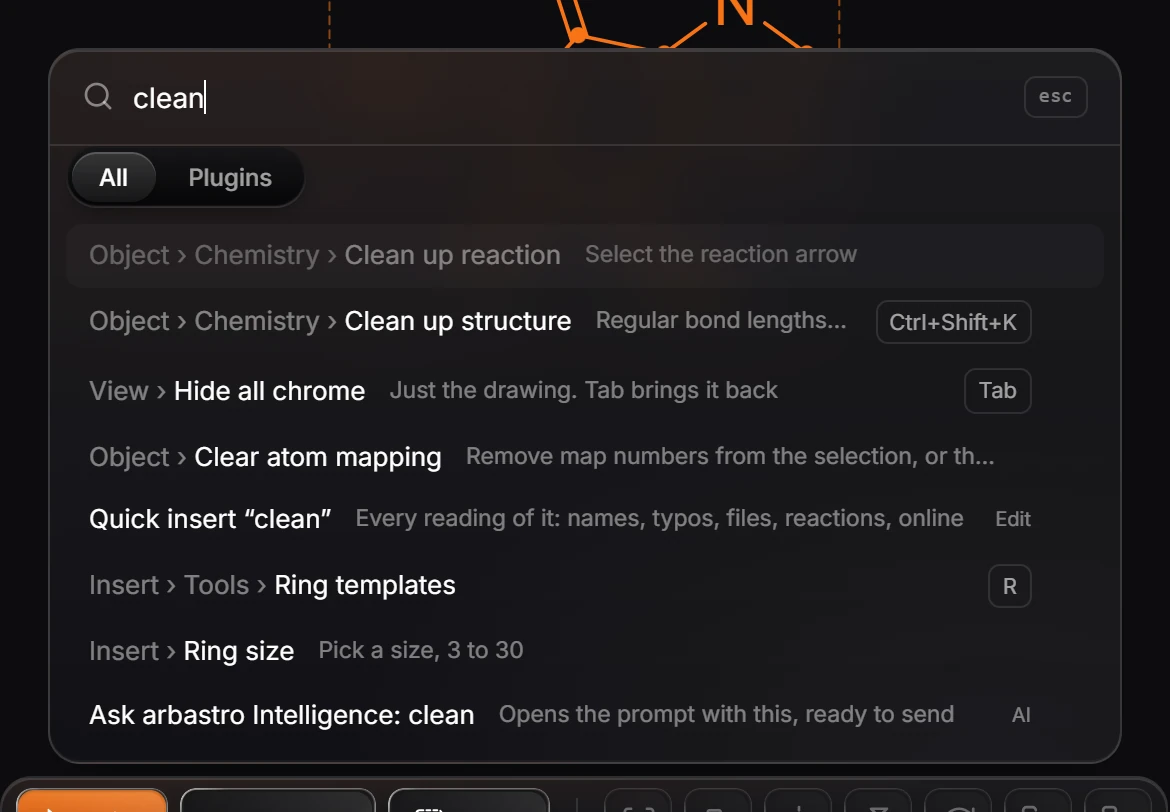
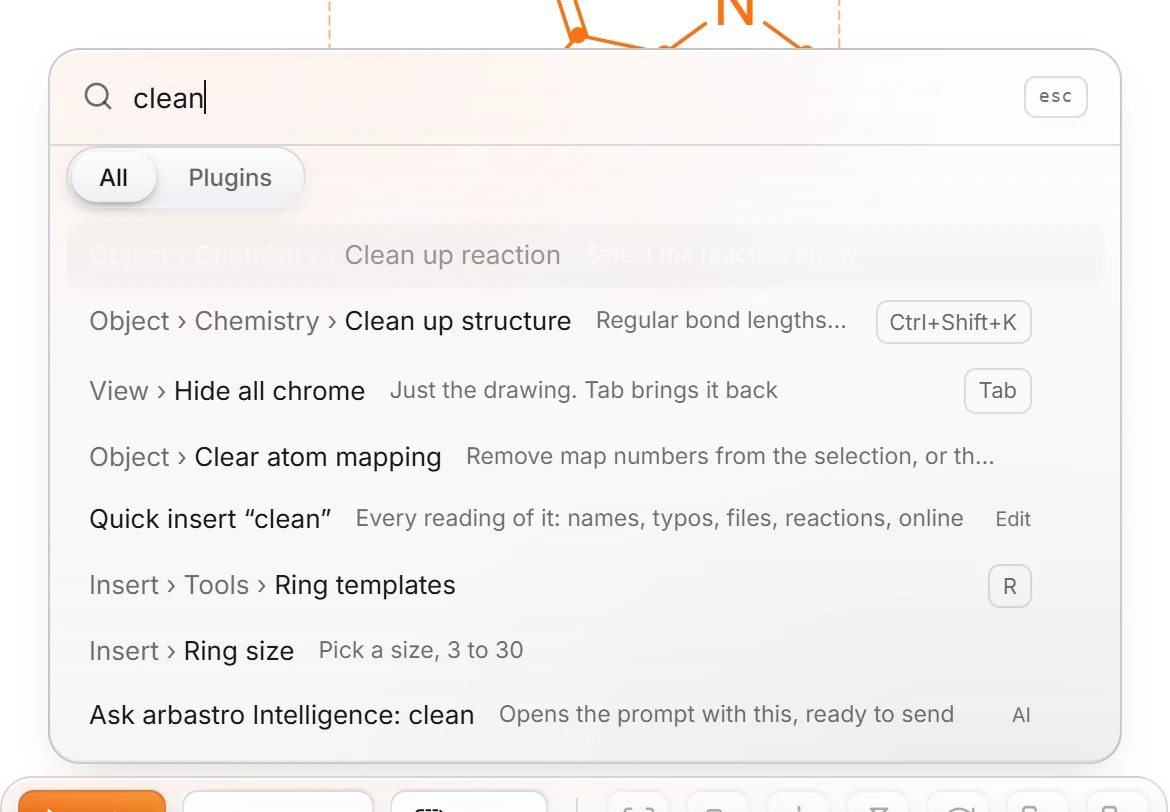 6 · How-toHow to find any command with Search everythingPress Ctrl+K (Search everything) and type what you want, including the name ChemDraw uses for it. Each result shows where it lives in the menus and its shortcut; a dimmed result says what it needs first.
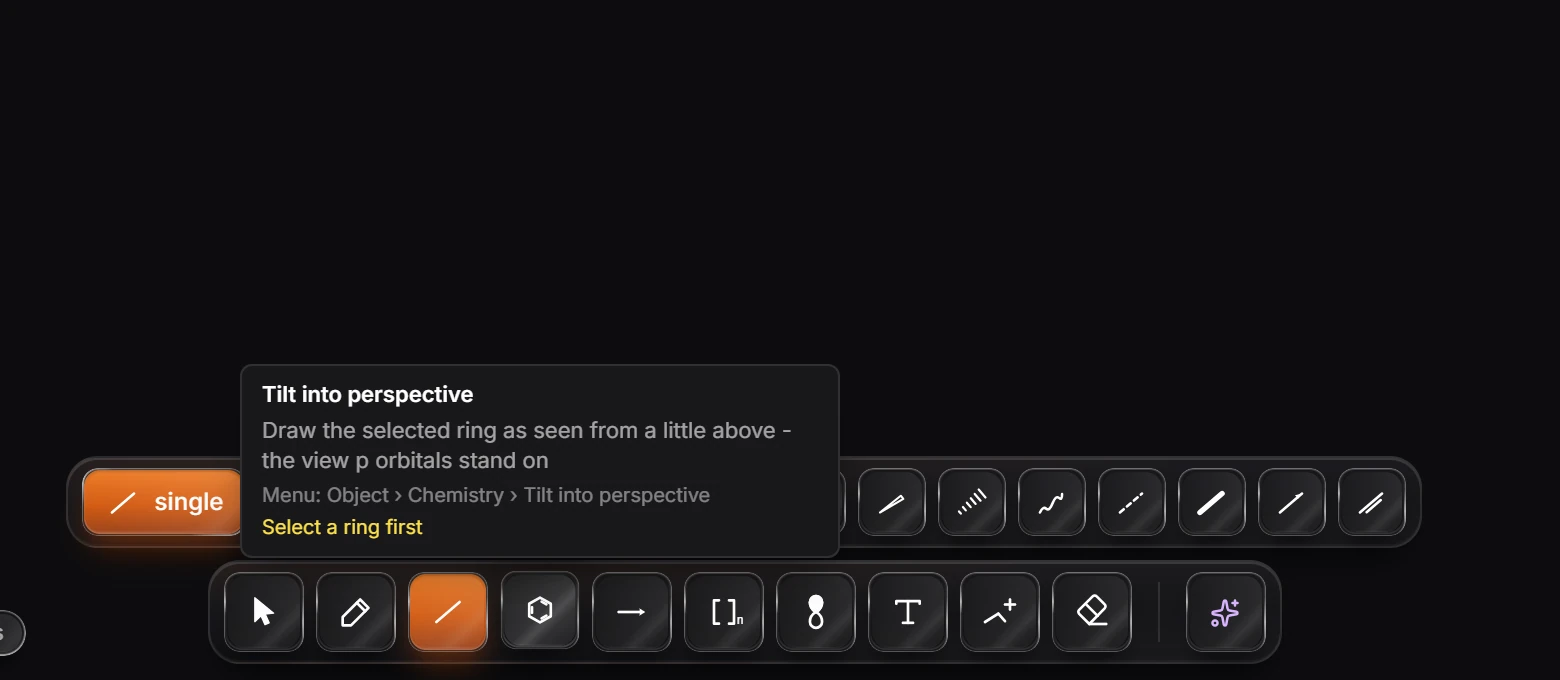
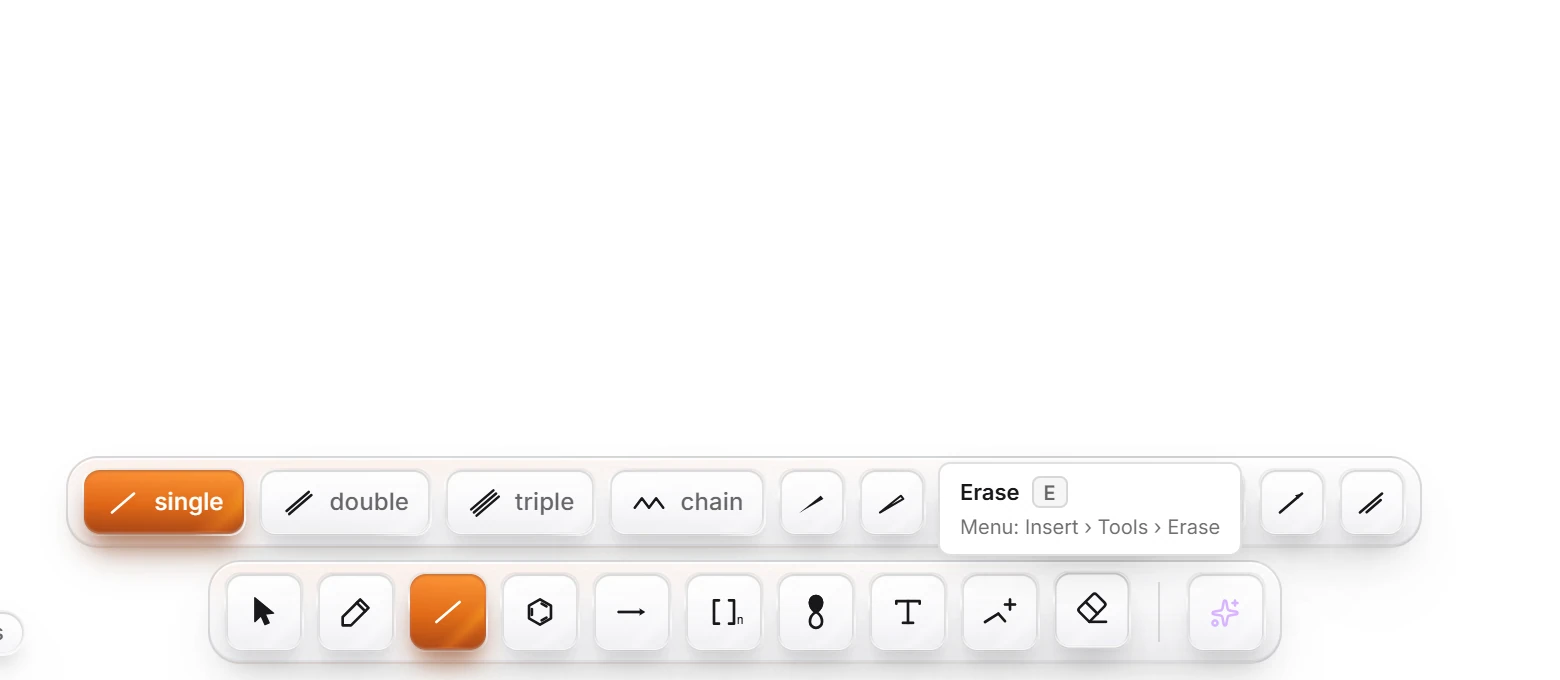 7 · How-toHow to find out what a button doesHold Alt and point at any button. A card says what it does, its shortcut and where to find it in the menus. Help › What is this button? does the same without holding a key.
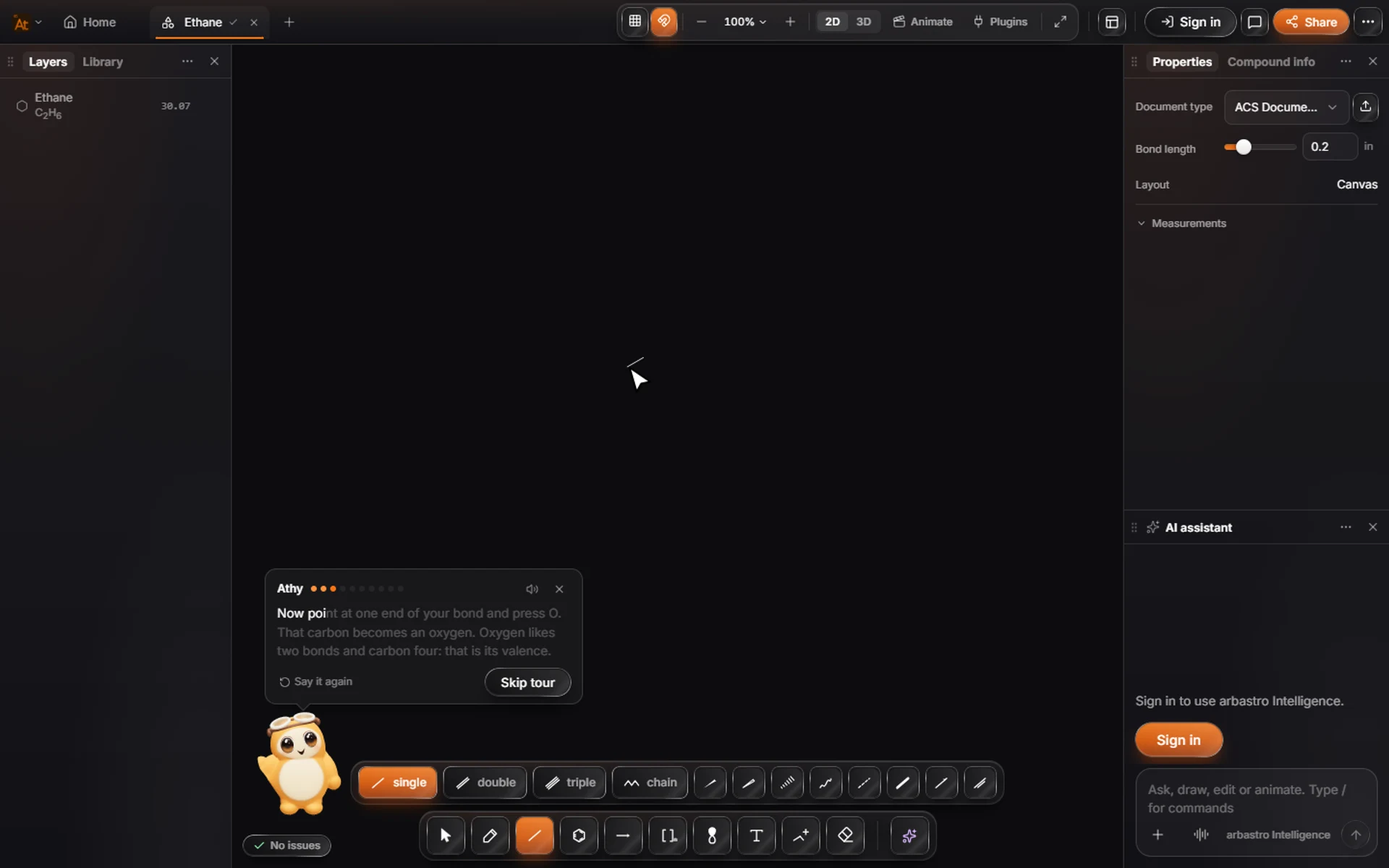
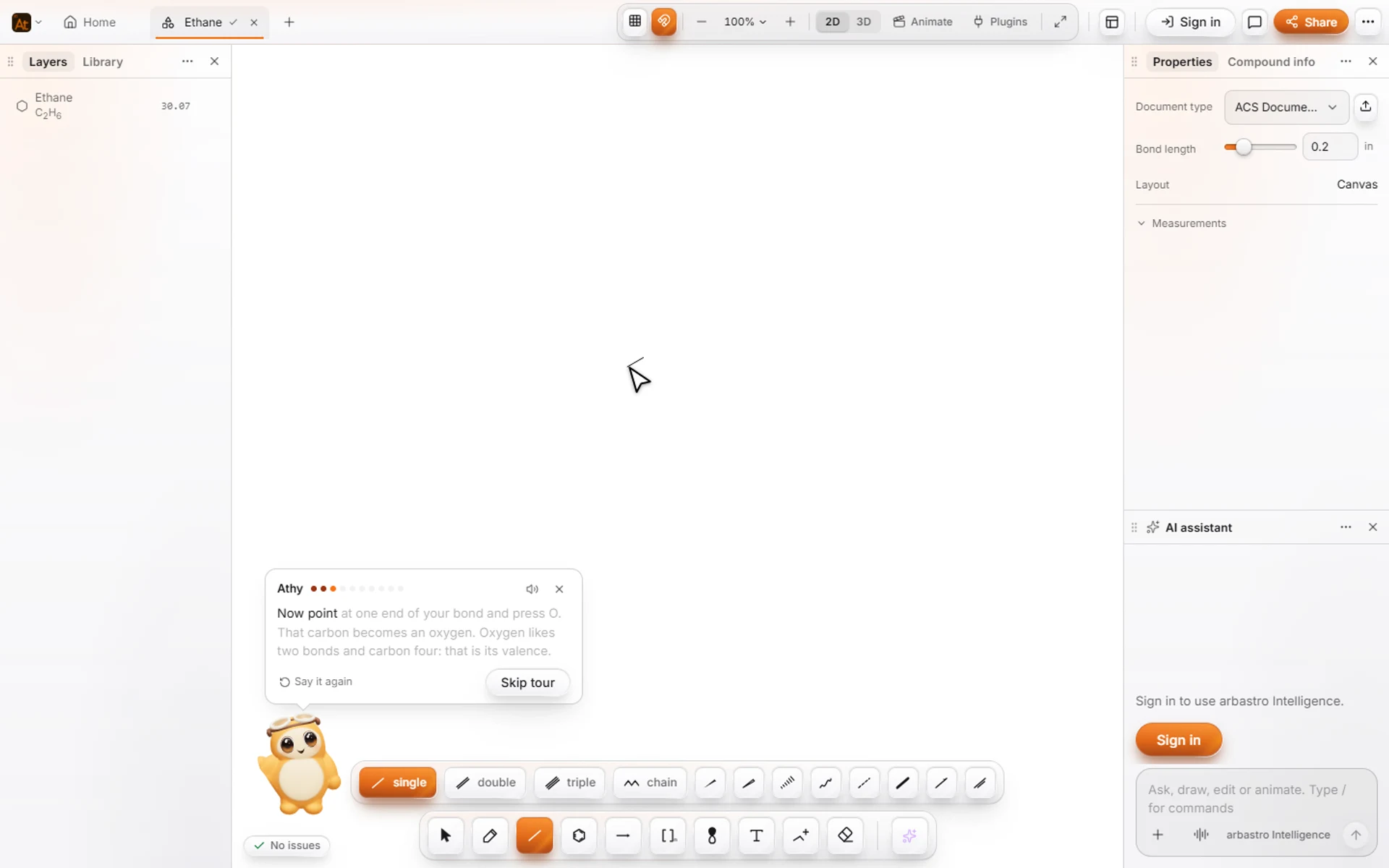 8 · How-toHow to take the tour with AthyChoose Help › Take the tour with Athy. After a few quick questions, Athy points out each part of the window and waits while you try it. You can stop at any step.

 9 · How-toHow to work with tabsNew tab is Ctrl+T and Close tab Ctrl+W in the desktop app (the + and X on the tab bar everywhere; a closed document stays in Home), Reopen closed tab Ctrl+Alt+T, Next tab Ctrl+Tab and Previous tab Ctrl+Shift+Tab.
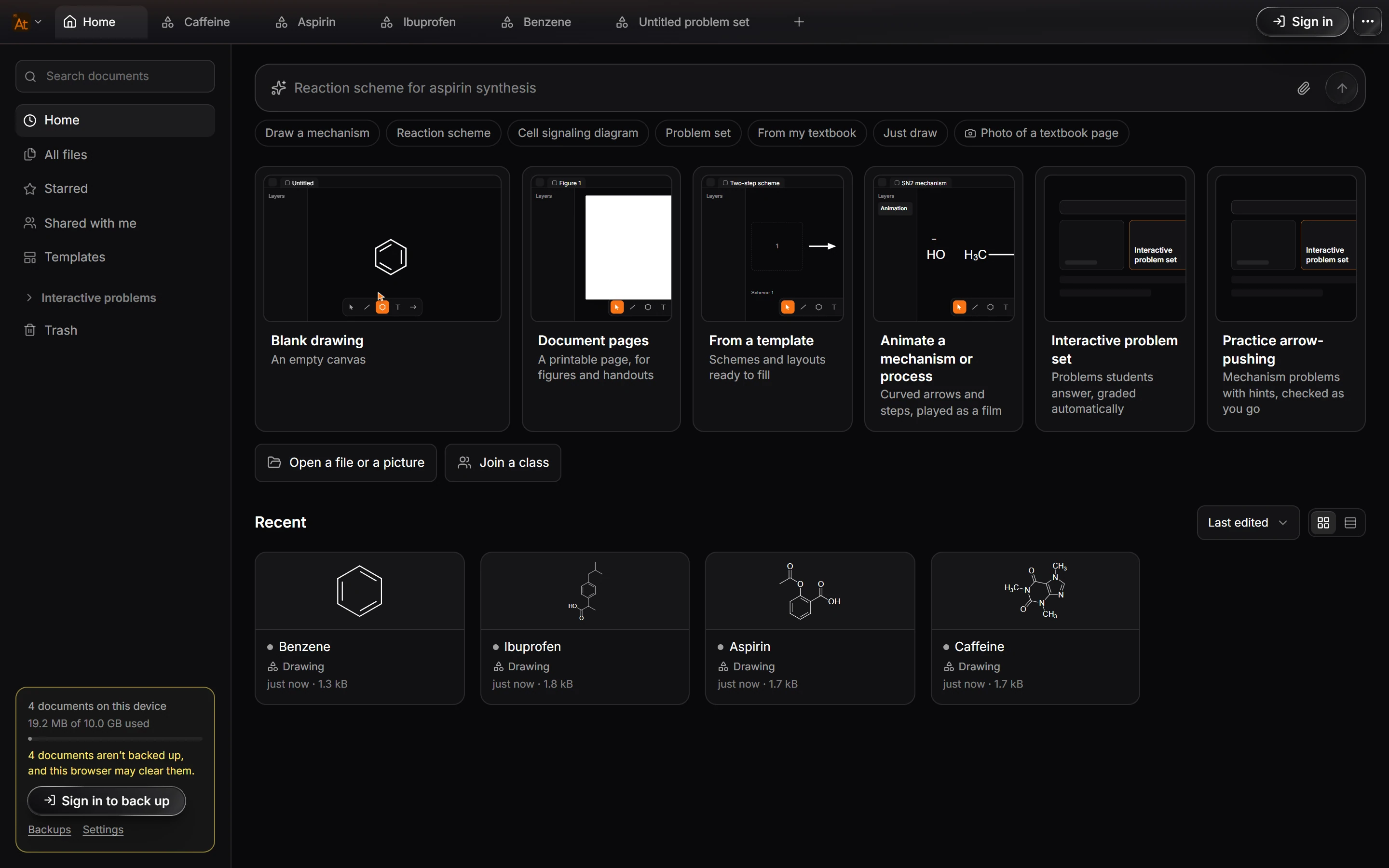
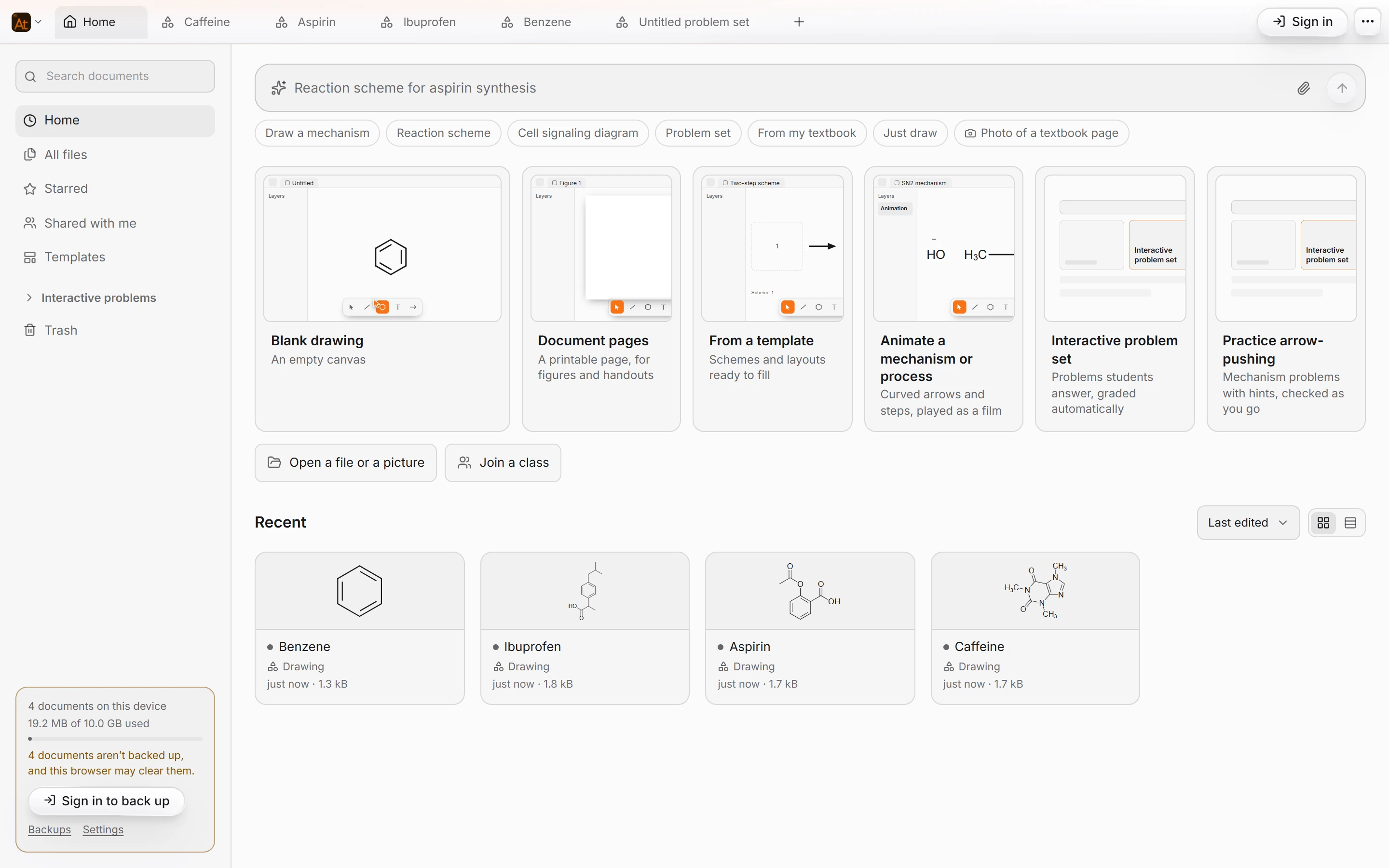 10 · ConceptWhere your work is savedThere is no save button. Every change is kept as you make it. Signed in, documents also sync to your arbastro account and appear on every device in Home. To send a file to someone, use Export or File › Download as .athanor.
- Still stuck? Read the FAQ or contact support.
- Something wrong on this page? Tell us.
- For AI tools: llms.txt