
Draw your first structure
Press D for the Bond tool, click the canvas and then click the end atom to grow a chain, point at an atom and press O to make it oxygen, press R then J for benzene, press Ctrl+Shift+K to tidy, and Ctrl+Shift+E to export.
You will draw ethanol (CH₃CH₂OH) and a benzene ring, tidy them, and save a picture. You need nothing but the open app.
Steps
On Home, choose Blank drawing. The Bond tool is already on, and the row above the toolbar shows its bond styles. Press D any time to pick it again.


Click an empty spot on the canvas. A single bond appears: that is ethane, two carbon atoms. Now click the atom at the right-hand end of that bond. A second bond grows from it, making a three-atom chain.

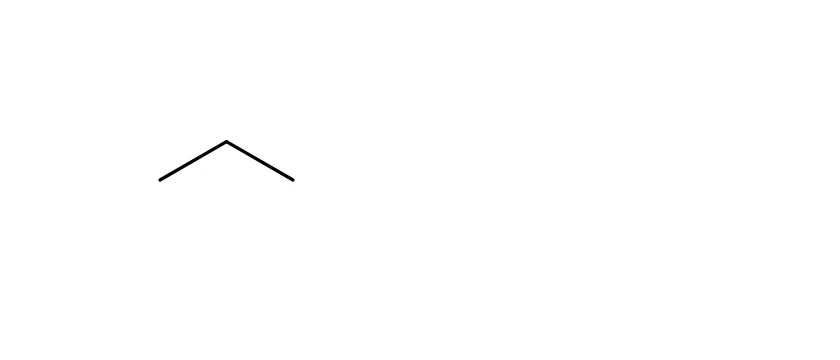
Point at the last atom of the chain and press O. The atom becomes oxygen and Athanor adds its hydrogen, so the chain now reads as ethanol.
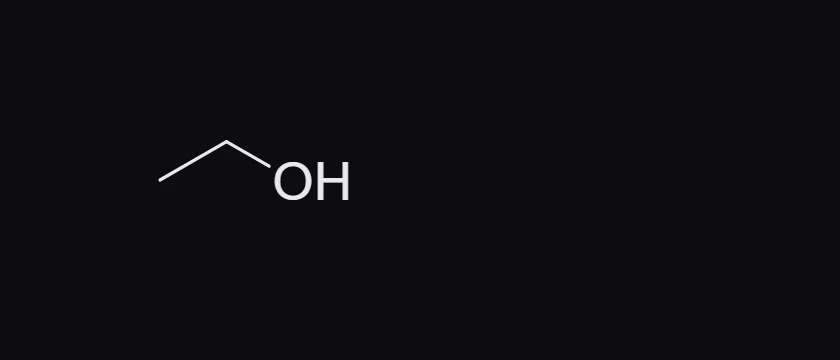
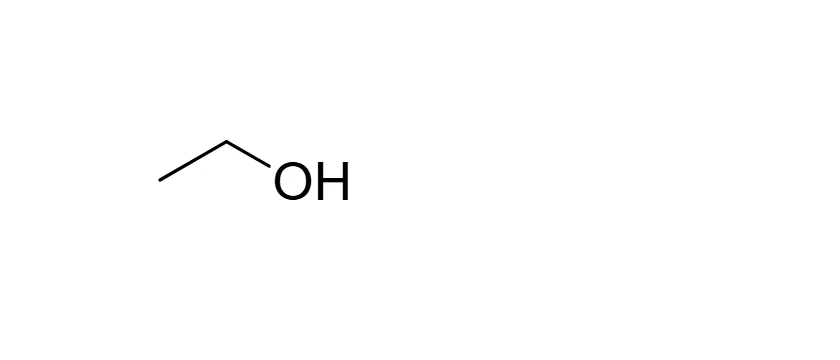
Press R for the Ring tool, then J for benzene, and click an empty spot beside ethanol to place the ring.
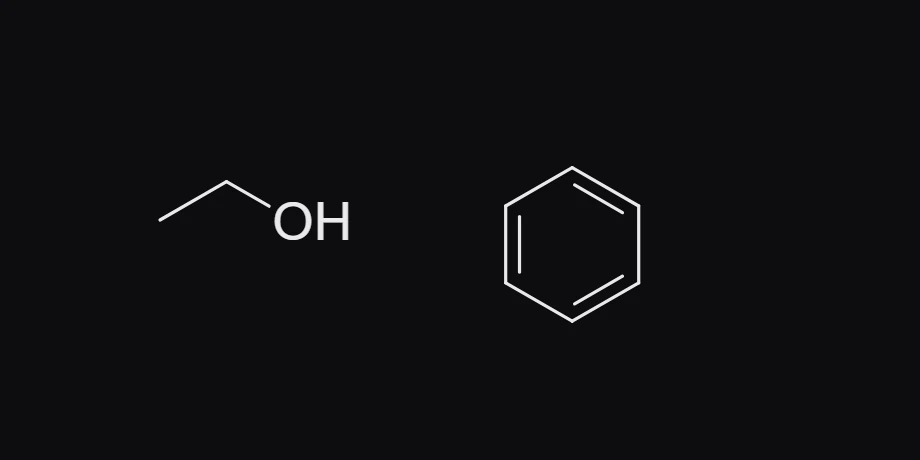
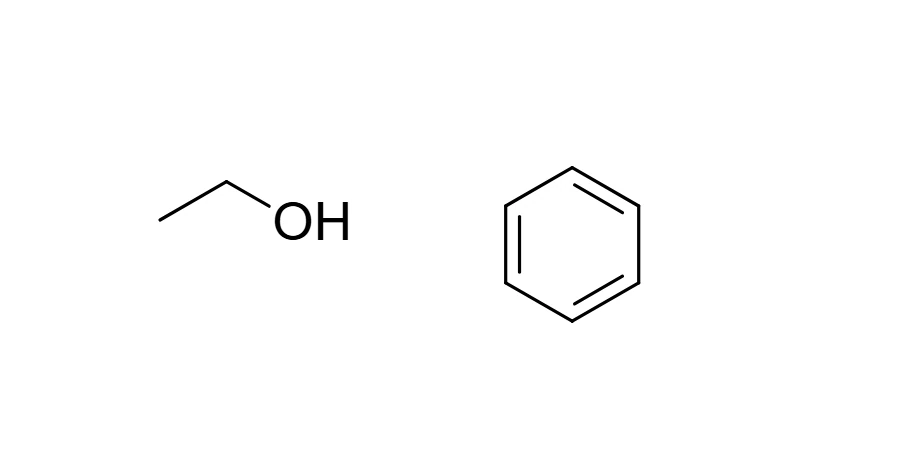
Press V for Select, press Ctrl+A to select everything, then press Ctrl+Shift+K (Clean up structure). Bond lengths and angles become even; the atoms and bonds stay the same.
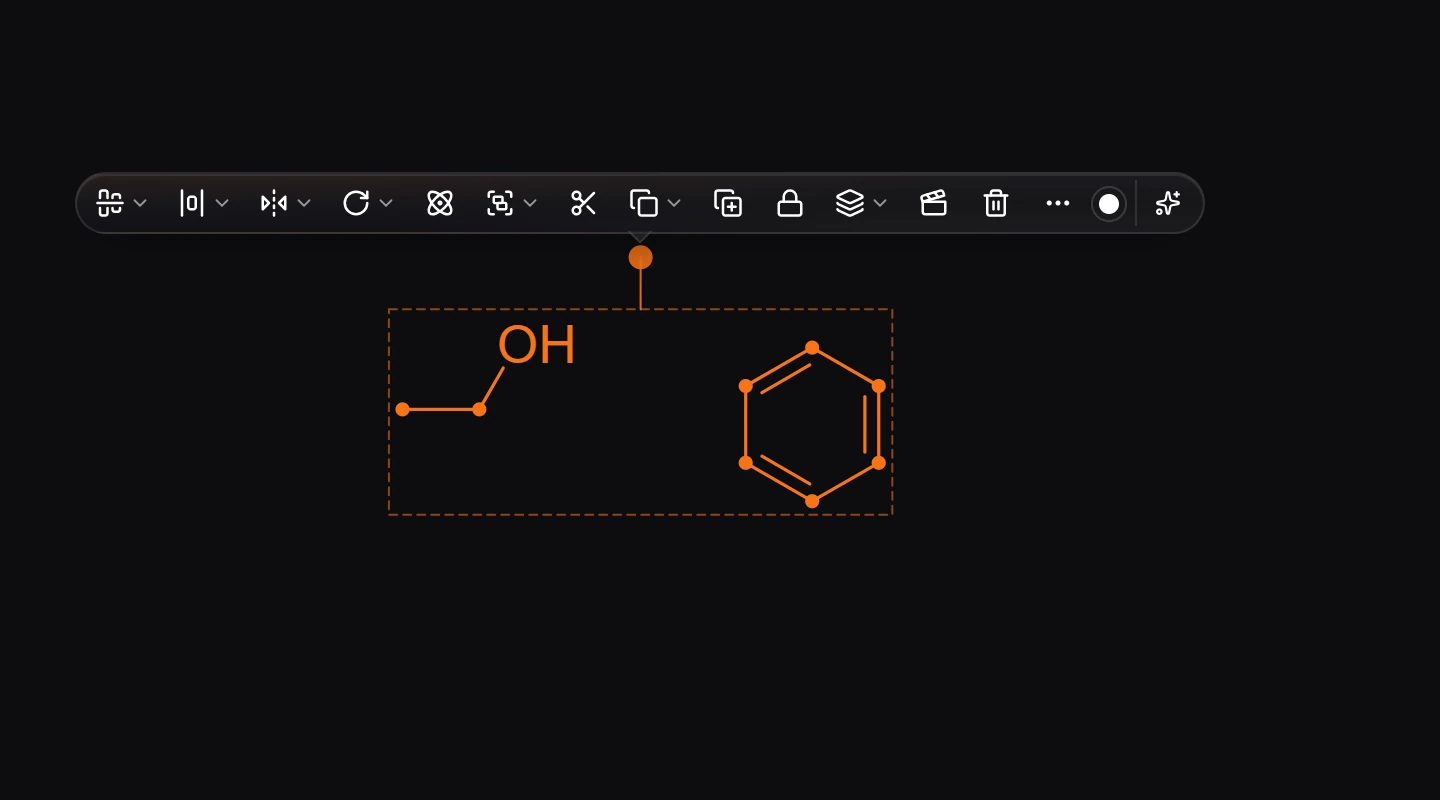
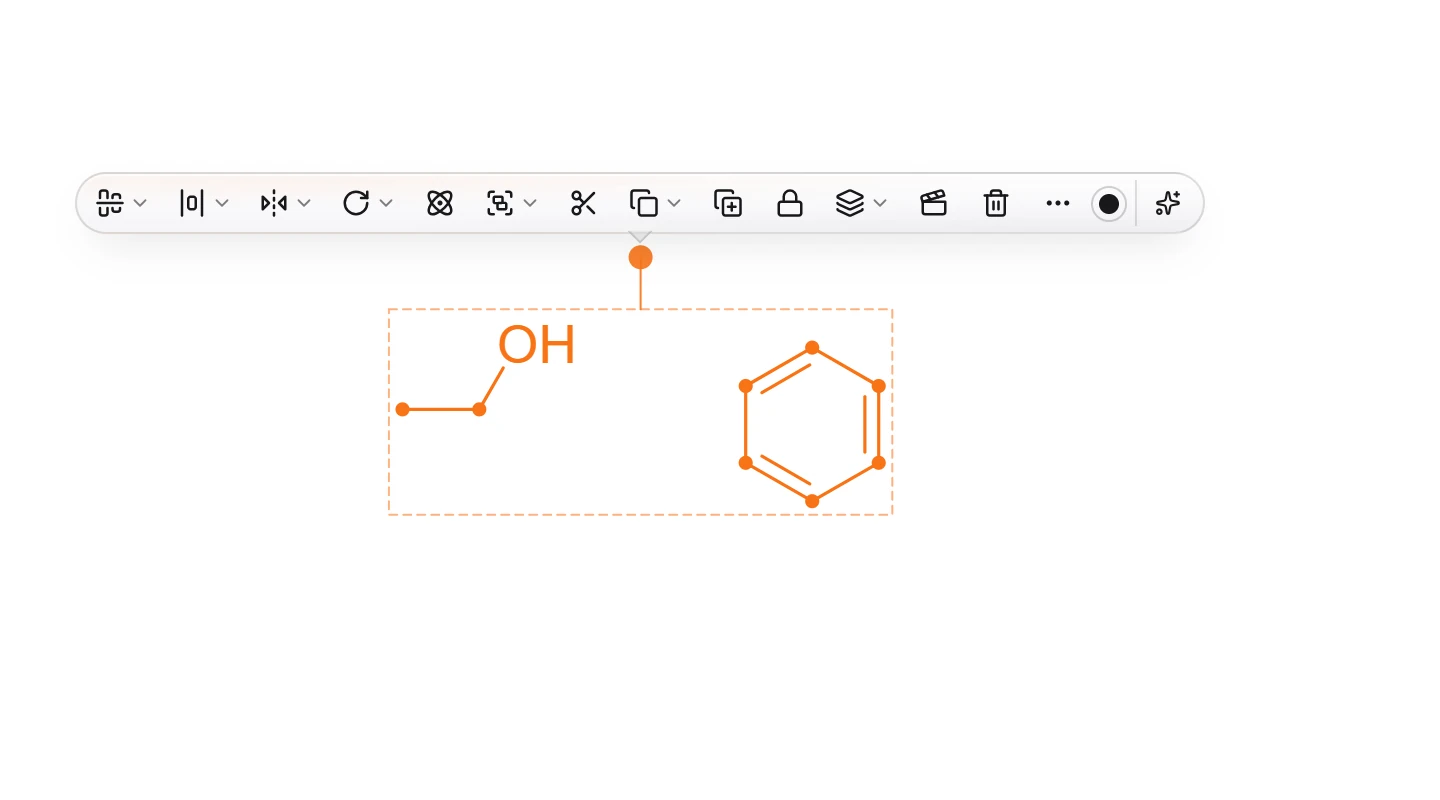
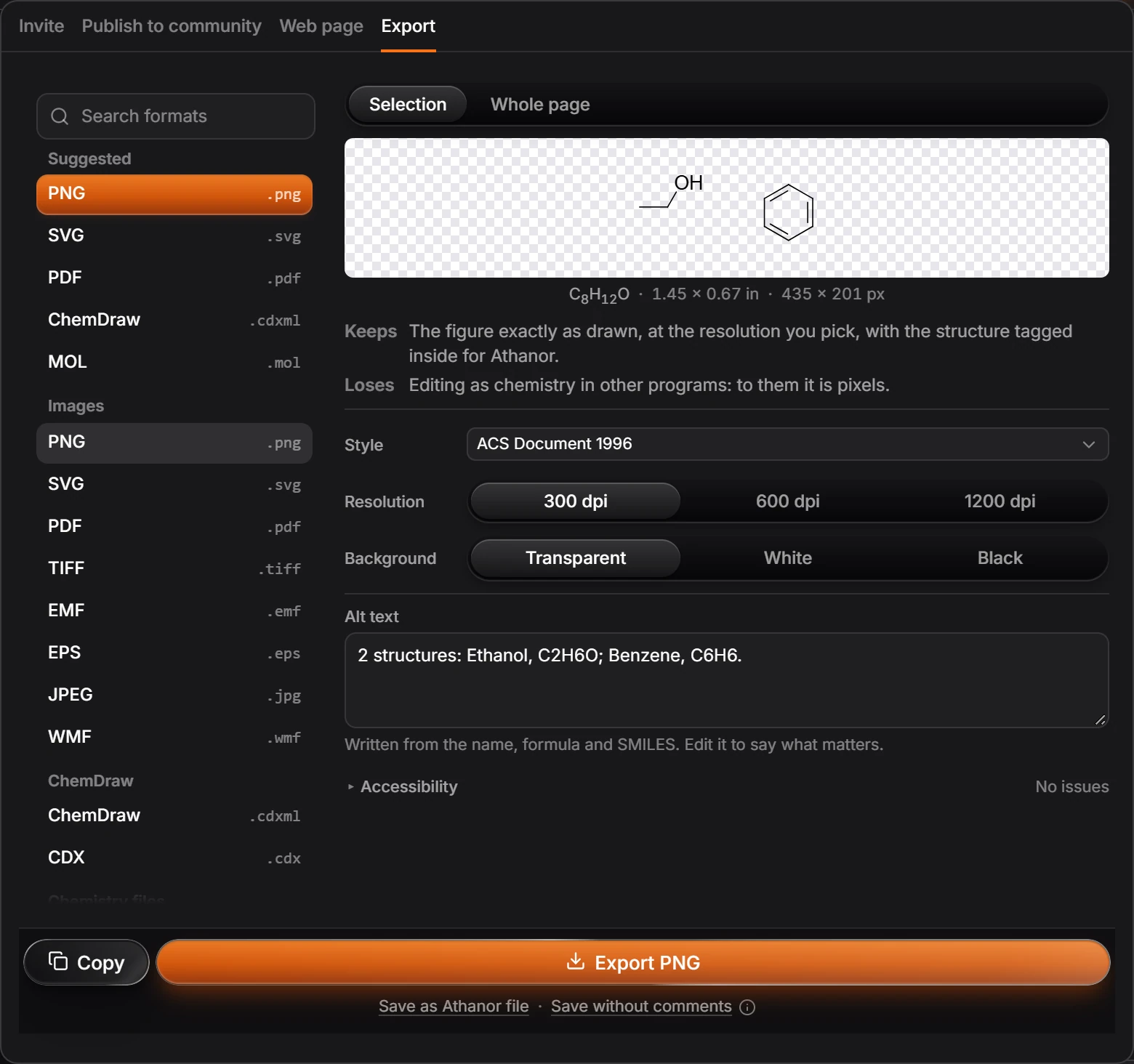
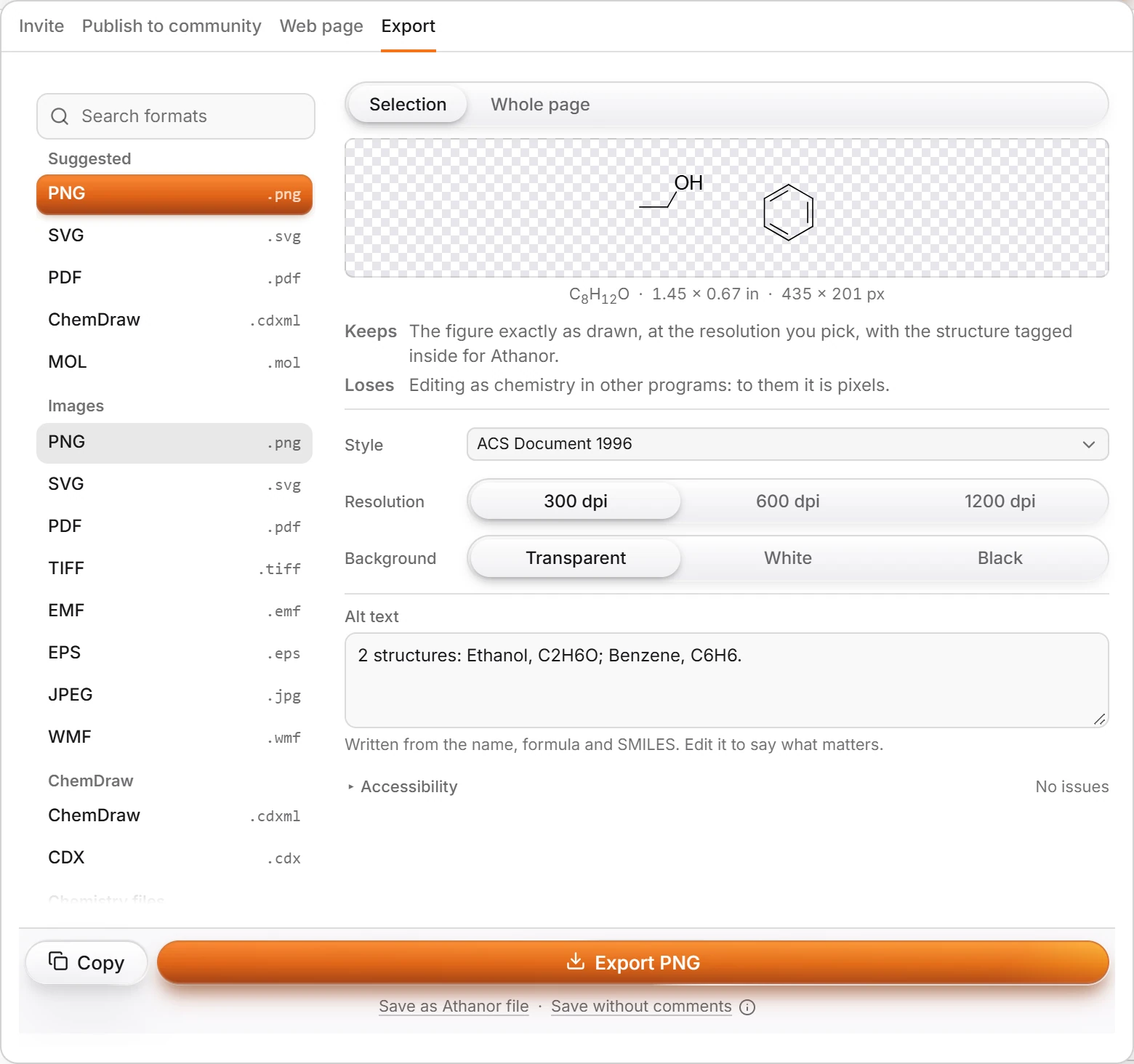
Press Ctrl+Shift+E to open Export. Pick PNG (or SVG for a picture that stays sharp at any size) and press Export PNG. The Alt text box already describes what is in the picture.
Or skip the drawing. Press / for Quick insert, type
aspirinand press Enter. The whole structure lands on the canvas, ready to edit.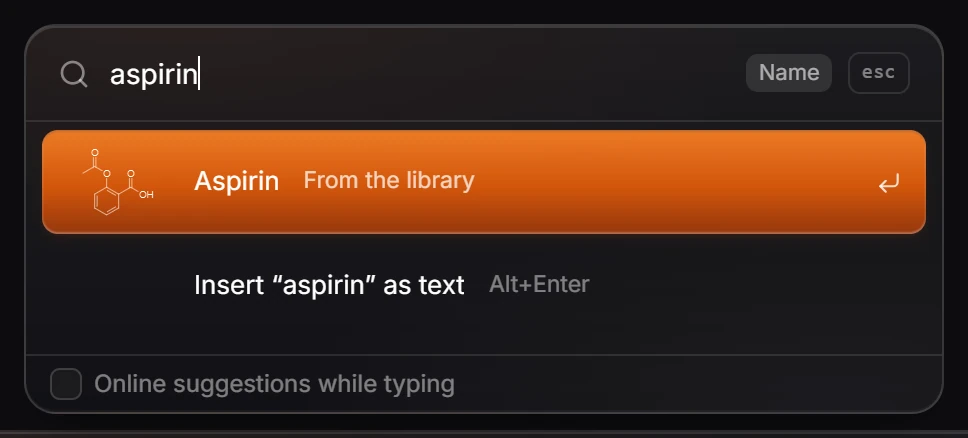
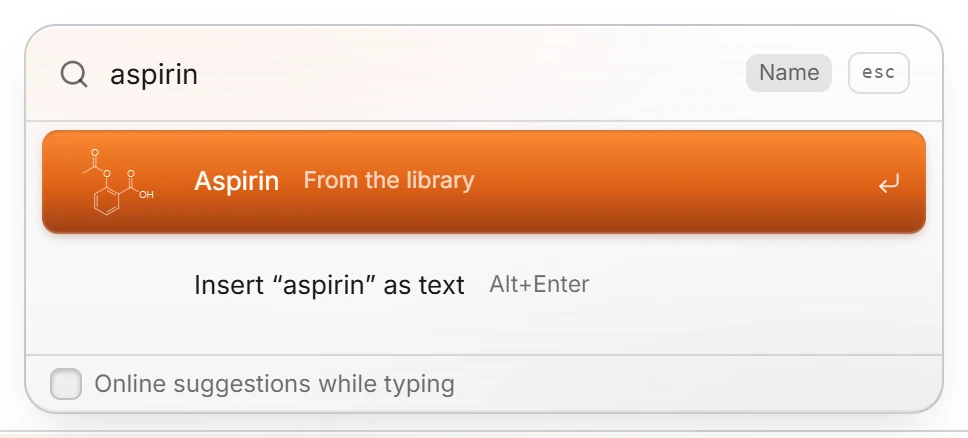
After these steps you should have: ethanol and benzene on the canvas, listed in the Layers panel with their formulas, and a PNG of them in your downloads.
Note
There is no save button. Your drawing is already kept on this device, and in your account when you are signed in. See Where your work is saved.
Is this helpful?
Last updated Nov 12, 2026
- Still stuck? Read the FAQ or contact support.
- Something wrong on this page? Tell us.
- For AI tools: llms.txt