
How to find out what a button does
Hold Alt and point at any button. A card says what it does, its shortcut and where to find it in the menus. Help › What is this button? does the same without holding a key.
Steps
Hold Alt.
Point at a button, for example Erase in the toolbar. A card opens beside it with the button's name, its shortcut and its menu path (Insert › Tools › Erase).
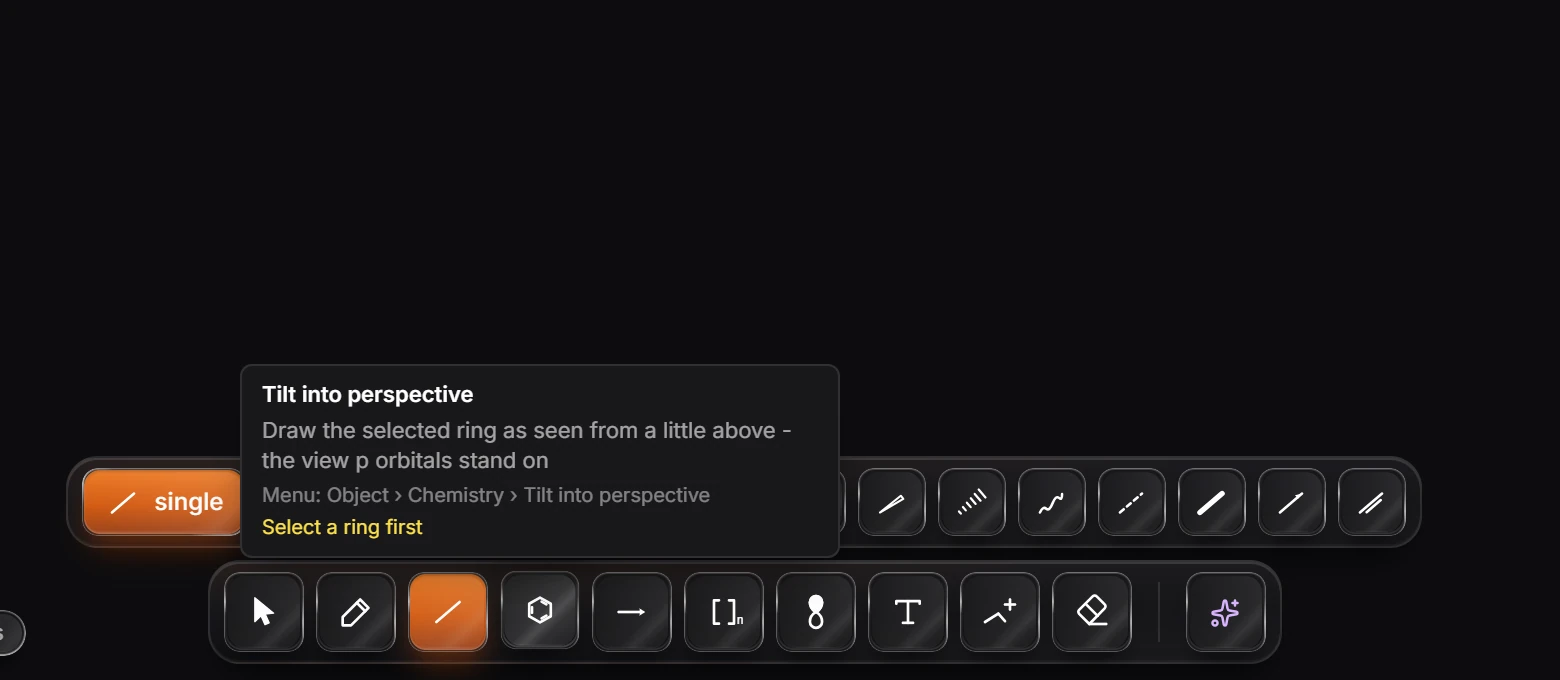
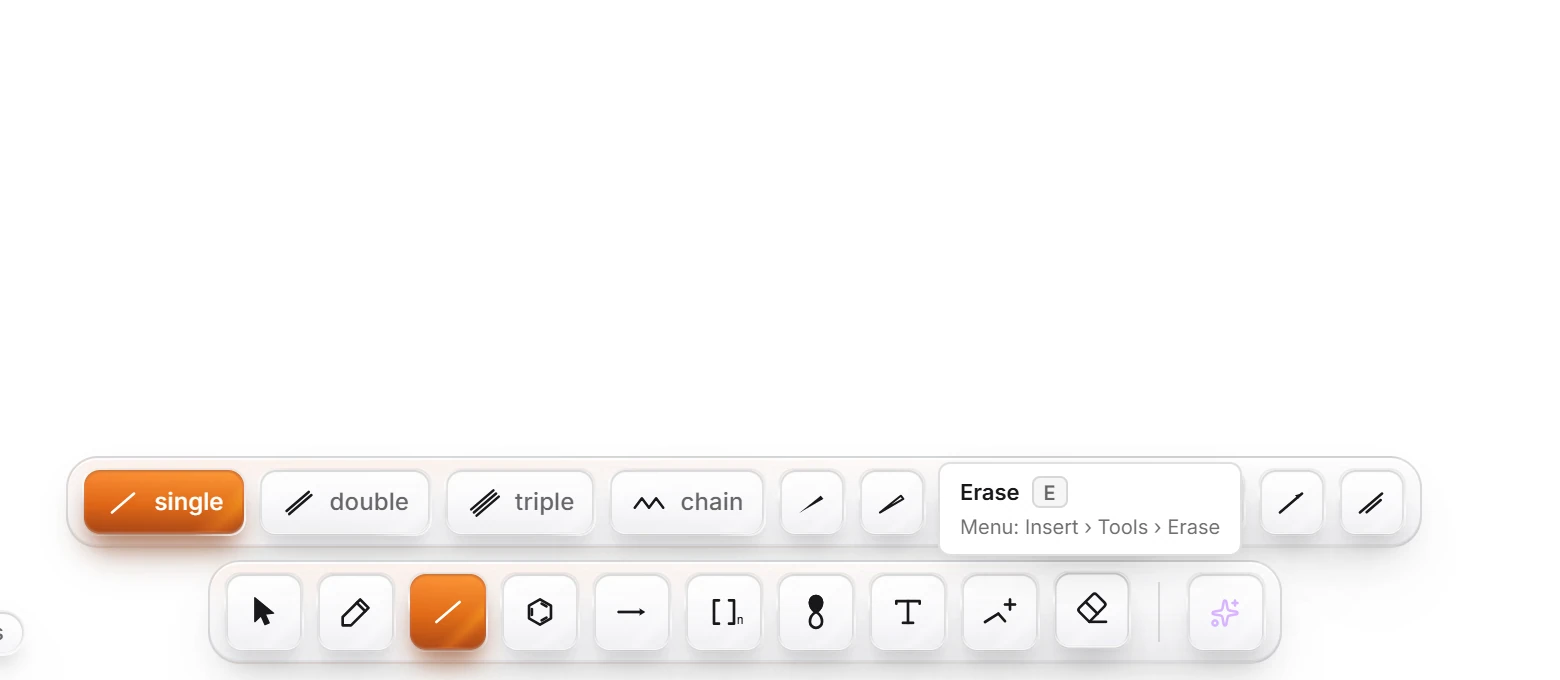
Let go of Alt and the card closes.
If a command cannot run right now, the card says what it needs, in the same words Search everything uses.
Without the keyboard
Choose Help › What is this button? in the Main menu, then point at the control you want explained.
Is this helpful?
Last updated Nov 12, 2026
- Still stuck? Read the FAQ or contact support.
- Something wrong on this page? Tell us.
- For AI tools: llms.txt