
How to open Athanor
Athanor runs in your browser at athanor.arbastro.com/app and as a Windows desktop app. Both are the same app, and you do not need an account to draw, convert or export.
Steps
Go to athanor.arbastro.com/app in Chrome, Edge, Firefox or Safari. Home opens, with the ways to start a document across the top.
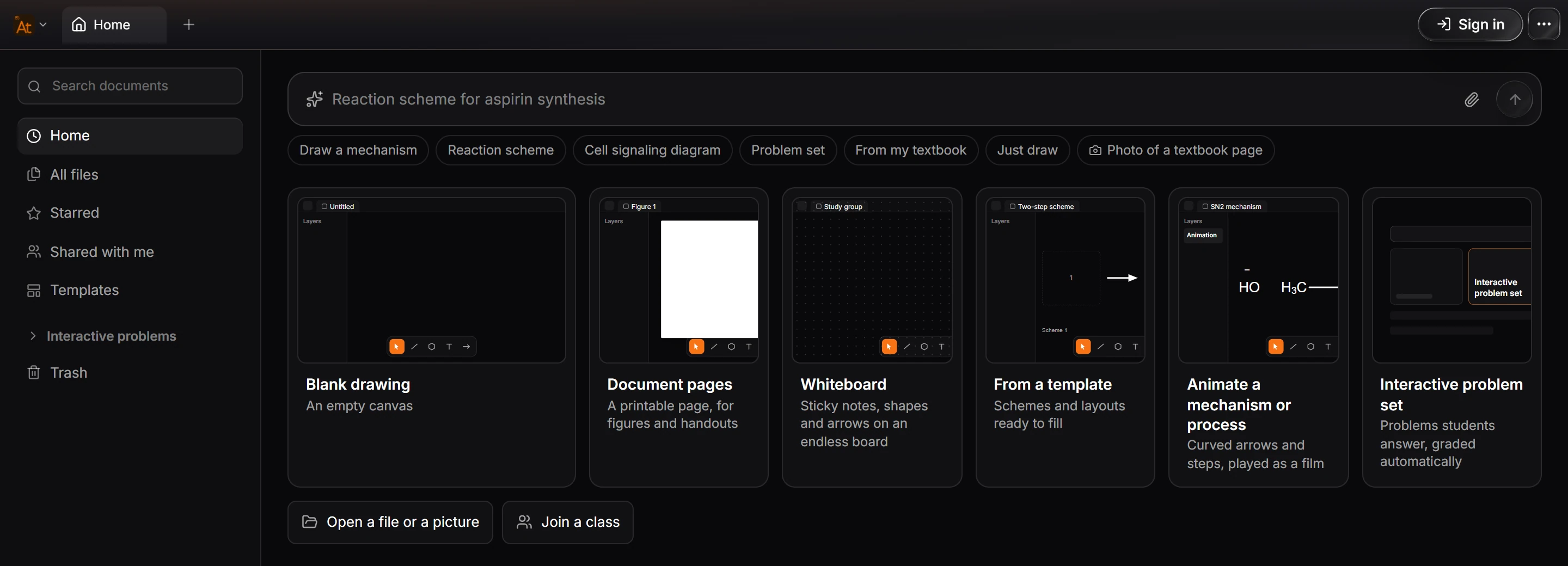
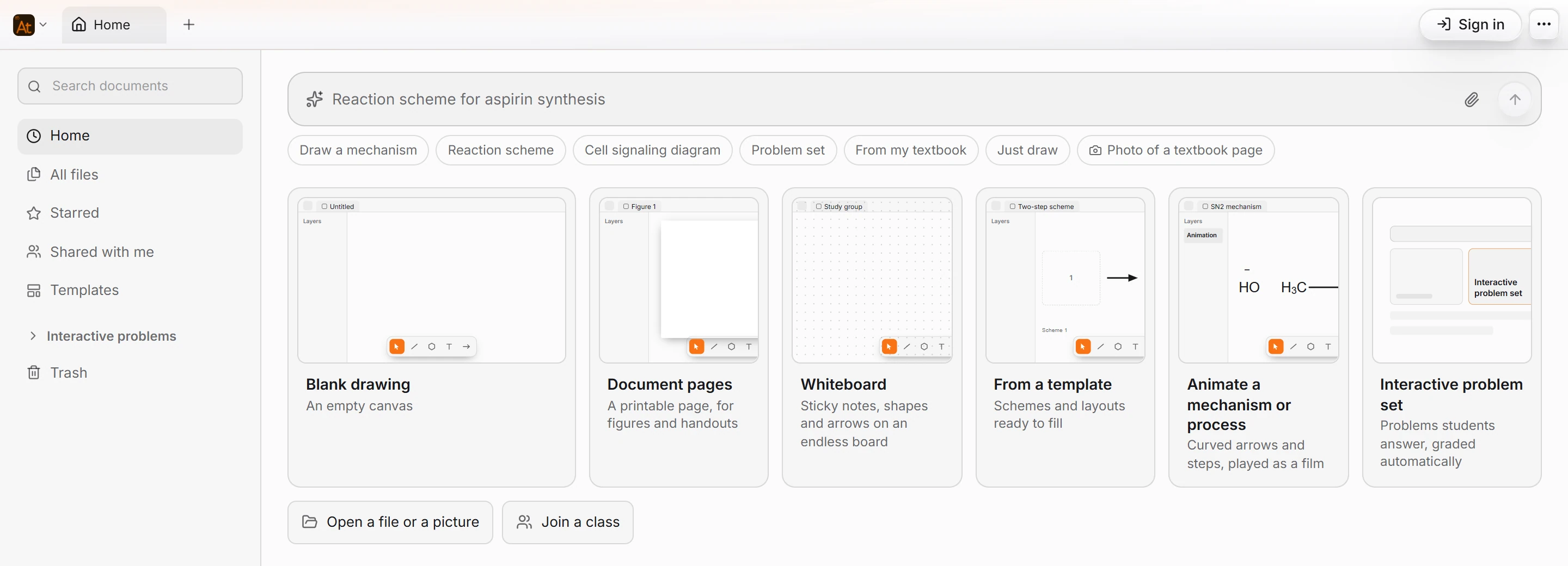
Prefer a desktop app? Install Athanor on Windows. It is the same app in its own window.
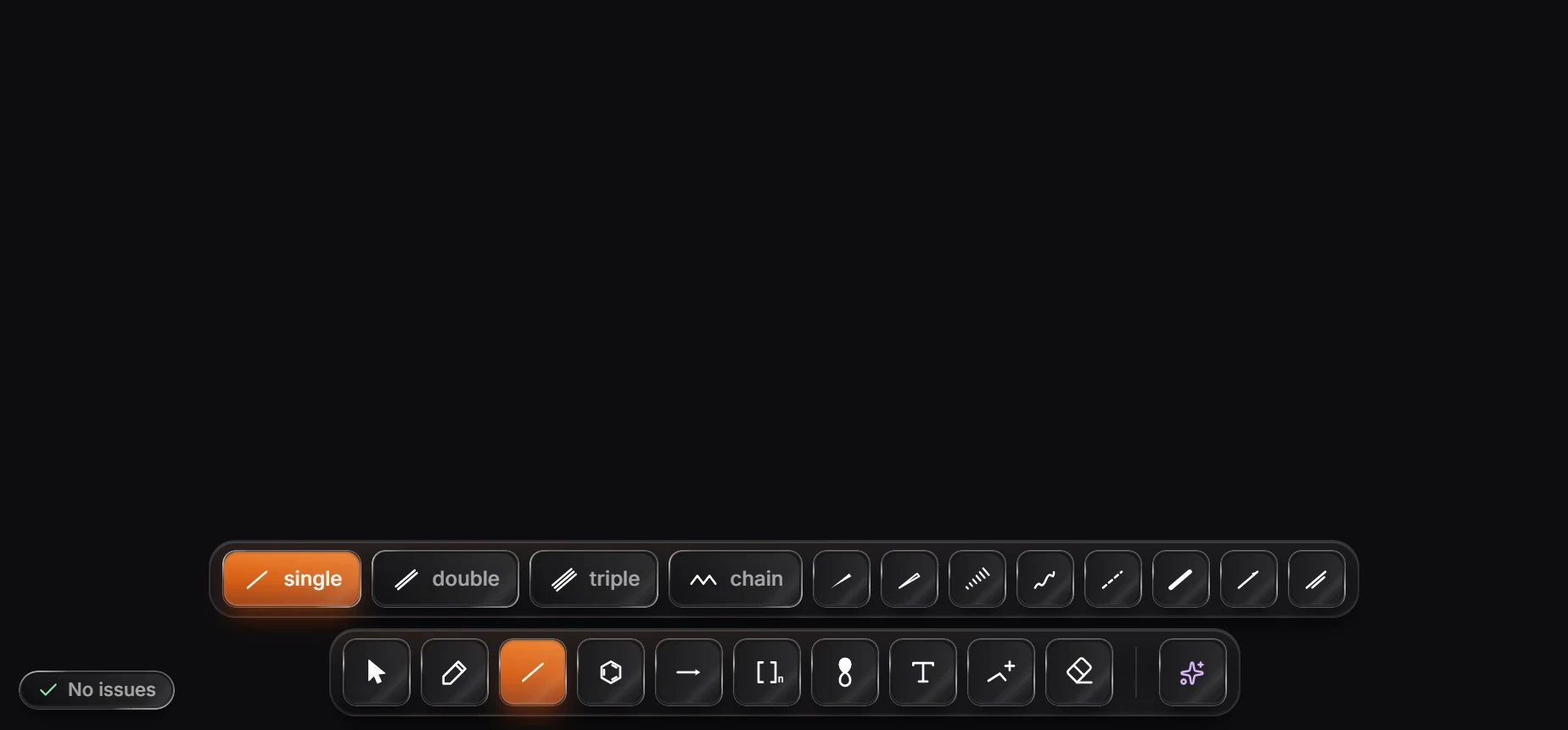
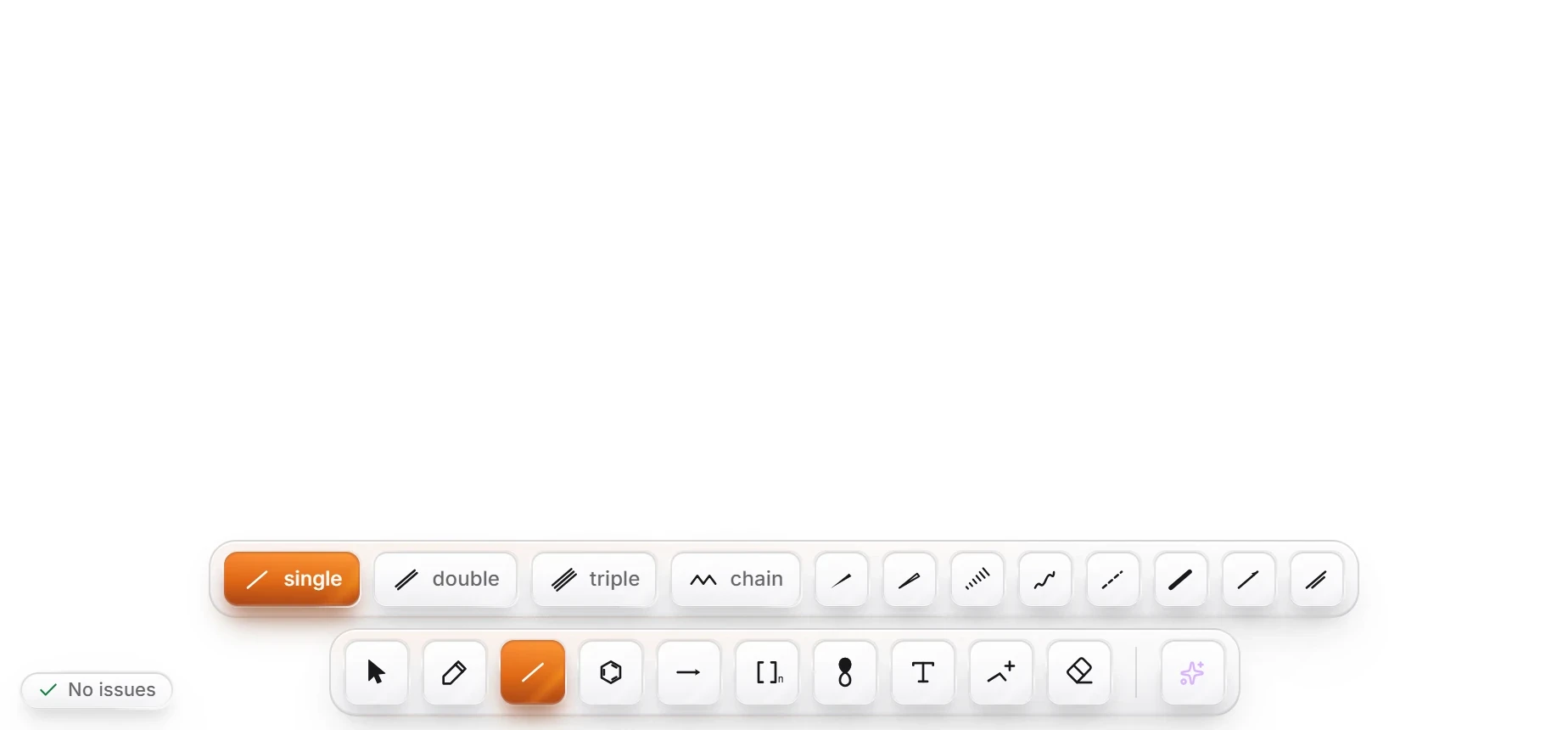
On Home, choose Blank drawing. An empty canvas opens in a new tab, with the drawing toolbar at the bottom and panels at the sides.
Tip
Nothing to install, and nothing to sign in to. You can draw, convert and export as soon as the page loads. An arbastro account adds cloud sync, the AI assistant and sharing. See Where your work is saved.
What to do next
Follow Draw your first structure, a two-minute tutorial that draws ethanol and benzene and exports a picture.
Is this helpful?
Last updated Nov 12, 2026
- Still stuck? Read the FAQ or contact support.
- Something wrong on this page? Tell us.
- For AI tools: llms.txt