
How to take the tour with Athy
Choose Help › Take the tour with Athy. After a few quick questions, Athy points out each part of the window and waits while you try it. You can stop at any step.
Steps
Open a document, for example a Blank drawing.
Open the Main menu (the Athanor mark at the left of the tab bar) and choose Help › Take the tour with Athy.
Athy asks a few quick questions first, so the tour only shows you what you need: what fits you best (Student, Teacher, Researcher or Just exploring) and whether you have used a drawing tool like ChemDraw before. Pick an answer and press Next, then Start the tour.
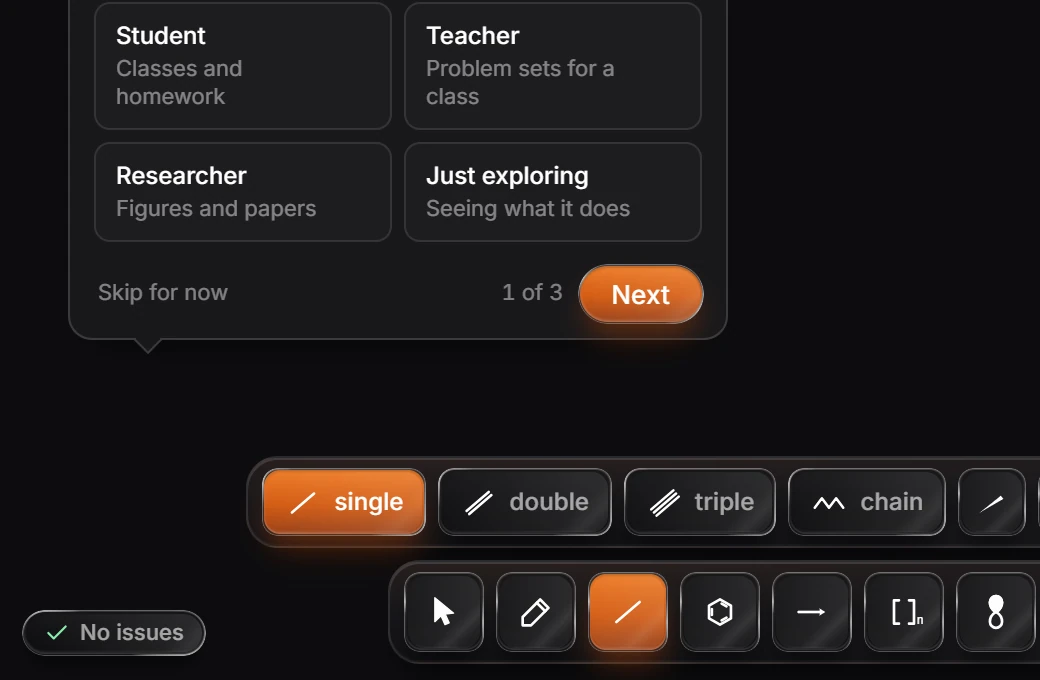
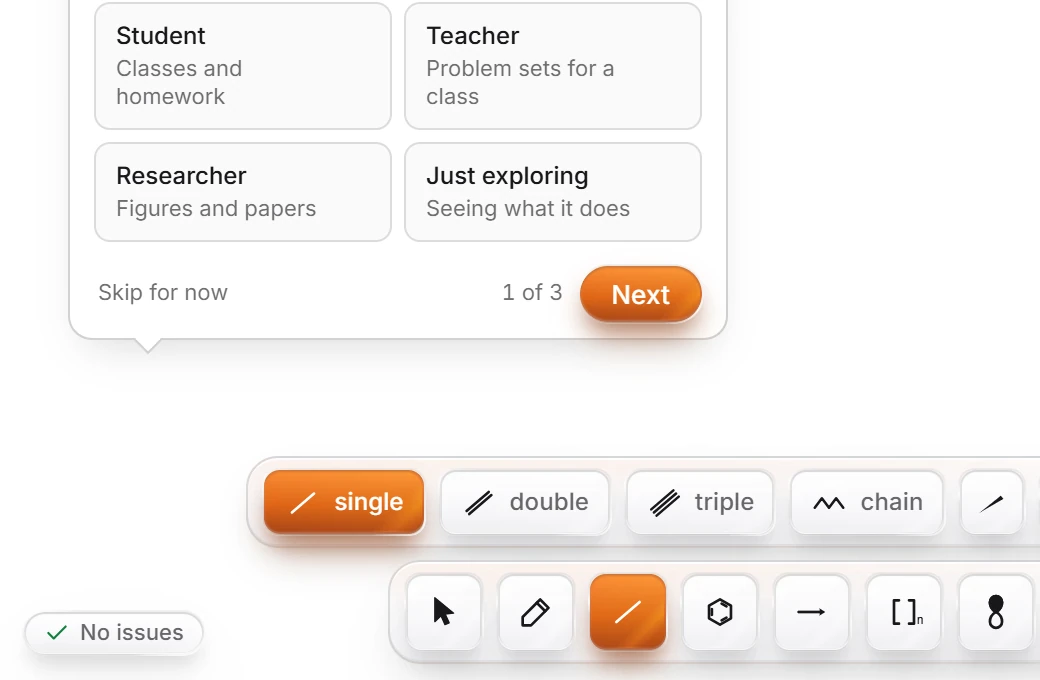
Press Let's go. Athy points at a part of the window and tells you what to do there, such as "Drag anywhere on the canvas to draw a bond". Do it, and Athy moves on to the next step. The dots beside Athy's name show how far along you are.
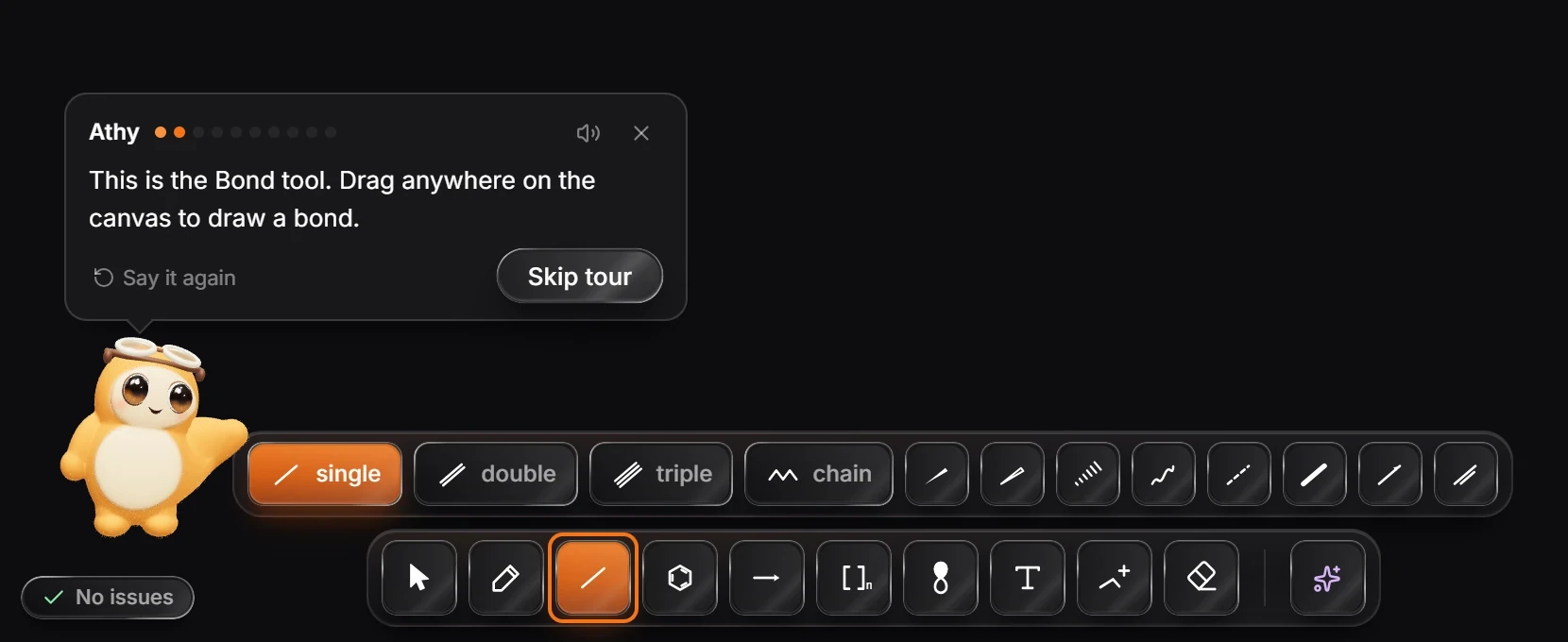
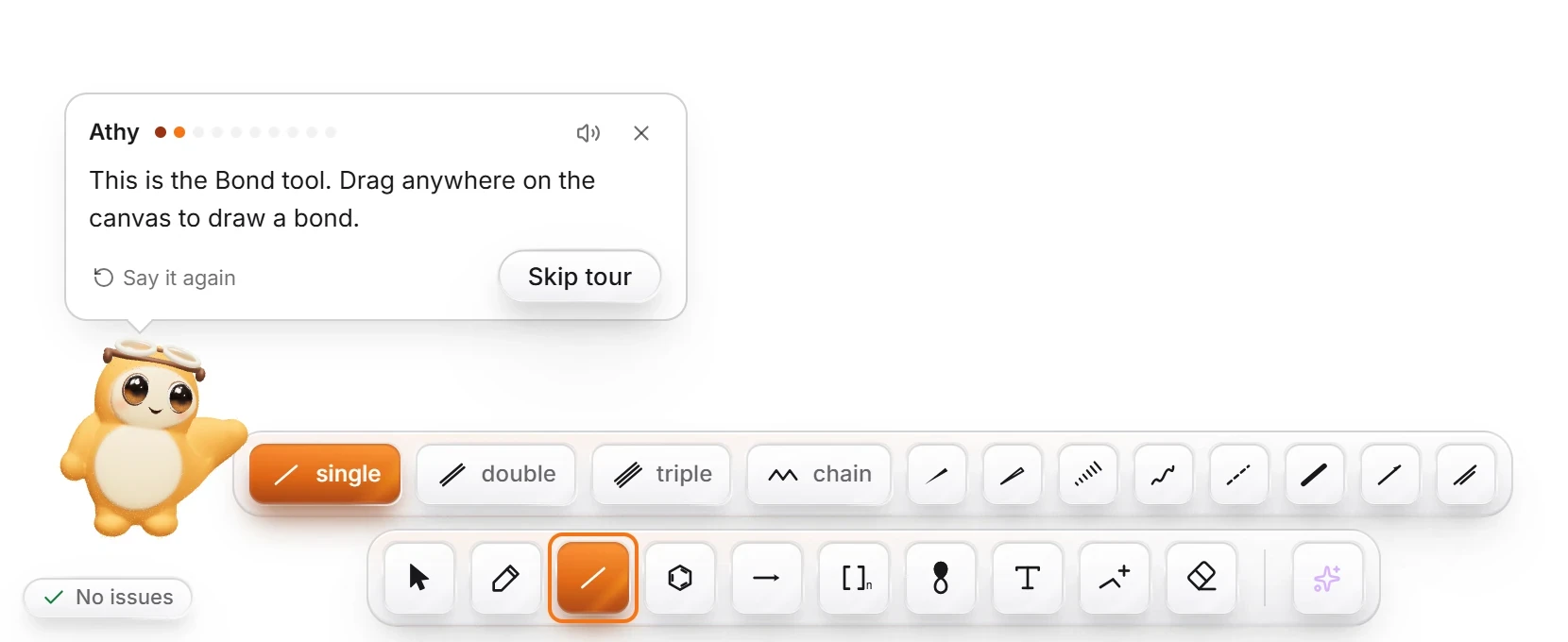
Say it again repeats a step, and the speaker button mutes Athy. Skip tour or the X stops the tour; Athy then waits in the corner, and you can start again from the Help menu whenever you like.
Note
The first time you open a document, Athy offers the tour. Skip for now closes the offer; the tour stays in the Help menu.
Is this helpful?
Last updated Nov 12, 2026
- Still stuck? Read the FAQ or contact support.
- Something wrong on this page? Tell us.
- For AI tools: llms.txt