
How to insert a structure by name, SMILES or CAS number
Press / (Quick insert), type a name such as caffeine, a SMILES string or a CAS number, and press Enter. The structure lands on the canvas, ready to edit.
Steps
Press / anywhere in a document. The Quick insert box opens.
Type what you want. Athanor reads it as you type and labels the reading at the right of the box:
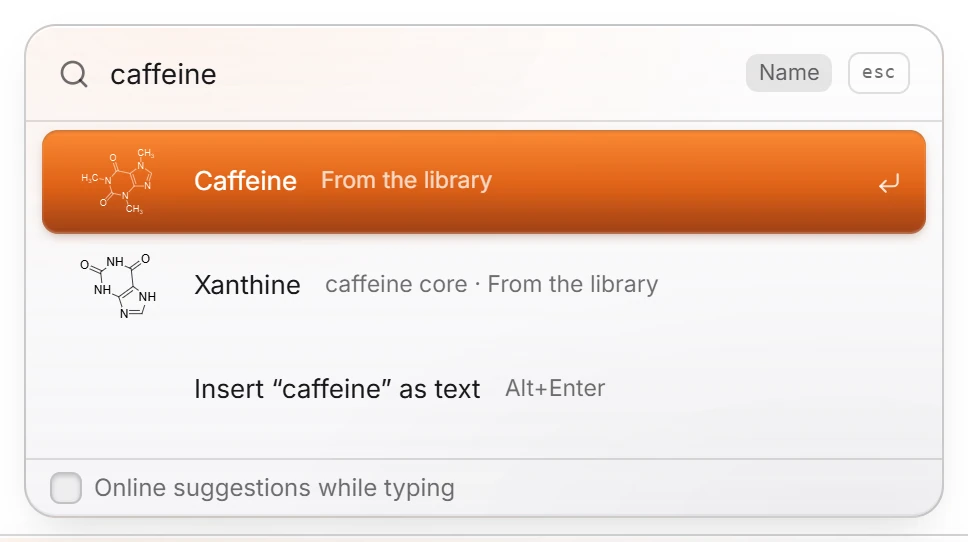
a name or synonym, such as
caffeine(Name), with matches from the library, each with its drawing;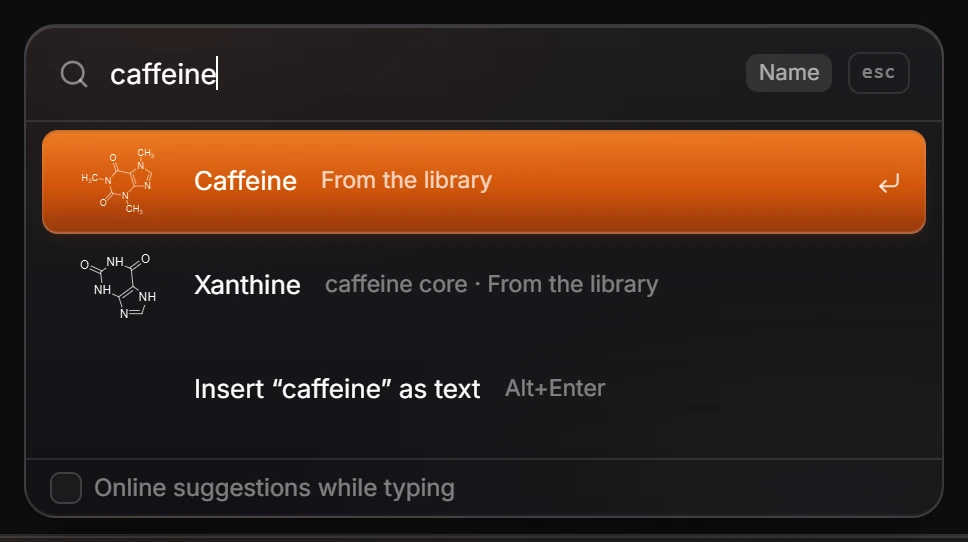
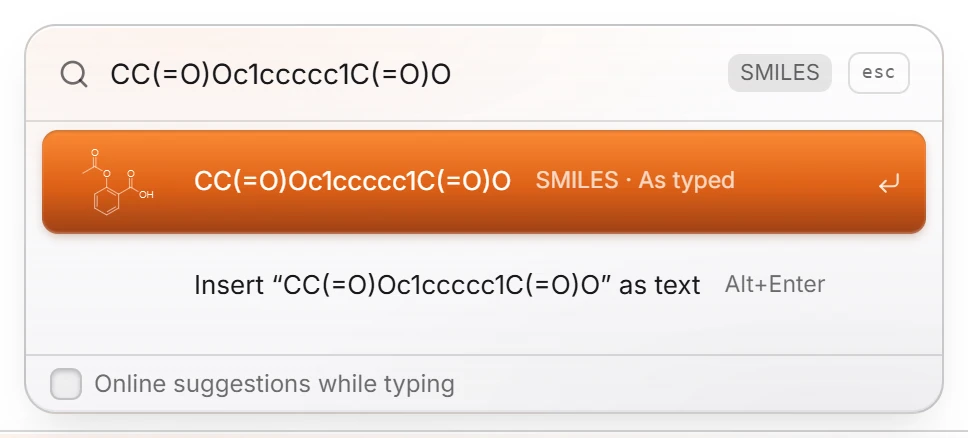
a SMILES string, such as
CC(=O)Oc1ccccc1C(=O)O(SMILES);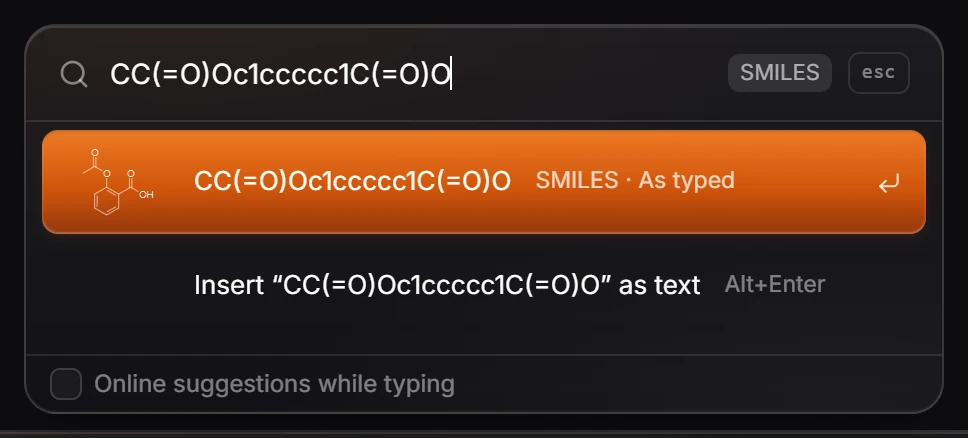
a CAS number, such as
58-08-2(CAS number).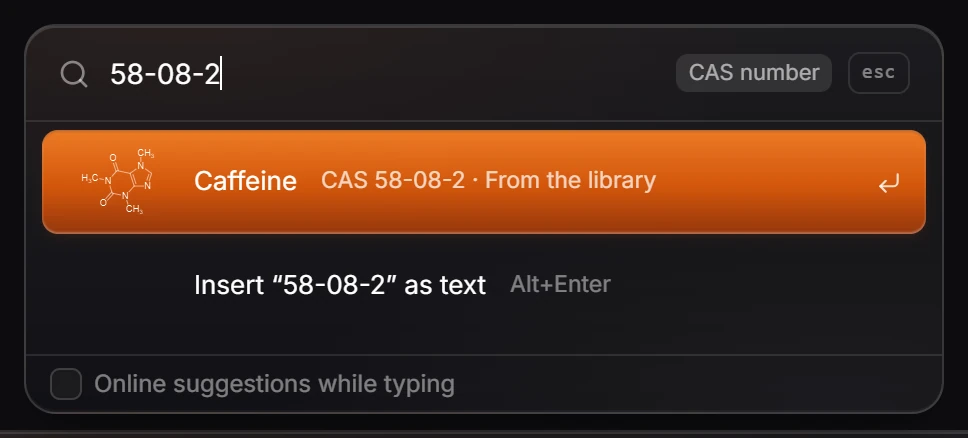
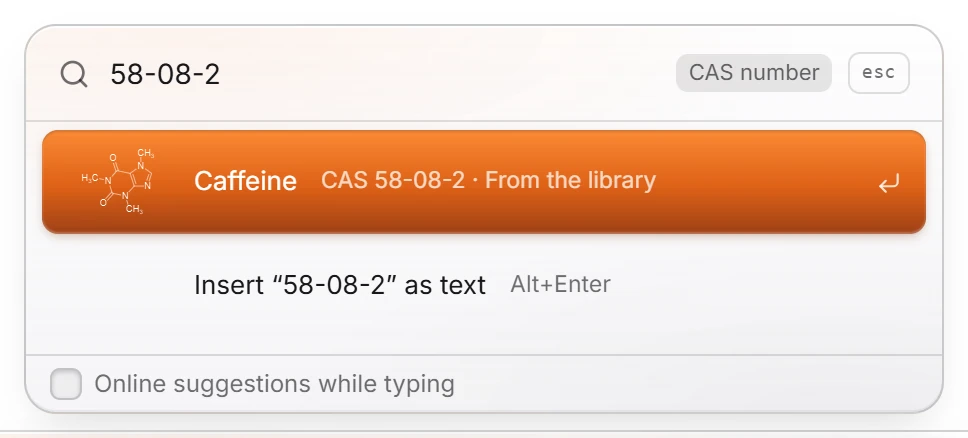
Use ↑ and ↓ to pick a different match.
Press Enter to place it. Esc closes the box without inserting anything.
More from the box
- Text instead of a structure: Alt+Enter places what you typed as plain text.
- Online sources: when the library has no match, pressing Enter asks arbastro's server and PubChem. Online suggestions while typing, at the bottom of the box, asks them after each pause in typing instead. It is off by default, so nothing you type leaves your device before you press Enter.
Tip
Quick insert is also in Search everything (Ctrl+K): its last rows offer Quick insert "…" for whatever you typed.
Is this helpful?
Last updated Nov 12, 2026
- Still stuck? Read the FAQ or contact support.
- Something wrong on this page? Tell us.
- For AI tools: llms.txt