
How to draw wedge and hash bonds
With the Bond tool, press U for wedge, H for hash or Y for wavy, then click a bond to change it or click empty canvas to draw a new one. The narrow end sits on the stereocenter. View › Show stereochemistry labels each center R or S.
A stereocenter is an atom with four different groups around it. On paper, a wedge bond points out of the page toward you and a hash bond points into the page, away from you. Together they show which way round the groups sit.
Steps
Draw the structure, for example butan-2-ol: a four-carbon chain with OH on the second carbon.
Choose View › Show stereochemistry in the Main menu, so each stereocenter shows its R or S label.
With the Bond tool on (D), press U for wedge.
Click the bond from the stereocenter to the OH. It becomes a wedge, with its narrow end on the stereocenter, and the label appears.
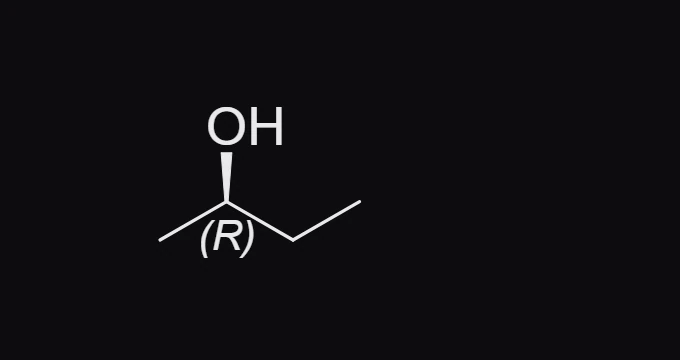
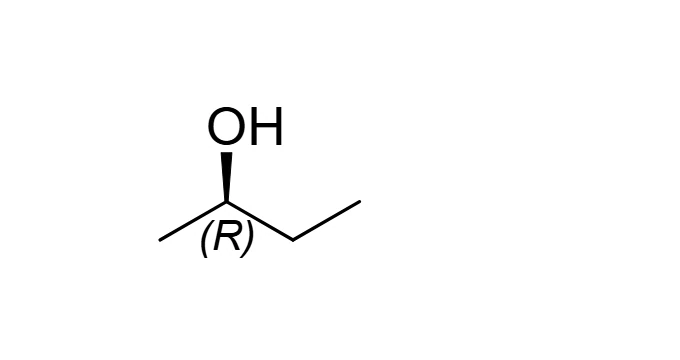
Press H for hash and click the same bond. The OH now points away from you, and the label flips.
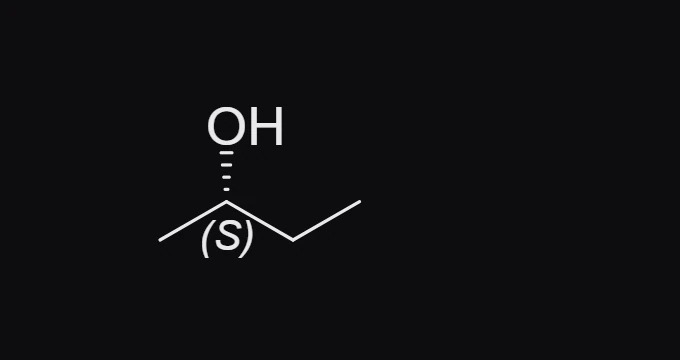
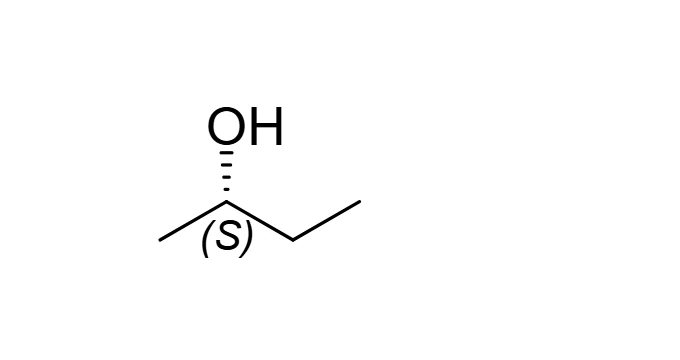
Without changing tools
Point at a bond and press a key:
| Key | Bond |
|---|---|
| W | Wedge |
| H | Hash |
| B | Bold |
| D | Dashed |
| Y | Wavy |
| F | Swap the bond's ends, so the narrow end moves to the other atom |
The other stereo and special bonds
The row above the toolbar, with the Bond tool on, also has these. Point at each for a description.
- Wavy (Y): the configuration at that center is not specified.
- Bold (B): a bond nearer the reader in a perspective drawing, with no stereo meaning of its own.
- Dashed: a partial bond, such as a hydrogen bond.
- Hollow wedge, dative and aromatic bonds.
Note
A stereocenter drawn without a wedge or hash is flagged as a warning in the issues badge, for example "C's configuration is not drawn". That is a reminder, not an error: some structures are meant to leave it open.
Is this helpful?
Last updated Nov 12, 2026
- Still stuck? Read the FAQ or contact support.
- Something wrong on this page? Tell us.
- For AI tools: llms.txt