
How to make a double or triple bond
With the Bond tool, click an existing bond to raise its order (single, double, triple); Alt+click goes back. Or point at the bond and press 2 for double or 3 for triple.
Steps
Draw the structure, for example propane: a chain of three carbons.

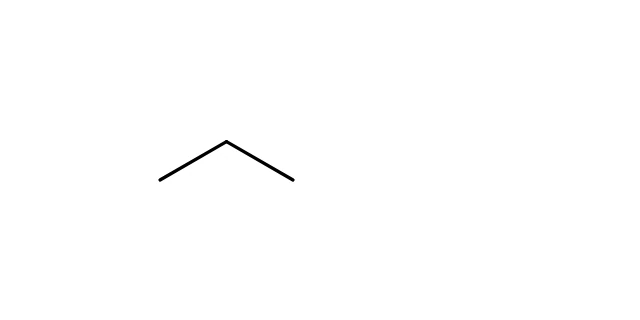
With the Bond tool on (D), click the bond you want to change. Each click raises its order: single, then double, then triple. Alt and click goes back one step.

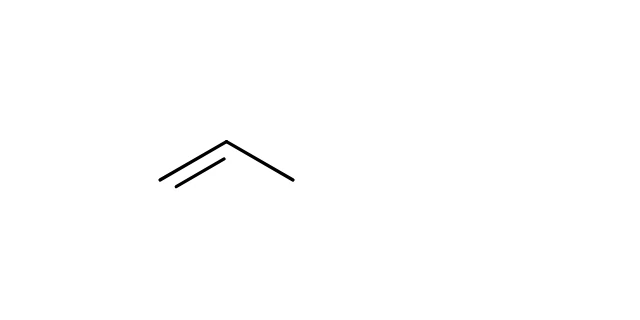
With the keyboard
Point at a bond and press 1, 2 or 3 for a single, double or triple bond. This works with any tool, so you never have to leave the one you are using.
To draw new bonds that start out double or triple, pick double (2) or triple (3) in the row above the toolbar before you click.
Note
Athanor keeps count of each atom's bonds. Raise a bond on a carbon that already has four, and the issues badge at the bottom left of the canvas flags it.
Is this helpful?
Last updated Nov 12, 2026
- Still stuck? Read the FAQ or contact support.
- Something wrong on this page? Tell us.
- For AI tools: llms.txt