
How to undo, redo and replay a drawing
Ctrl+Z undoes and Ctrl+Shift+Z (or Ctrl+Y) redoes. Version history (Shift+H) shows every edit as a picture you can go back to. View › Replay drawing plays the page back the way it was drawn.
Undo and redo
| Command | Shortcut |
|---|---|
| Undo | Ctrl+Z |
| Redo | Ctrl+Shift+Z or Ctrl+Y |
Each action is one step: a whole chain, a ring or a clean-up undoes in one press. Both are also in the Edit menu.
Go further back
Version history (Shift+H) keeps every edit as a picture. Click one to see the page as it was then, and restore it if you want it back. See Version history.
Replay a drawing
- Choose View › Replay drawing in the Main menu.
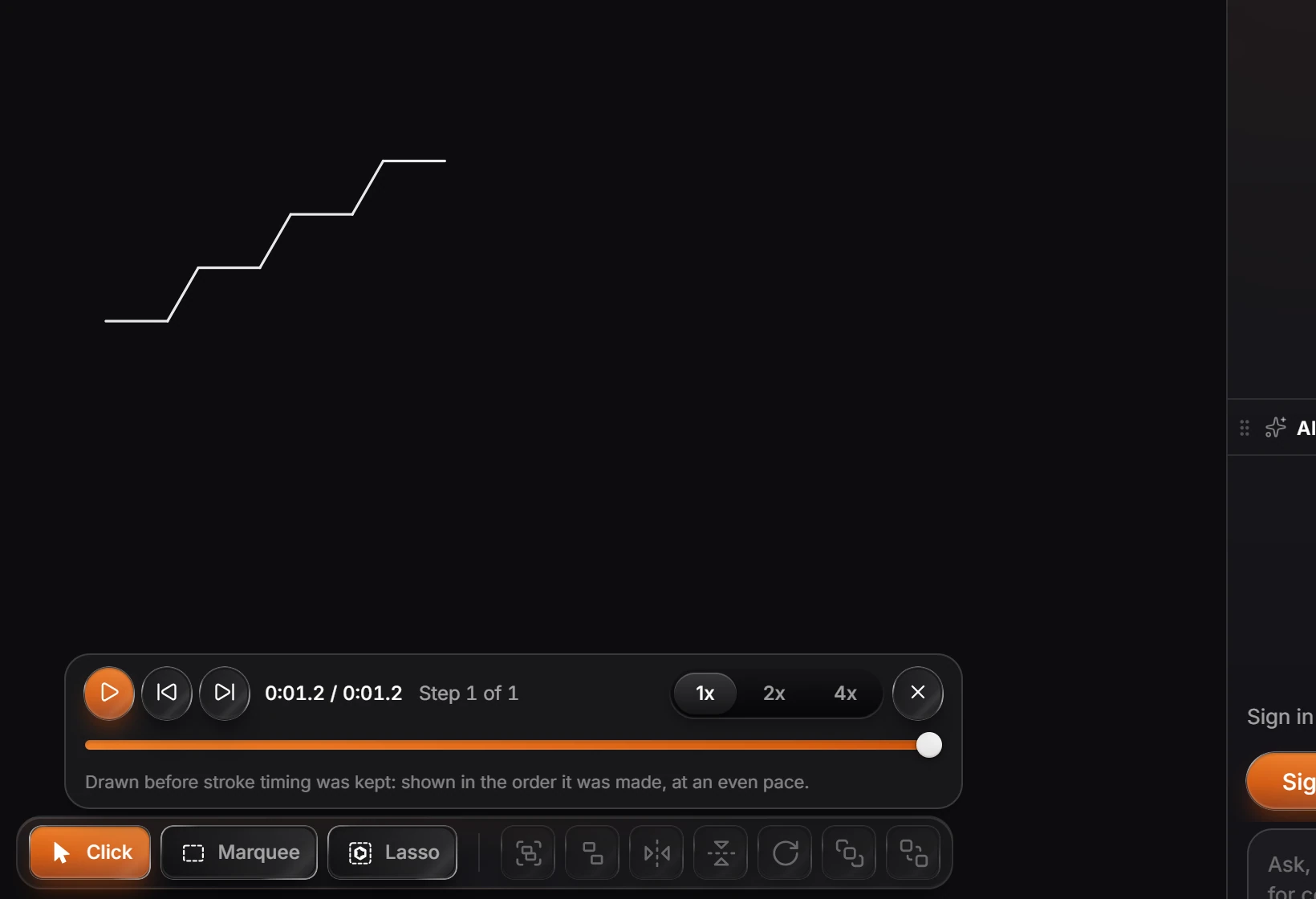
- A player bar opens above the toolbar. Press play to watch the page build up stroke by stroke, or step through it one action at a time.
- Pick 1x, 2x or 4x for the speed, and drag the bar to jump.
- Press the X on the bar to stop.
Note
A drawing made before Athanor kept stroke timing is replayed in the order it was made, at an even pace.
Is this helpful?
Last updated Nov 12, 2026
- Still stuck? Read the FAQ or contact support.
- Something wrong on this page? Tell us.
- For AI tools: llms.txt