
How to erase atoms, bonds and objects
Press E for the Erase tool and click what to remove; the part under the pointer lights up first. Or select it and press Delete. With a pen, scribble over it.
Steps
Press E for the Erase tool, or choose it at the right end of the toolbar.
Point at what you want to remove. The atom, bond or object under the pointer lights up, so you can see what the click will take.

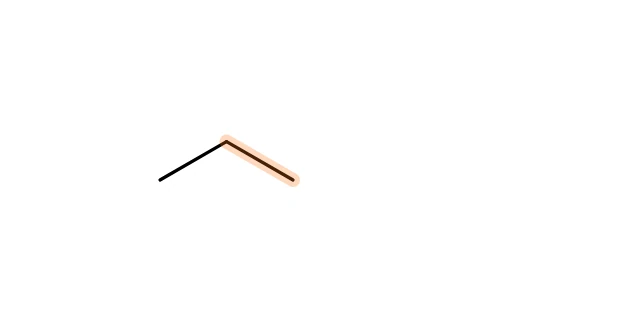
Click to remove it.
Other ways
- Delete a selection: select with V, then press Delete.
- With a pen: scribble back and forth over a structure. See How to draw chemistry with a pen or stylus.
Removed too much? Ctrl+Z brings it back. See How to undo, redo and replay a drawing.
Is this helpful?
Last updated Nov 12, 2026
- Still stuck? Read the FAQ or contact support.
- Something wrong on this page? Tell us.
- For AI tools: llms.txt