
How to use grids, paper and guides
Choose View › Show grid, or View › Paper for Grid, Dots, Lined, Isometric or Hex paper. View › Rulers lets you drag guides; Clear guides removes them. Snap to angles and Smart guides are in the same menu.
Paper
Choose Main menu › View › Paper.
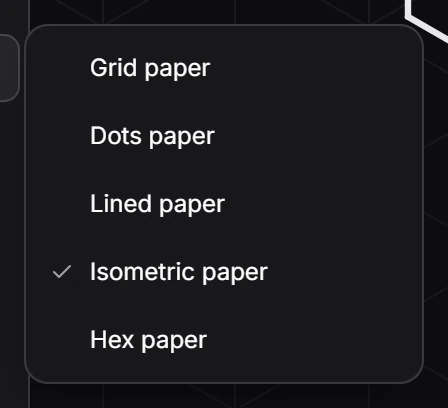
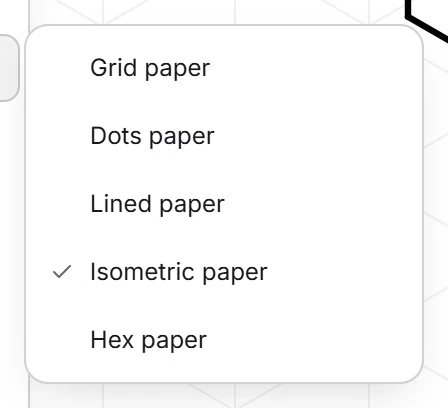
Pick a paper. It is drawn behind everything on the canvas.
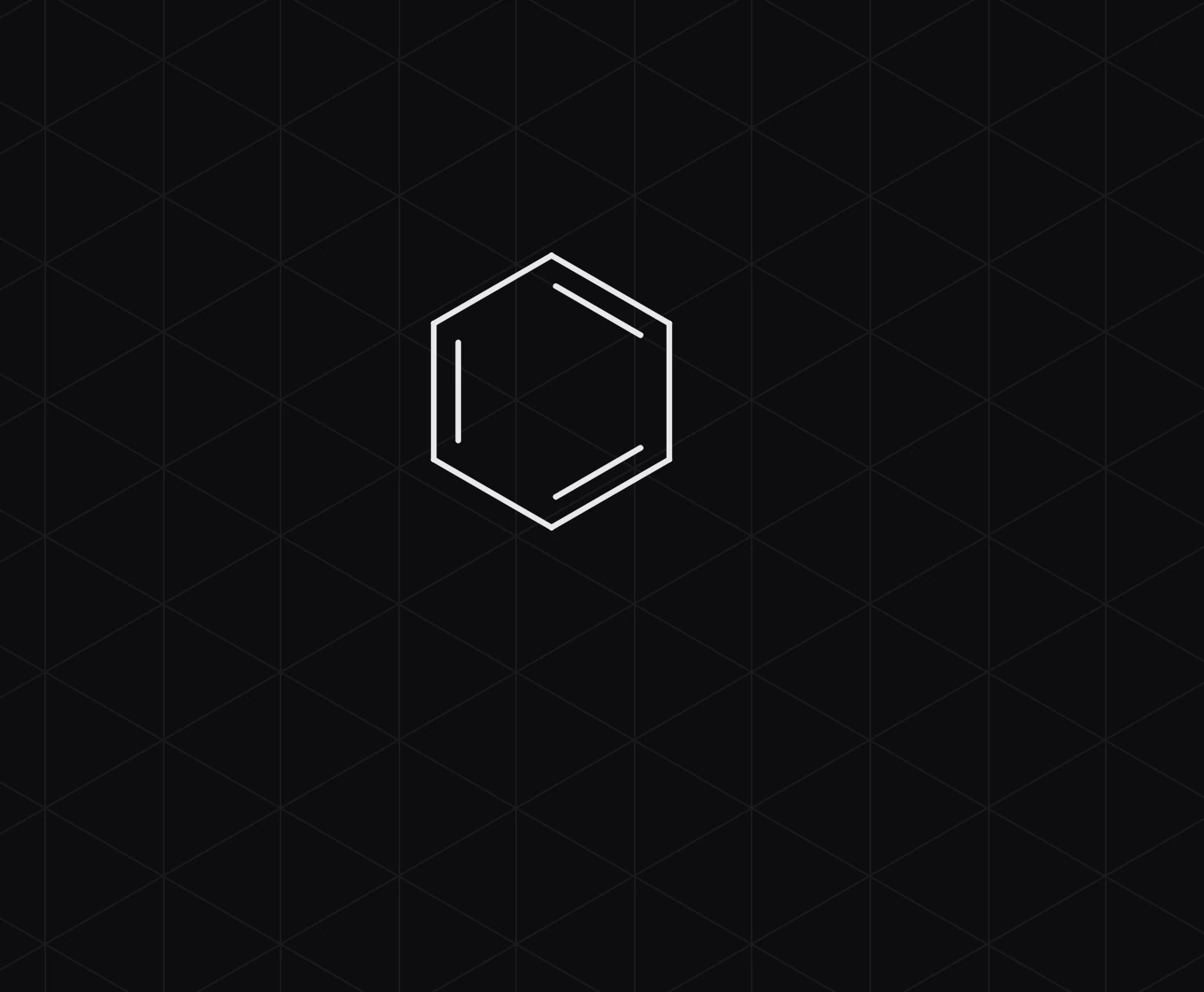
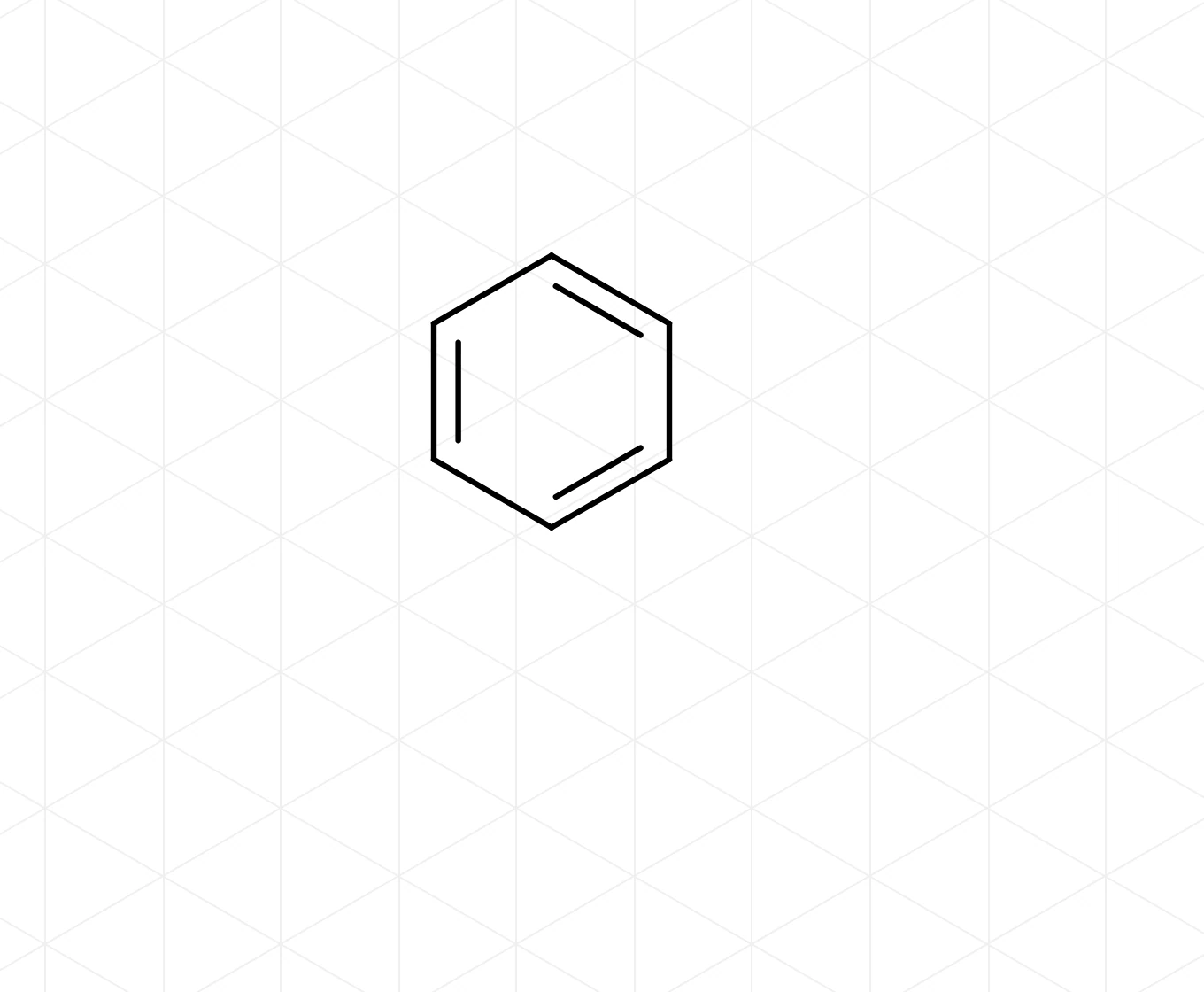
View › Show grid turns the plain grid on and off; the grid button in the top bar does the same.
Rulers and guides
- Choose Main menu › View › Rulers.
- Drag from a ruler onto the canvas to place a guide.
- View › Clear guides removes every guide.
Snapping
- View › Snap to angles keeps bonds at fixed angles and lengths as you draw. The magnet button in the top bar does the same.
- View › Smart guides snaps what you move to other objects on the page.
Is this helpful?
Last updated Nov 12, 2026
- Still stuck? Read the FAQ or contact support.
- Something wrong on this page? Tell us.
- For AI tools: llms.txt