
How to clean up a structure
Select the structure and press Ctrl+Shift+K (Clean up structure). Bond lengths and angles become regular; the atoms and bonds stay the same.
Steps
Select the structure: click it with Select (V), or press Ctrl+A for everything on the page.

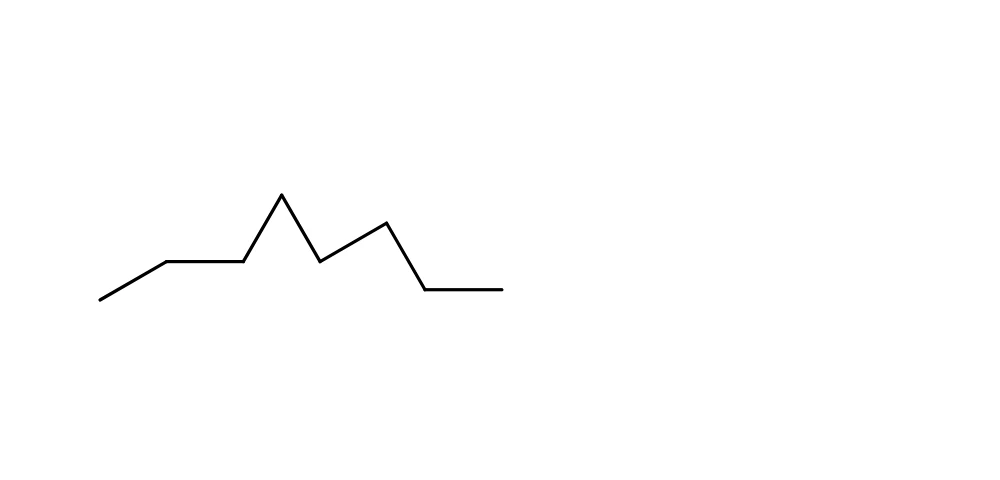
Press Ctrl+Shift+K, or choose Object › Chemistry › Clean up structure.

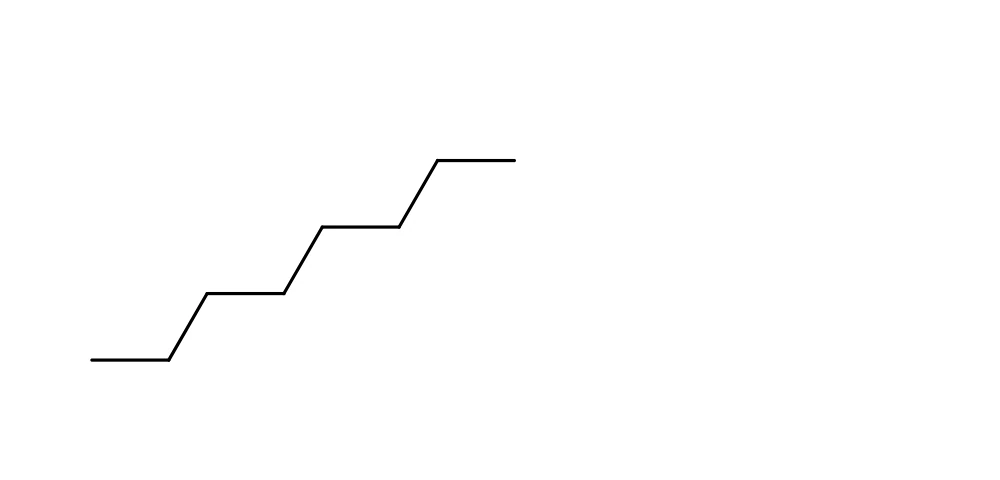
Clean up changes only where atoms sit. The formula, the bonds, wedges and labels stay as they were, so it is always safe to use, and Ctrl+Z puts the old layout back.
Check it too
Check structure (Shift+K) looks for chemistry problems in the selected structure, such as an atom with too many bonds, and lists each one. A clean structure gets "No problems found." Problems are also counted in the issues badge at the bottom left of the canvas; Athanor flags them and leaves the fix to you.
Reaction schemes
For a whole reaction scheme, select its arrow and use Clean up reaction in the same menu.
Is this helpful?
Last updated Nov 12, 2026
- Still stuck? Read the FAQ or contact support.
- Something wrong on this page? Tell us.
- For AI tools: llms.txt