
How to paste SMILES as a structure
Choose Edit › Paste SMILES…, paste the SMILES string and press Draw. Or press / and paste it into Quick insert.
SMILES is a line of text that describes a molecule, such as CCO for ethanol. Databases, papers and other programs often give structures this way.
Steps
Copy the SMILES string.
In Athanor, choose Edit › Paste SMILES… in the Main menu.
Paste the string into the box with Ctrl+V.
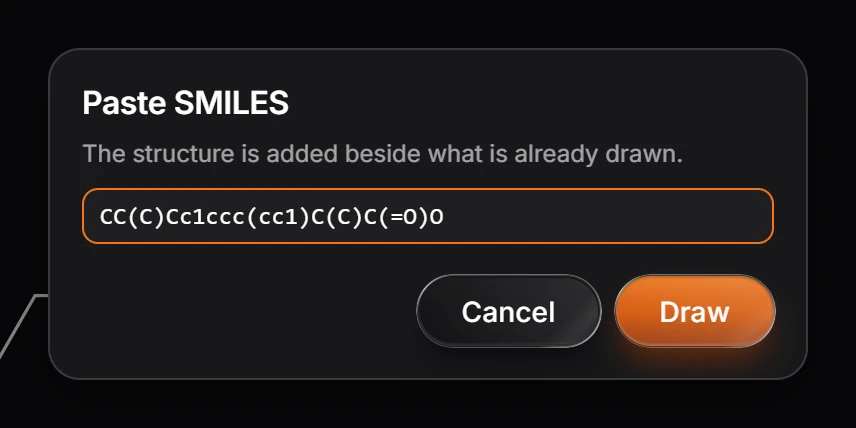
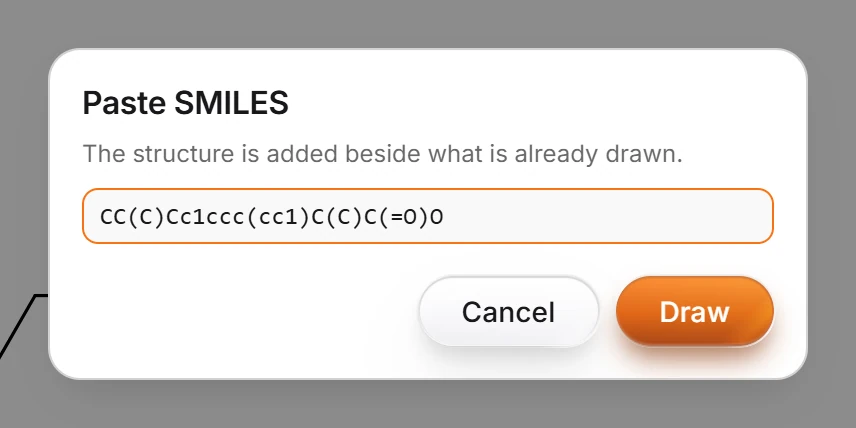
Press Draw. The structure is drawn and added beside what is already on the page, ready to edit.
Or use Quick insert
Press /, paste the SMILES and press Enter. Quick insert labels the text SMILES as it reads it. See How to insert a structure by name, SMILES or CAS number.
To go the other way and copy a structure as SMILES, use Edit › Copy as › Copy as SMILES (Ctrl+Alt+C). See How to copy a structure as SMILES, InChI or a molfile.
Is this helpful?
Last updated Nov 12, 2026
- Still stuck? Read the FAQ or contact support.
- Something wrong on this page? Tell us.
- For AI tools: llms.txt