
How to change an atom to another element
Point at an atom and press its letter (C, N, O, S, P, F, I, H, B or K). For anything else, point and press Enter to type a label such as Cl, Br or OMe, or select atoms and choose an element in View › Periodic table.
Steps
Point at the atom you want to change. You do not need to click it or select it.
Press its letter: C, N, O, S, P, F, I, H, B or K. The atom changes at once, and Athanor adds the hydrogens it needs.
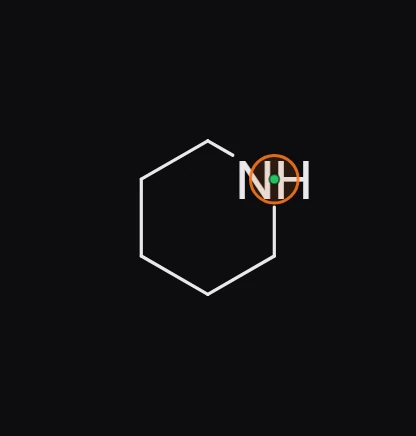
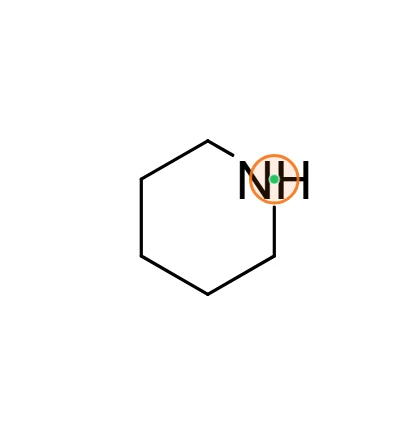
For any other element or group, point at the atom and press Enter, then type the label, for example
Cl,Br,OMeorBoc, and press Enter again.
Pick from the periodic table
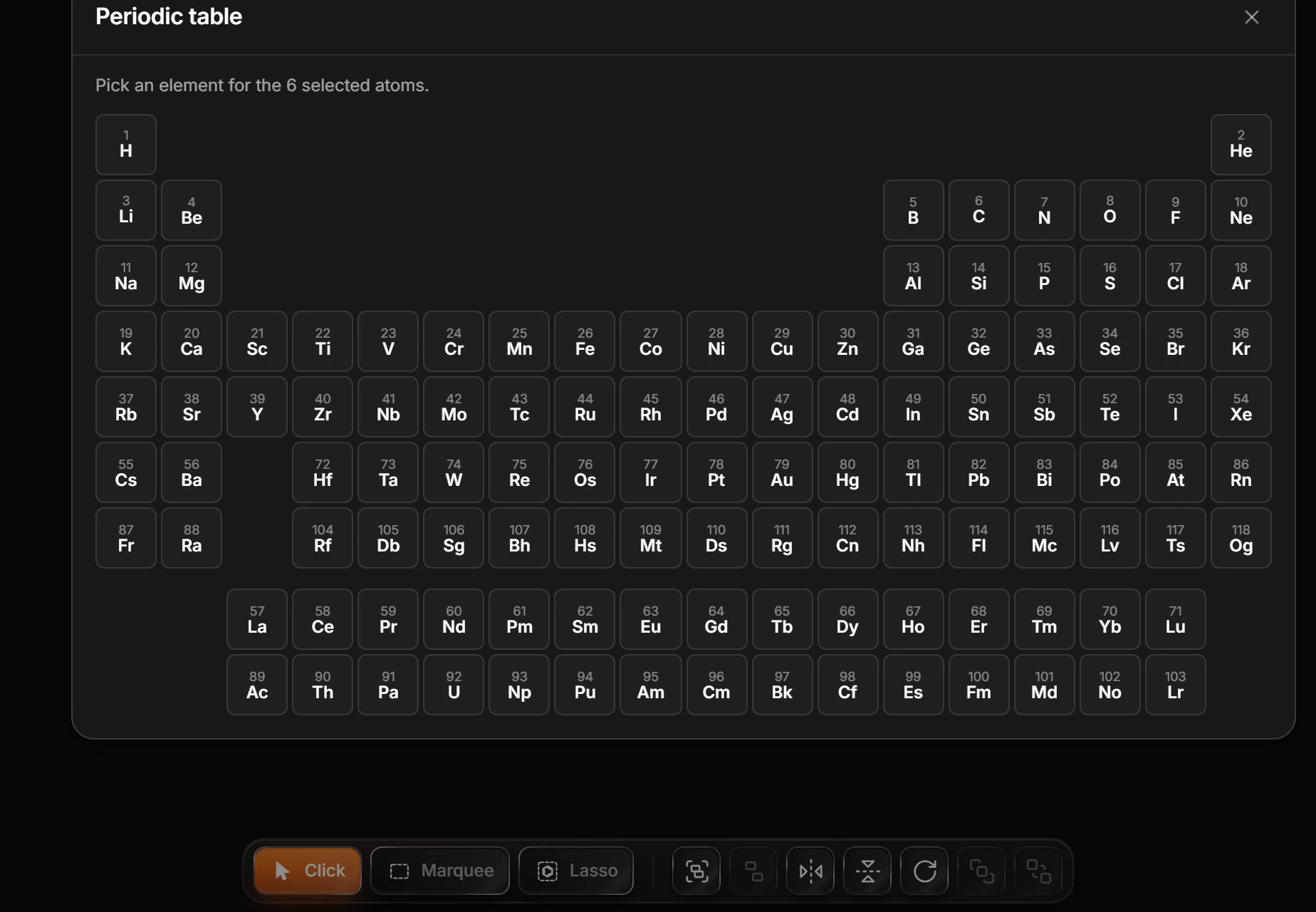
- Select the atoms to change.
- Choose View › Periodic table in the Main menu.
- Click an element. Every selected atom becomes that element. Point at an element first to see its name and atomic weight.
Tip
Coming from ChemDraw? The ChemDraw classic shortcut set adds ChemDraw's label keys, such as e for Et and Shift+P for Ph. See Keyboard shortcuts for ChemDraw users.
Is this helpful?
Last updated Nov 12, 2026
- Still stuck? Read the FAQ or contact support.
- Something wrong on this page? Tell us.
- For AI tools: llms.txt