
How to export or delete your prediction feedback
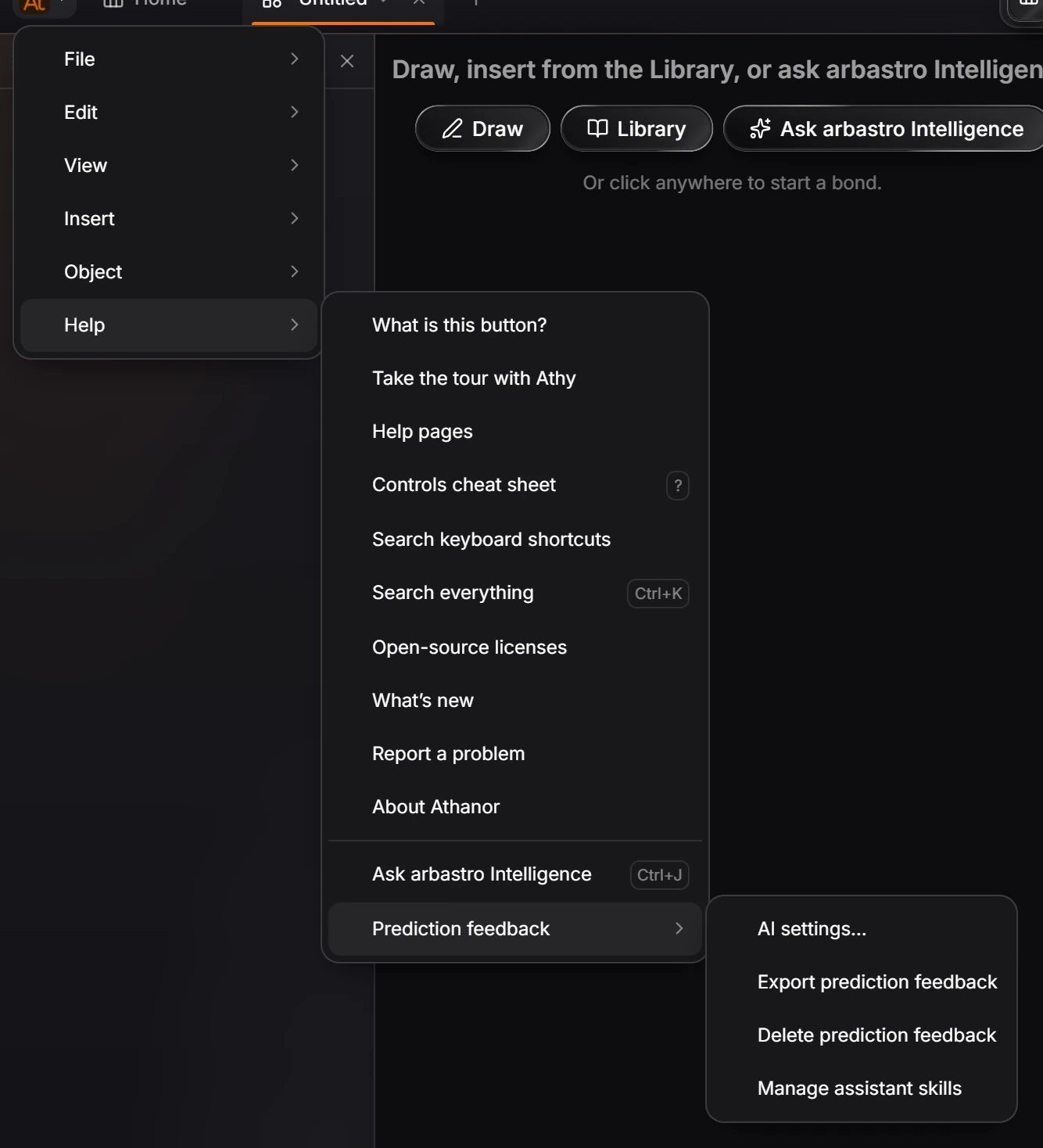
Choose Help › Prediction feedback › Export prediction feedback to save your records, or Delete prediction feedback to remove every recorded approval, rejection and edit. Recording is a switch in Settings › AI.
When Record what I approve and reject is on, Athanor keeps a record each time you approve, reject or edit a prediction. It works only while you are signed in, and each record is tied to your consent under a pseudonym.
Find the commands
Choose Main menu › Help › Prediction feedback.
Export your records
Choose Export prediction feedback. Athanor saves every record on this computer as a file.
Delete your records
Choose Delete prediction feedback.
Read the dialog: it deletes every recorded approval, rejection and edit, and it cannot be undone.
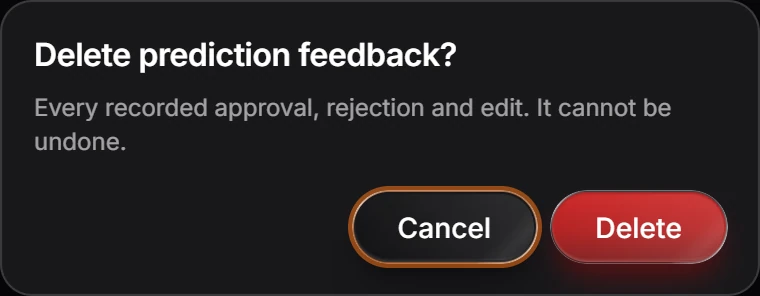
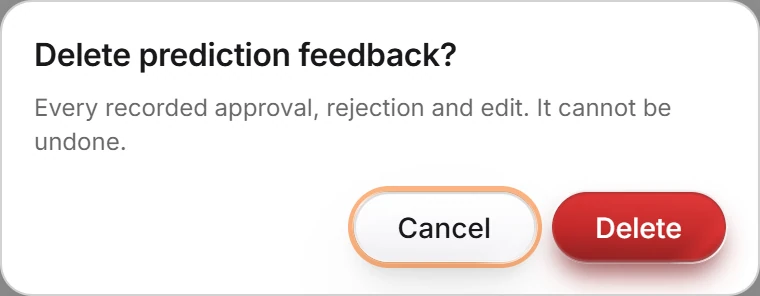
Press Delete.
Turn recording on or off
Choose AI settings… in the same submenu and use Record what I approve and reject. See How to choose the AI model or use your own API key.
Is this helpful?
Last updated Nov 12, 2026
- Still stuck? Read the FAQ or contact support.
- Something wrong on this page? Tell us.
- For AI tools: llms.txt