
How to calculate molecular weight, logP and other properties
Select the structure and choose Object › Chemistry › Calculate properties. The Compound info panel opens at Calculated, with the formula, exact mass, TPSA, donors, acceptors, rotatable bonds and the Lipinski rule-of-five checks.
Steps
- Select the structure with Select (V). The molecular weight is already in the Layers panel row and in Properties.
- Choose Object › Chemistry › Calculate properties, or press Ctrl+K and type
calculate properties. - The Compound info panel opens at Calculated.
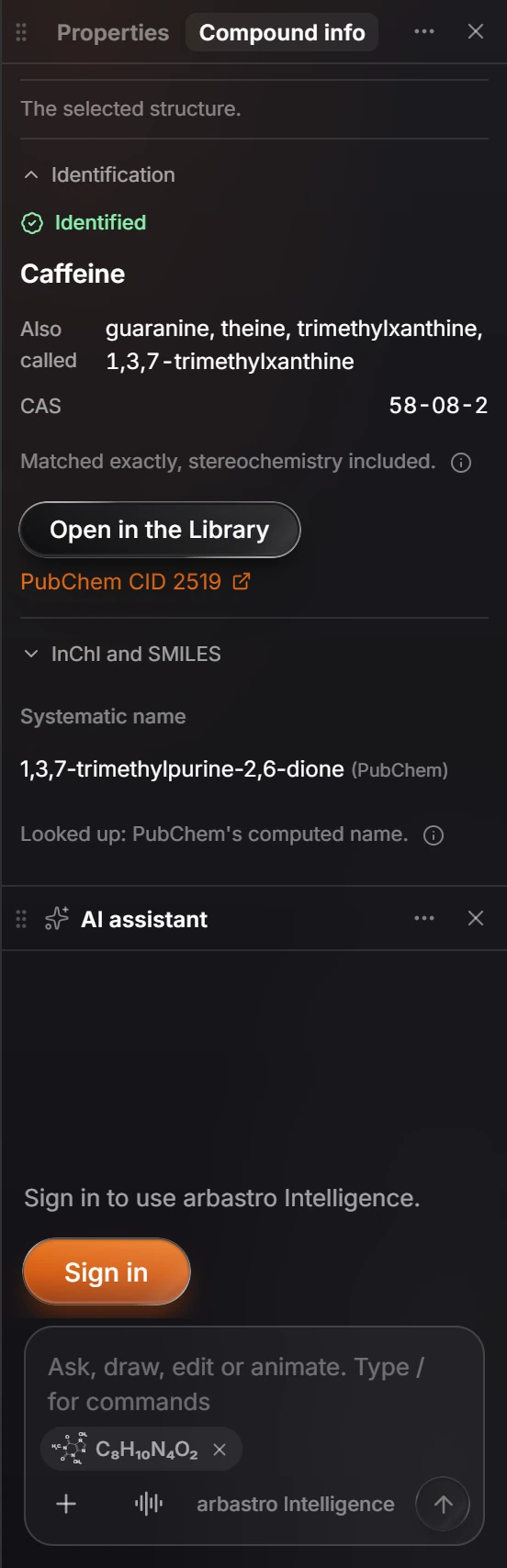
What is listed
The formula and exact mass, the topological polar surface area (TPSA), hydrogen bond donors and acceptors, rotatable bonds, and whether the structure passes Lipinski's rule of five, a quick test of how drug-like a molecule is.
These are calculated from the structure you drew, so they change as soon as you edit it.
Is this helpful?
Last updated Nov 12, 2026
- Still stuck? Read the FAQ or contact support.
- Something wrong on this page? Tell us.
- For AI tools: llms.txt