
How to check a structure for errors
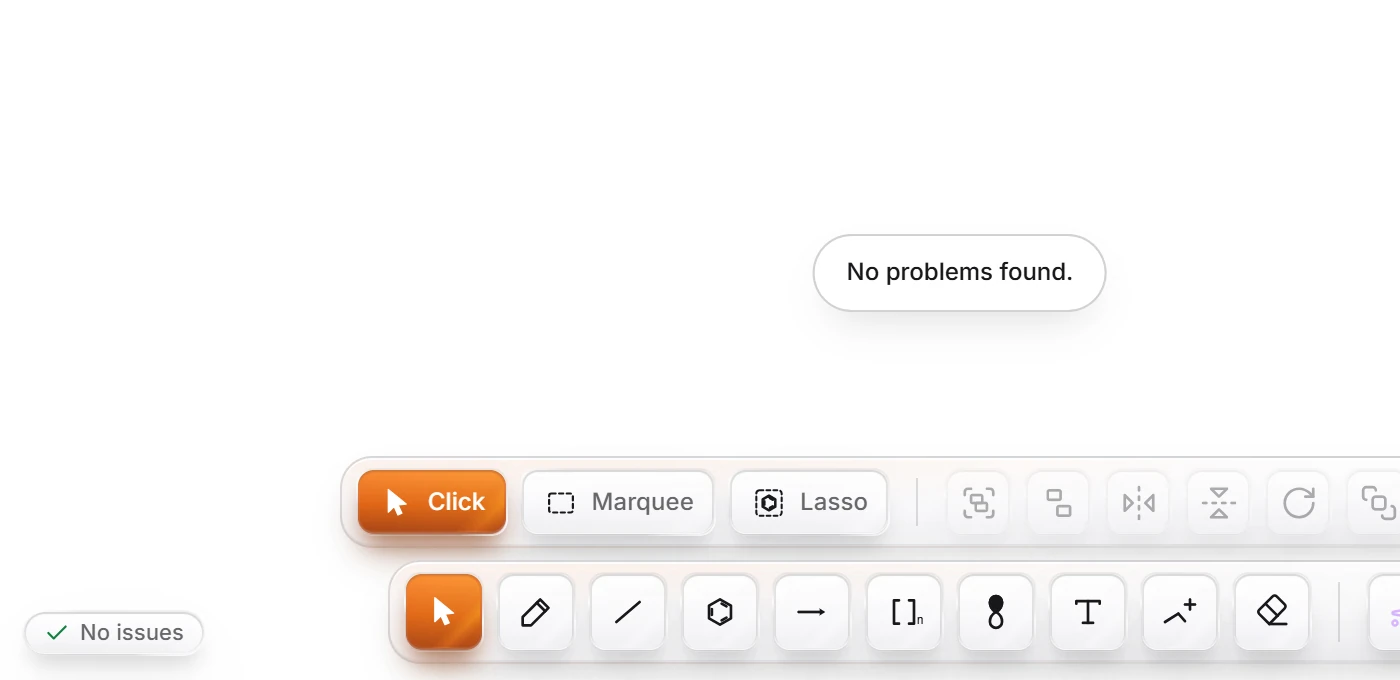
Select the structure and press Shift+K (Check structure). Athanor lists each problem it finds, such as a carbon with five bonds, with a suggestion. A clean structure gets "No problems found.
Steps
Select the structure with Select (V), or press Ctrl+A for everything.
Press Shift+K, or choose Object › Chemistry › Check structure.
If all is well, a message says No problems found.

If something is wrong, a box lists each problem with what to do about it, for example "Error: This C has 5 bonds. C takes 4. Remove a bond, or add a charge if you meant an ion." Press OK and fix it.
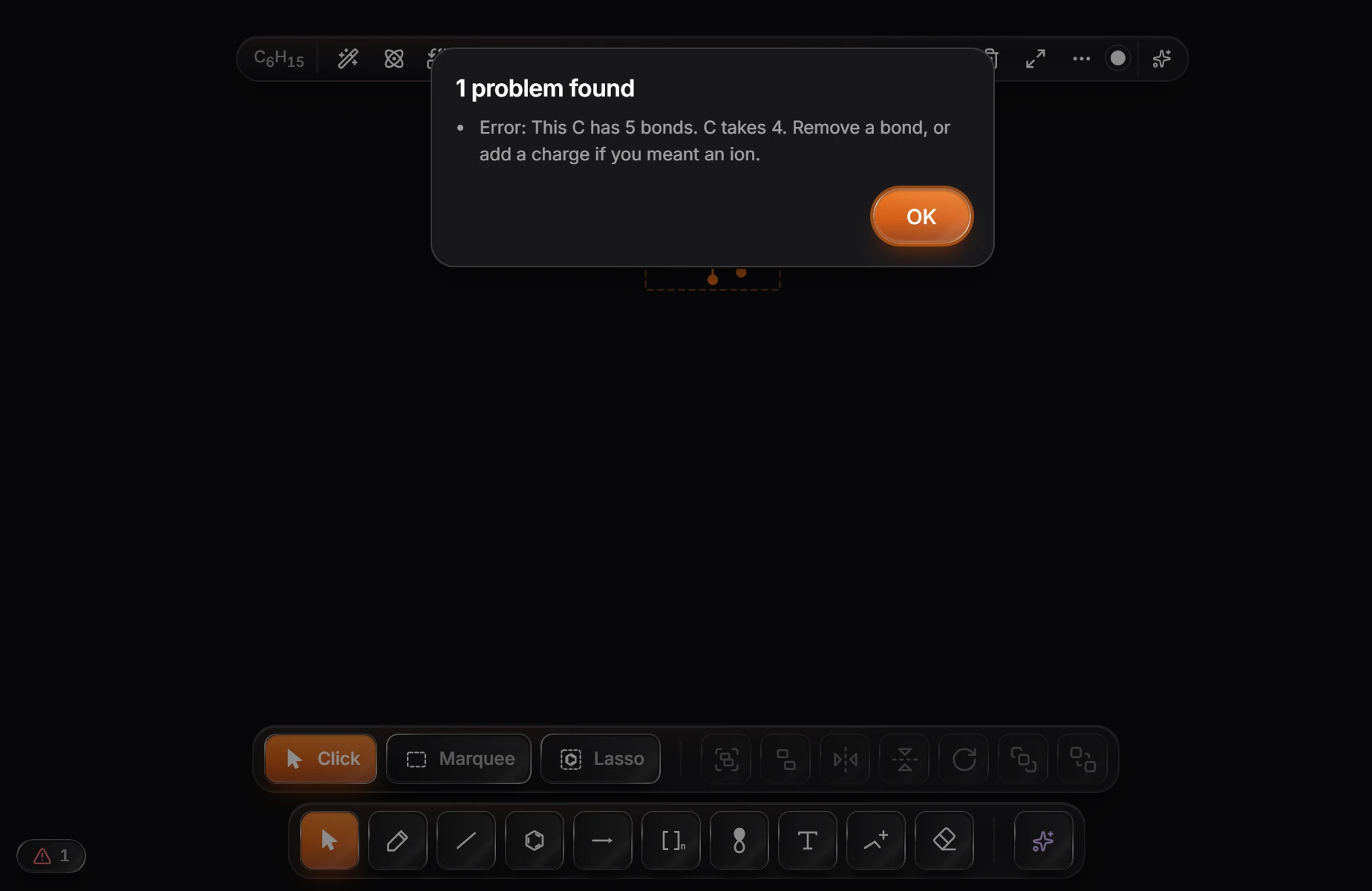
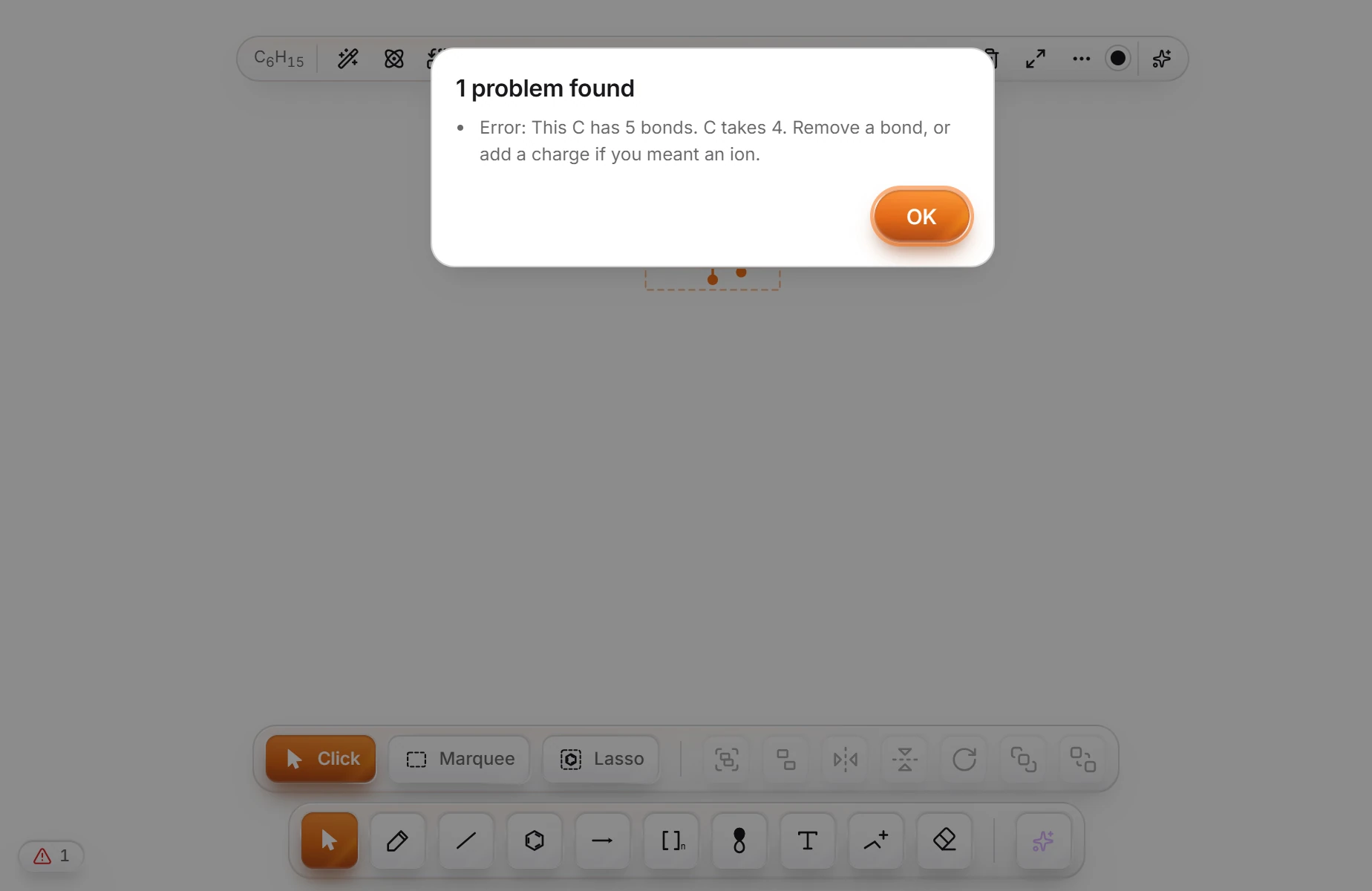
Athanor never fixes a structure for you: it tells you what it found and leaves the decision to you. The same problems are counted all the time in the issues badge at the bottom left of the canvas. See Why an atom is flagged.
Is this helpful?
Last updated Nov 12, 2026
- Still stuck? Read the FAQ or contact support.
- Something wrong on this page? Tell us.
- For AI tools: llms.txt