
How to make slides
Draw frames with the frame tool; each frame is a slide. Choose View › Slides… to order them, set transitions and skips, and press Present. Or draft a deck with Insert › Draft a deck with AI.
Steps
Draw a frame around each part of the page you want as a slide. Every frame is a slide.
Choose Main menu › View › Slides….

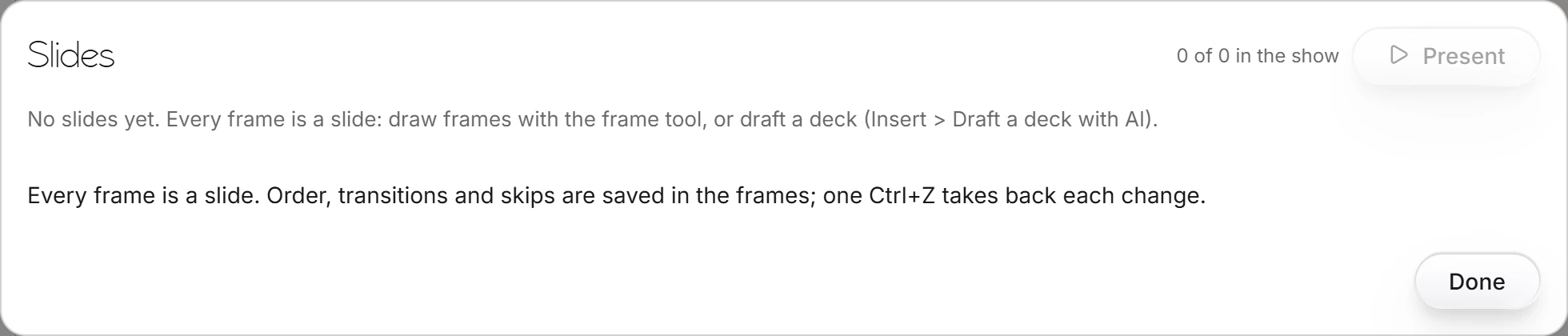
Put the slides in order, choose their transitions, and skip any you do not want in the show. It counts how many are in the show.
Press Present, or choose View › Present slides.
Order, transitions and skips are saved in the frames, and one Ctrl+Z takes back each change.
Needs an account
Insert › Draft a deck with AI drafts the slides for you, signed in.
Is this helpful?
Last updated Nov 12, 2026
- Still stuck? Read the FAQ or contact support.
- Something wrong on this page? Tell us.
- For AI tools: llms.txt