
How to present slides
Choose View › Present slides. Click, Space or the right arrow goes to the next slide; L is the laser, P the pen, B a black screen, and Esc ends. The bar also has Poll, Camera, Captions and Presenter view.
Steps
Make slides: draw frames, bring in a PowerPoint deck, or start from a document with pages. See slides.
Choose Main menu › View › Present slides. Present fills the screen.
Move through the slides with a click, Space or the right arrow, or Back and Next on the bar. The bar says where you are, such as Slide 2 of 3.
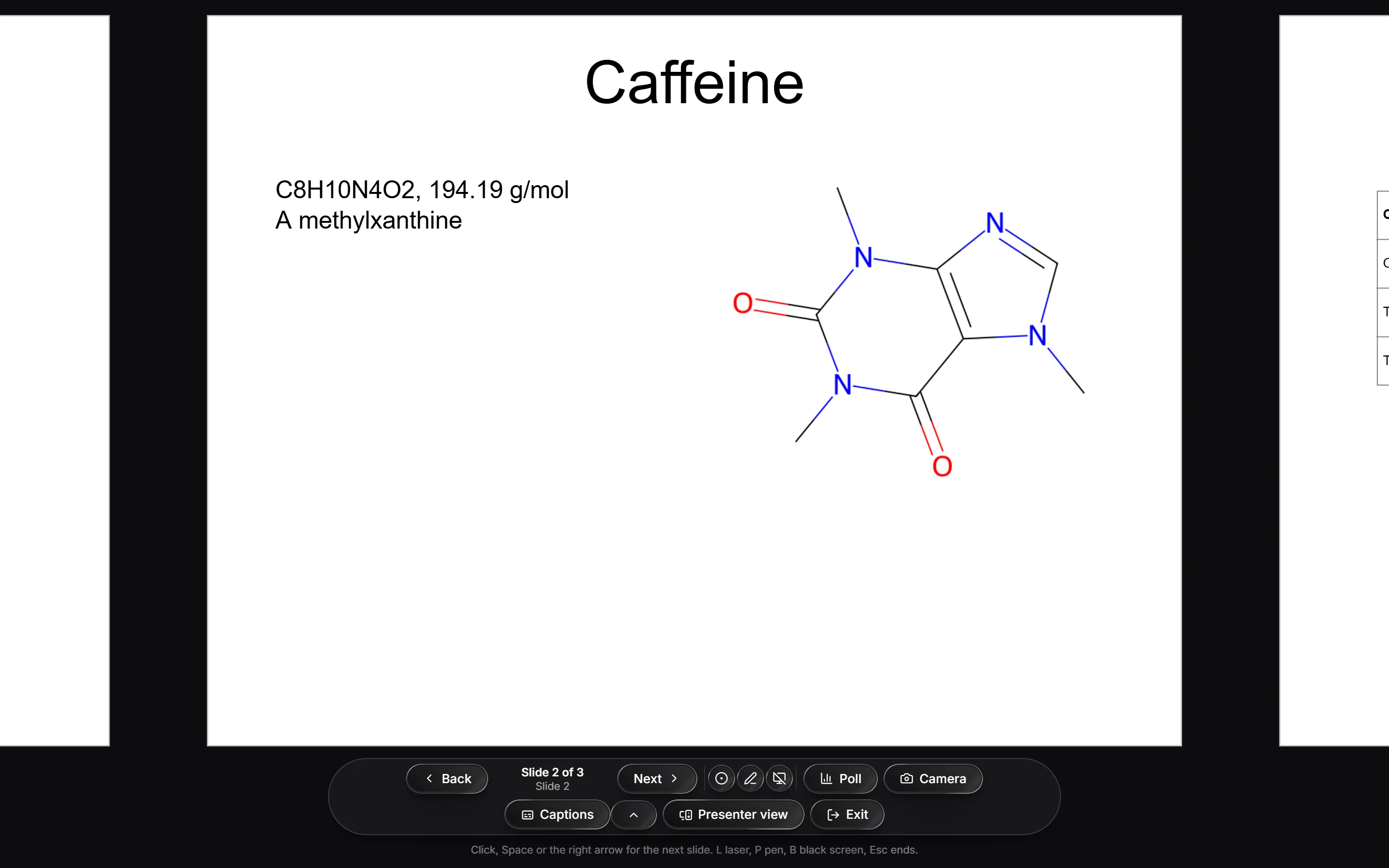
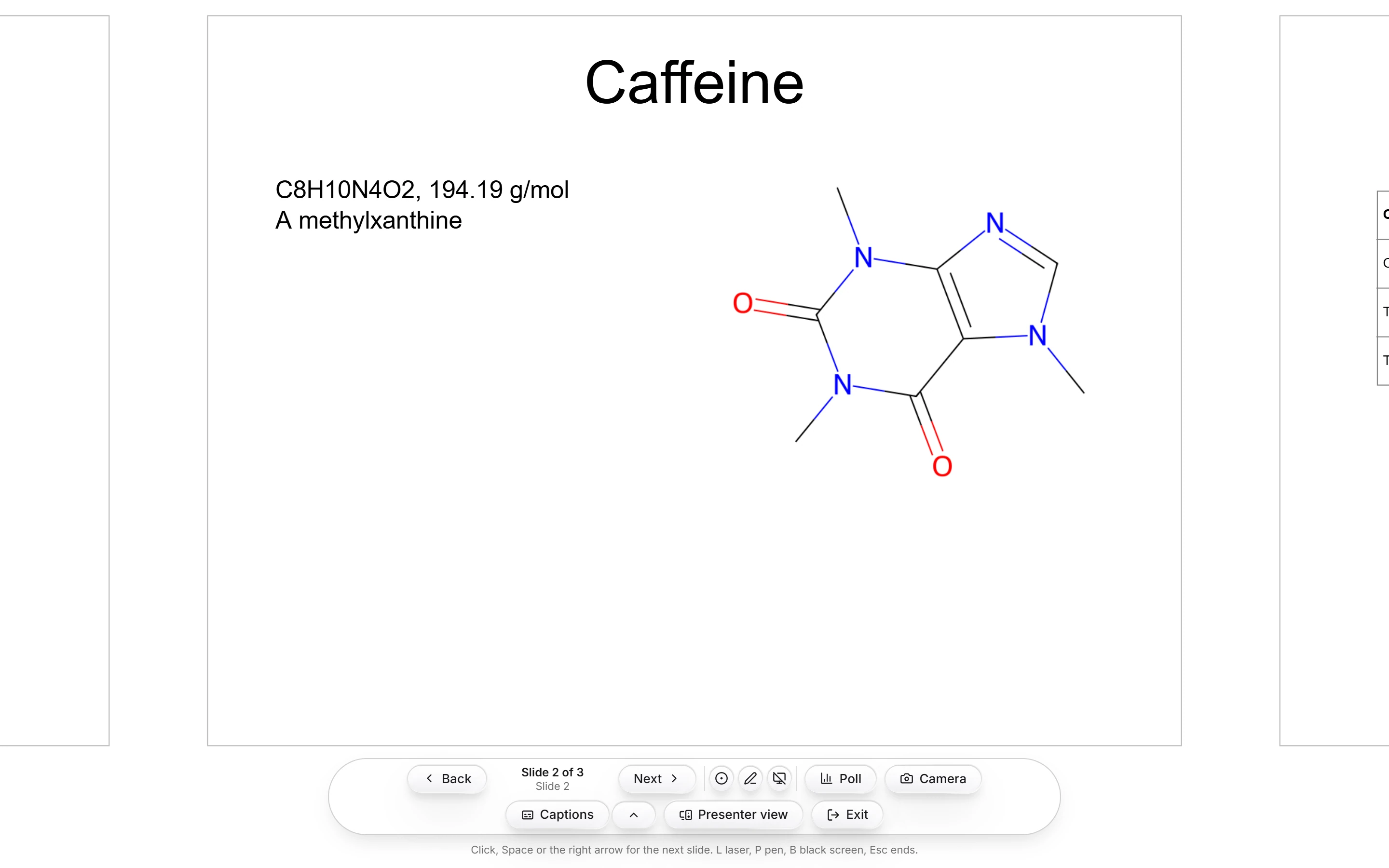
While presenting
| Key or button | Does |
|---|---|
| L | A laser pointer |
| P | A pen to draw on the slide |
| B | A black screen |
| Esc or Exit | Ends the show |
The bar also has Poll, Camera, Captions and Presenter view. Polls need you signed in.
Is this helpful?
Last updated Nov 12, 2026
- Still stuck? Read the FAQ or contact support.
- Something wrong on this page? Tell us.
- For AI tools: llms.txt