
How to record a walkthrough
Choose File › Record a walkthrough, work on the page while the bar counts the time, and press Stop. The recording is saved as an MP4 named after the document, such as "Aspirin walkthrough.mp4".
Steps
Choose Main menu › File › Record a walkthrough. Allow the microphone if your browser asks, to record your voice with it.
Work on the page while the bar counts the time: Recording a walkthrough with the elapsed time and Stop.
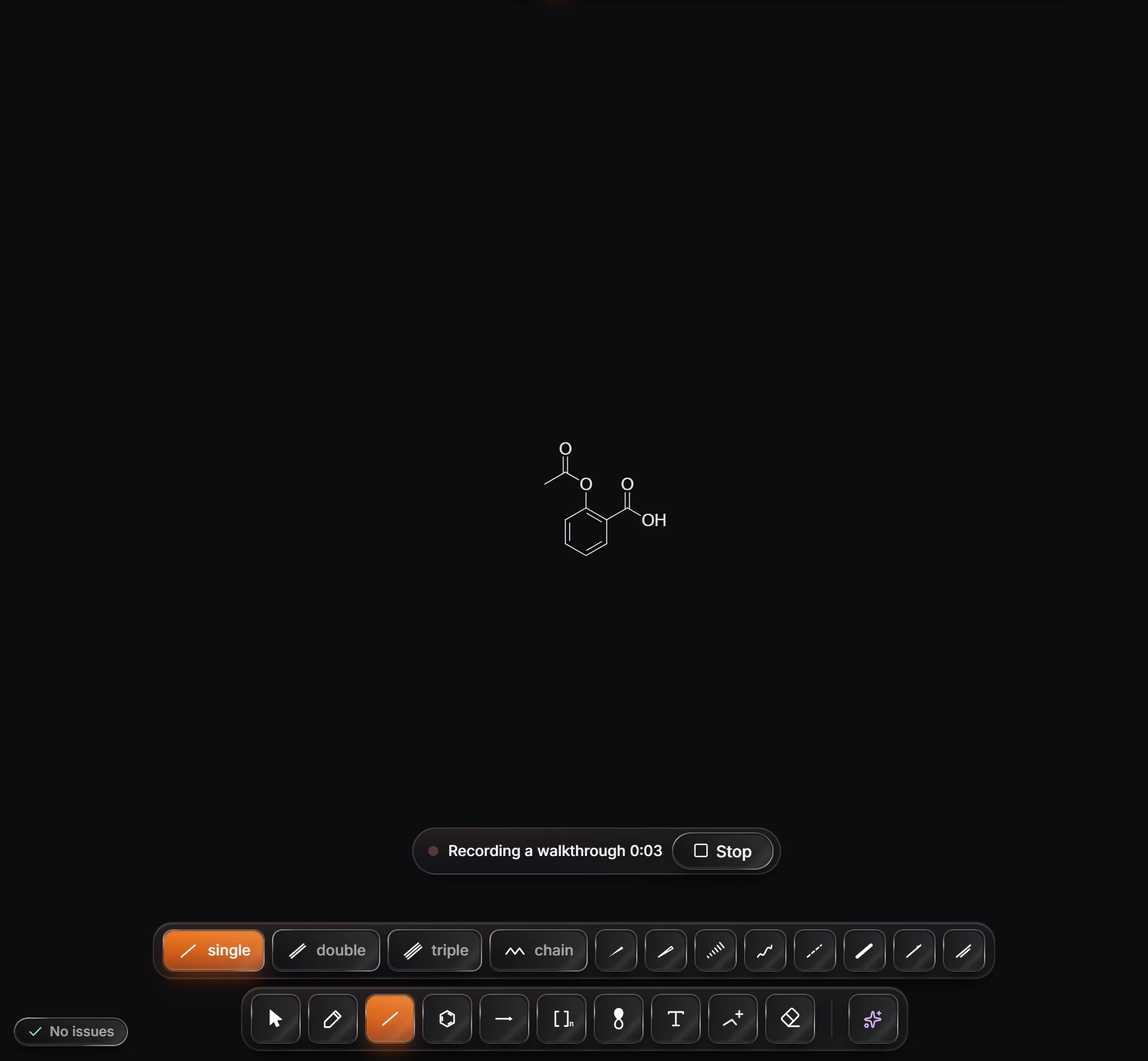
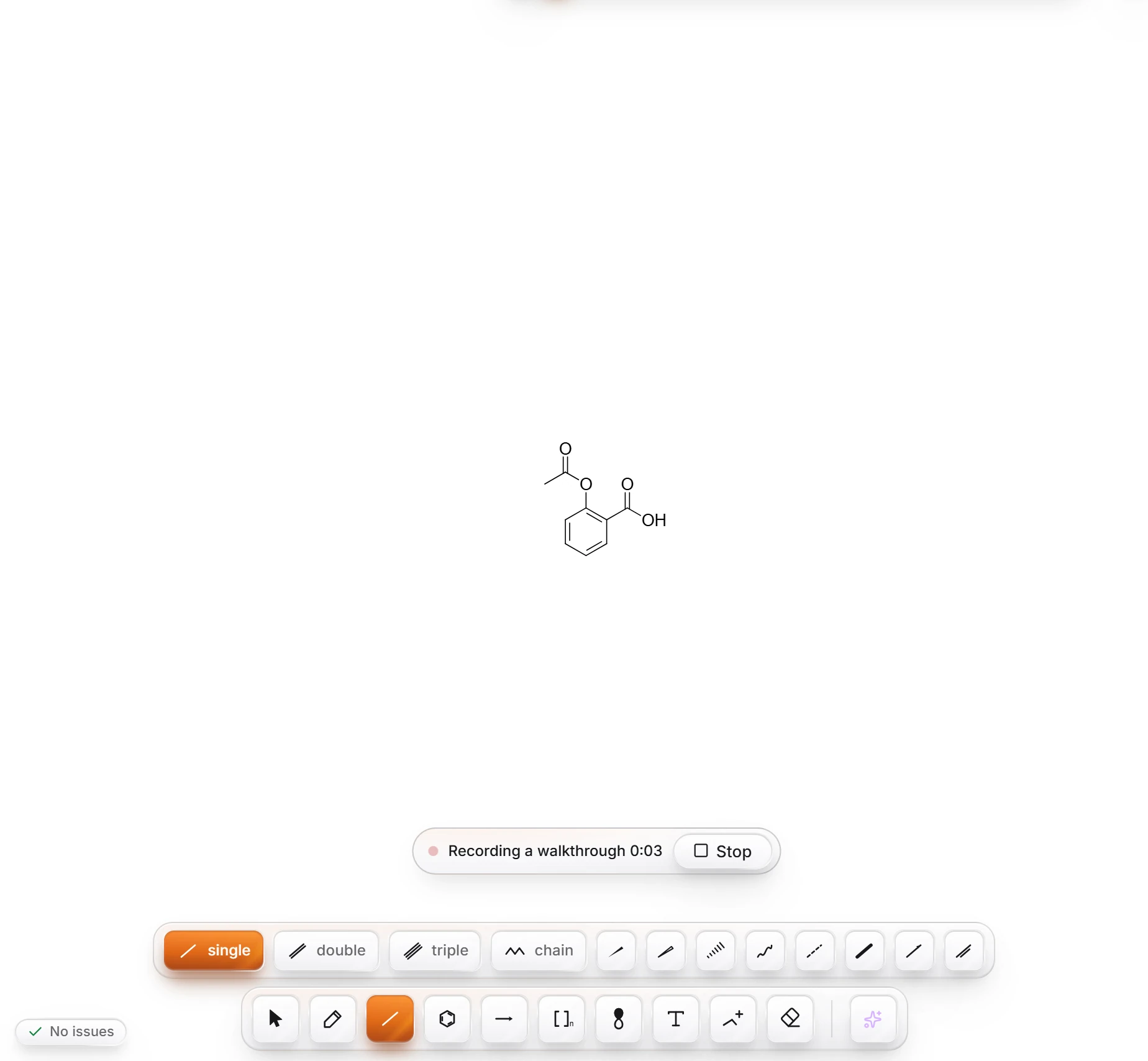
Press Stop. The recording is saved as an MP4 named after the document, for example
Aspirin walkthrough.mp4.
If the microphone is off, the walkthrough is recorded without a voice, and Athanor says so as it starts.
To play back how a drawing was built without recording, see Replay drawing.
Is this helpful?
Last updated Nov 12, 2026
- Still stuck? Read the FAQ or contact support.
- Something wrong on this page? Tell us.
- For AI tools: llms.txt