
How to type atom labels like CO2Et or NHBoc
With the Text tool (T), click an atom, type its label and press Enter. Or point at the atom with any tool and press Enter. Elements and known groups such as CO2Et, NHBoc and OMe are read as atoms.
Steps
Press T for the Text tool.
Click the atom you want to label. A text box opens on it.
Type the label, for example
CO2Et.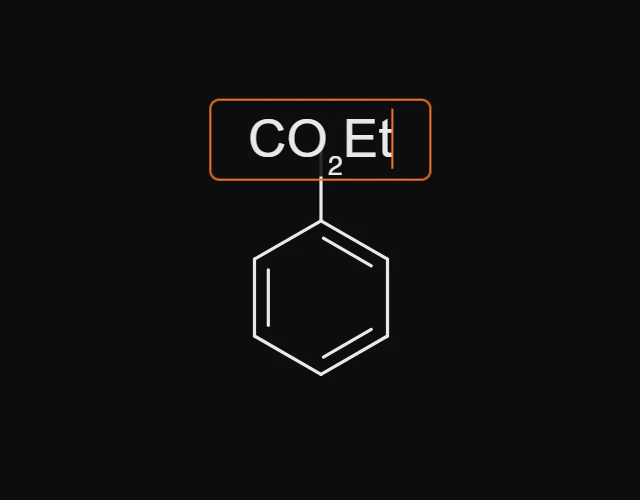
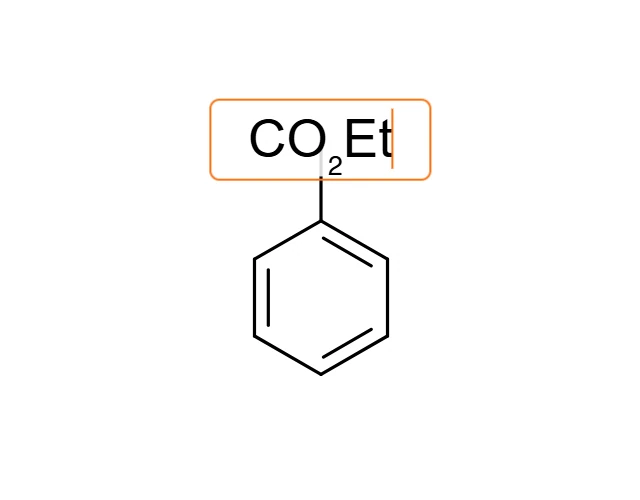
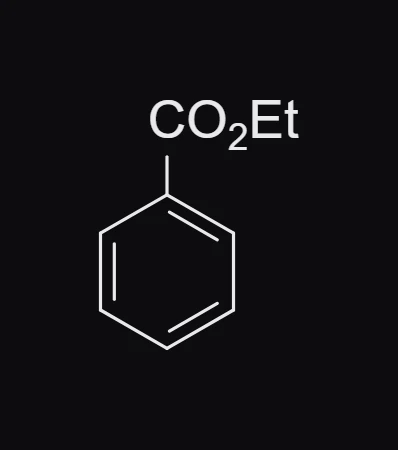
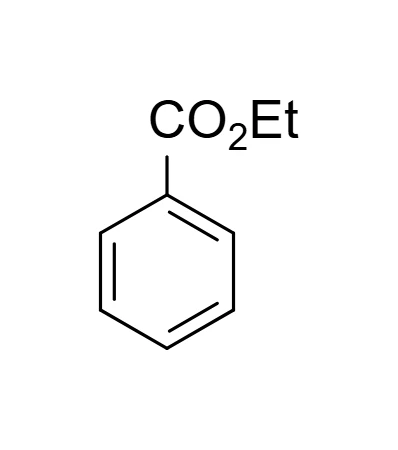
Press Enter. The atom becomes that group.
Without the Text tool
Point at the atom with any tool and press Enter, then type the label. For a single element, just press its letter instead, such as N or O. See How to change an atom to another element.
Labels that count as chemistry
An element symbol such as Cl or Br, and a group Athanor knows such as CO2Et, NHBoc, OMe or Ph, are read as atoms: the formula and molecular weight in Layers and Properties include them, and Object › Expand labels draws them out.
A label Athanor does not know is kept as you typed it but is not counted in the formula. Check Layers after typing a longer group, and draw it out with bonds if it is not counted. See How to use abbreviations like OMe, Boc and Ph.
Is this helpful?
Last updated Nov 12, 2026
- Still stuck? Read the FAQ or contact support.
- Something wrong on this page? Tell us.
- For AI tools: llms.txt