
How to choose undefined stereocenters
Select the structure and choose Object › Chemistry › Choose undefined stereocenters. Athanor proposes wedges; Accept keeps them, Reject proposes hashes, and rejecting again leaves them undefined.
Steps
Select a structure with a stereocenter that has no wedge or hash, for example butan-2-ol drawn flat.
Choose Main menu › Object › Chemistry › Choose undefined stereocenters.
Athanor proposes wedges and shows them on the drawing.
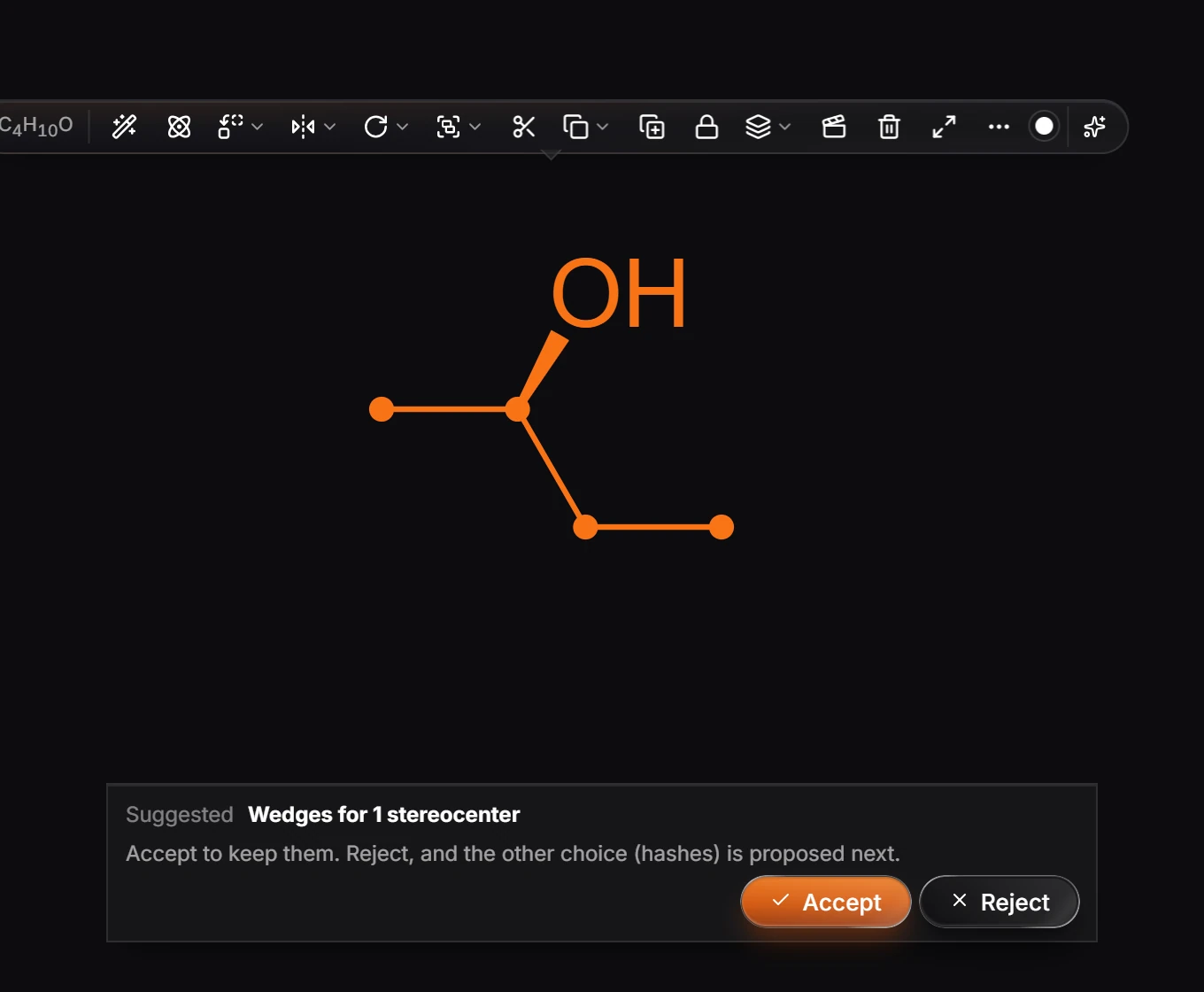
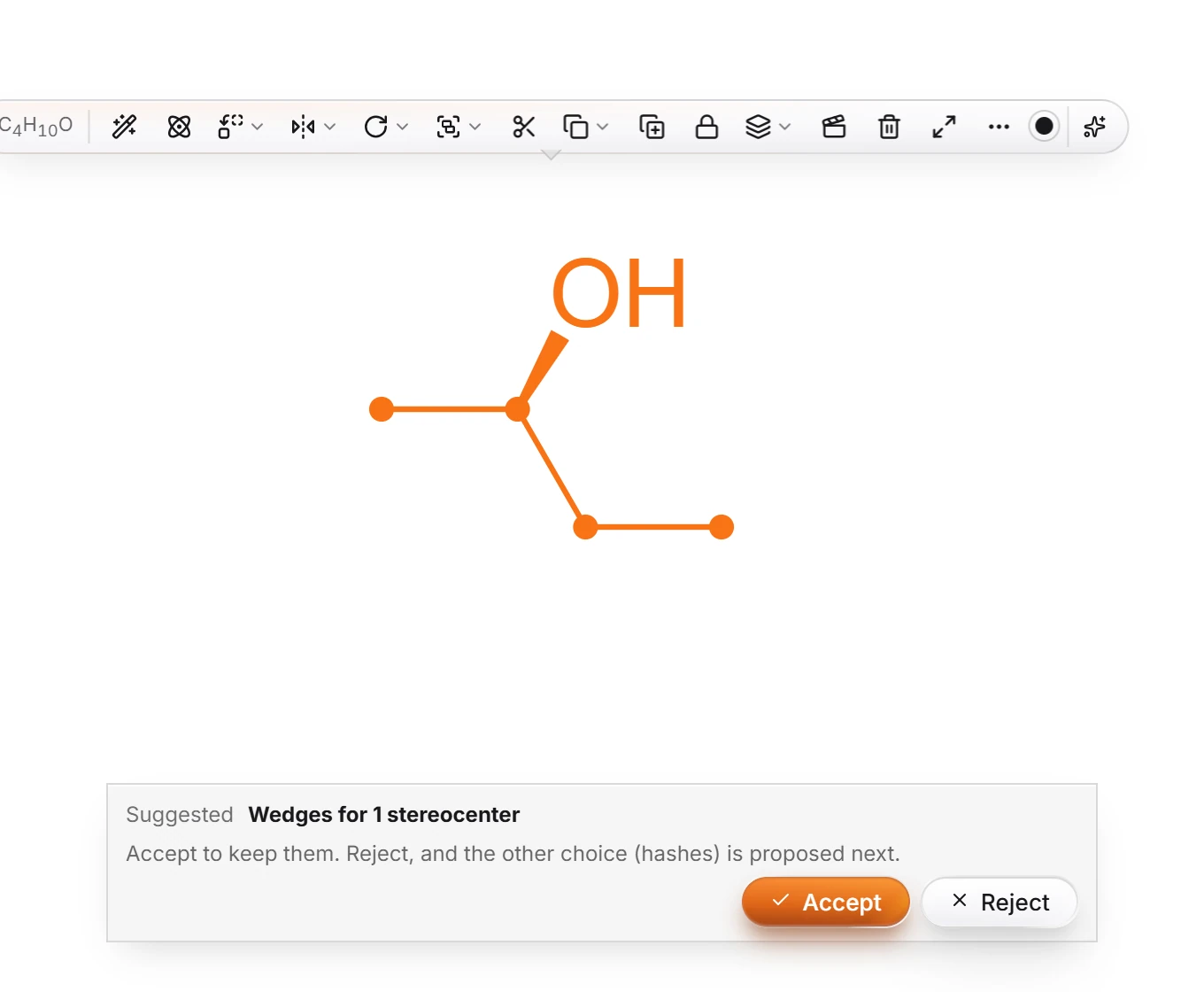
Press Accept to keep them, or Reject to see the other configuration, hashes.
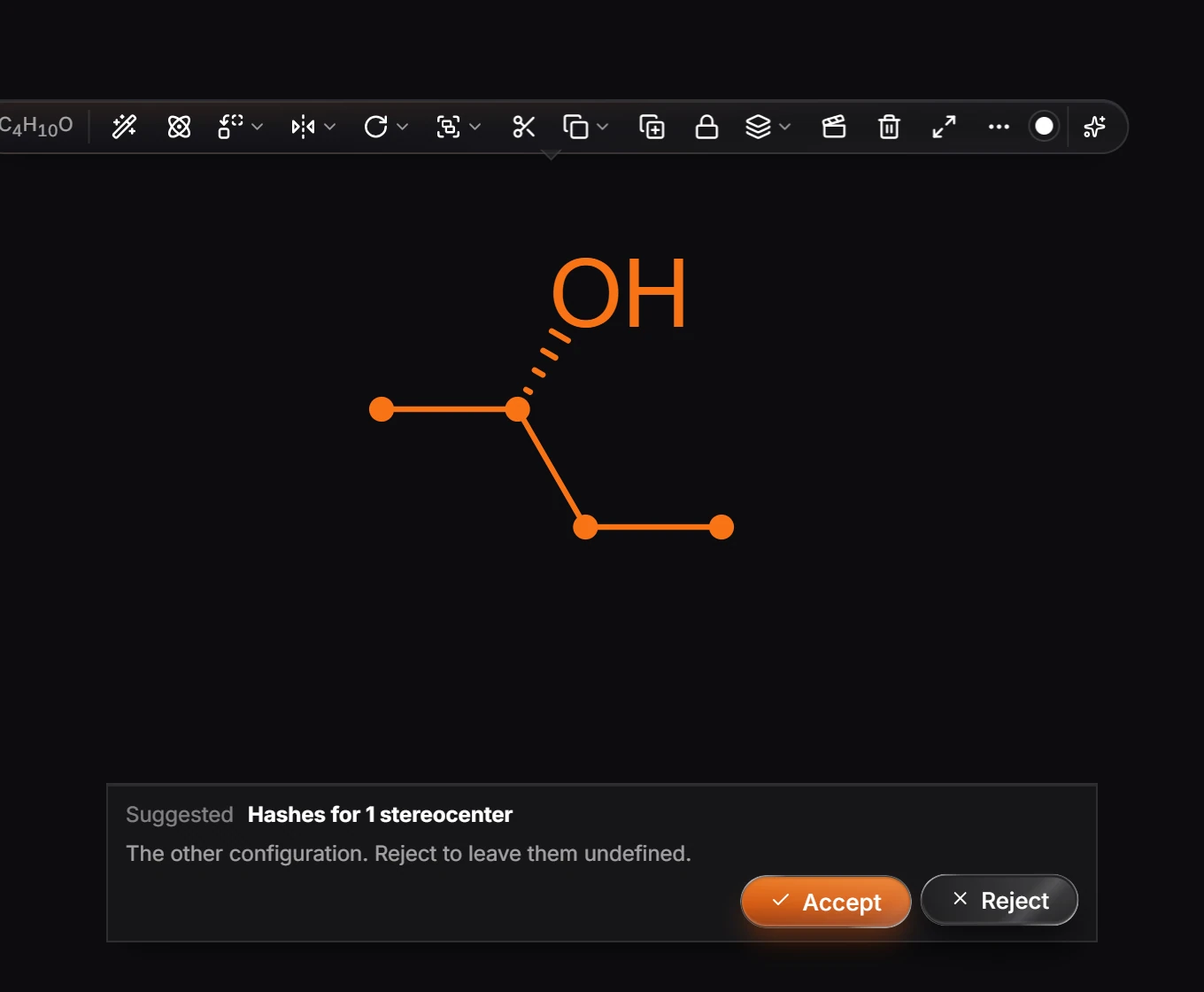
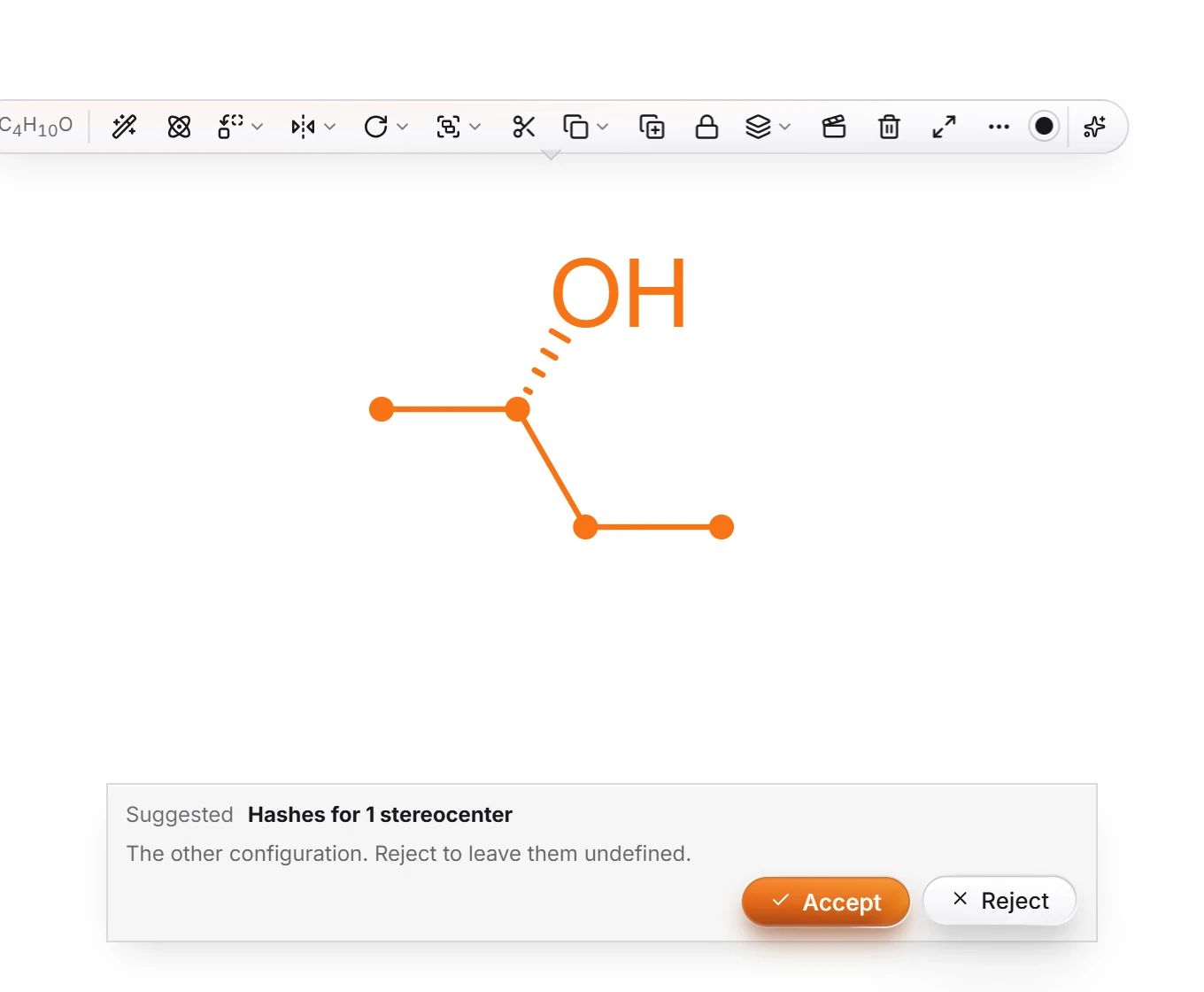
Press Accept for the hashes, or Reject again to leave the stereocenters undefined.
The issues badge warns about a stereocenter with no wedge or hash; this command is the quickest way to settle each one. See Why an atom is flagged.
Is this helpful?
Last updated Nov 12, 2026
- Still stuck? Read the FAQ or contact support.
- Something wrong on this page? Tell us.
- For AI tools: llms.txt