
How to highlight functional groups
Choose View › Show functional groups. Each group is shaded in its own color and named in a legend, such as Ester, Carboxylic acid and Arene for aspirin. Choose it again to hide them.
Steps
Draw or insert a structure, for example aspirin.
Choose Main menu › View › Show functional groups.
Each group is shaded in its own color and named in the legend under the drawing.
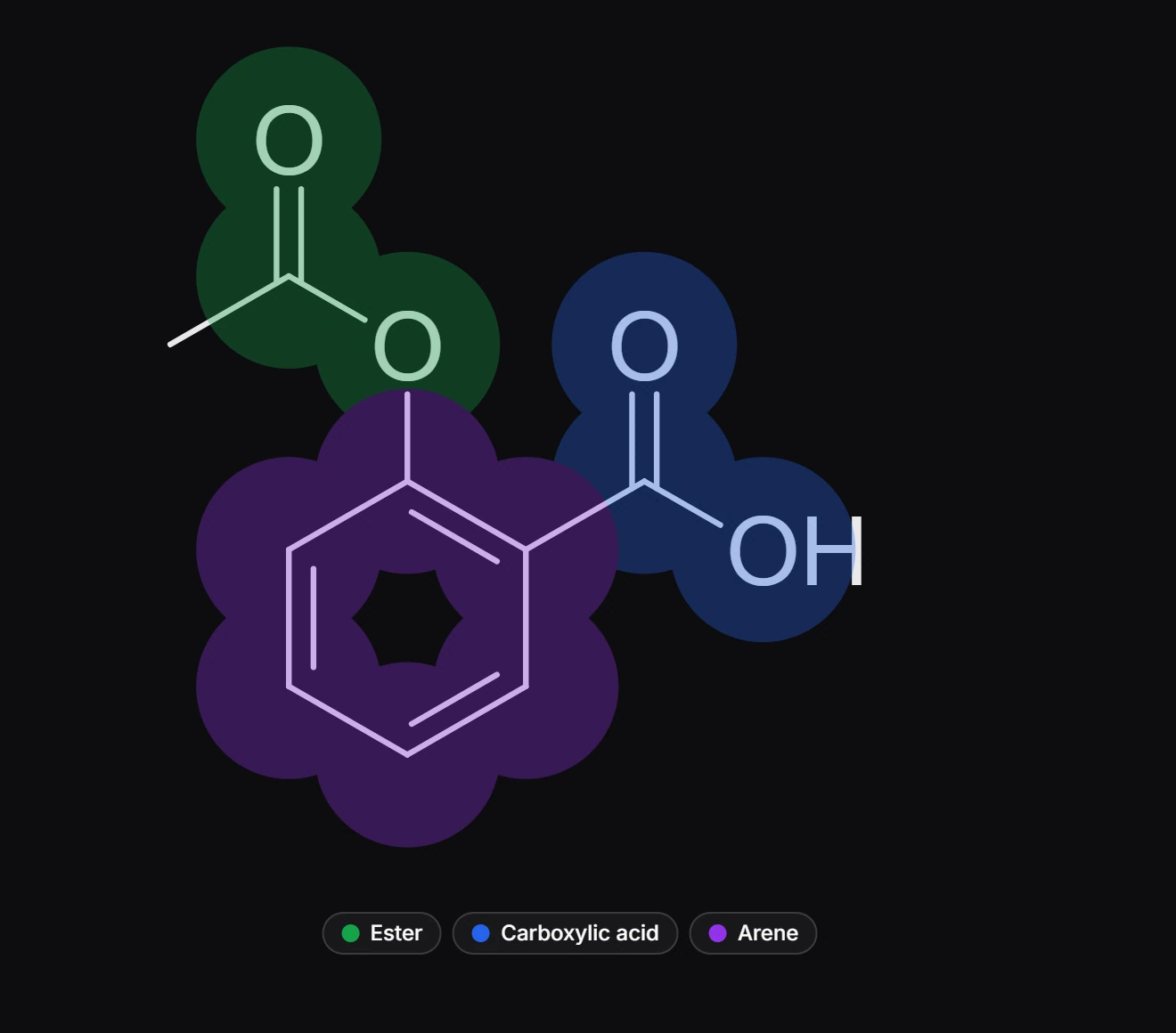
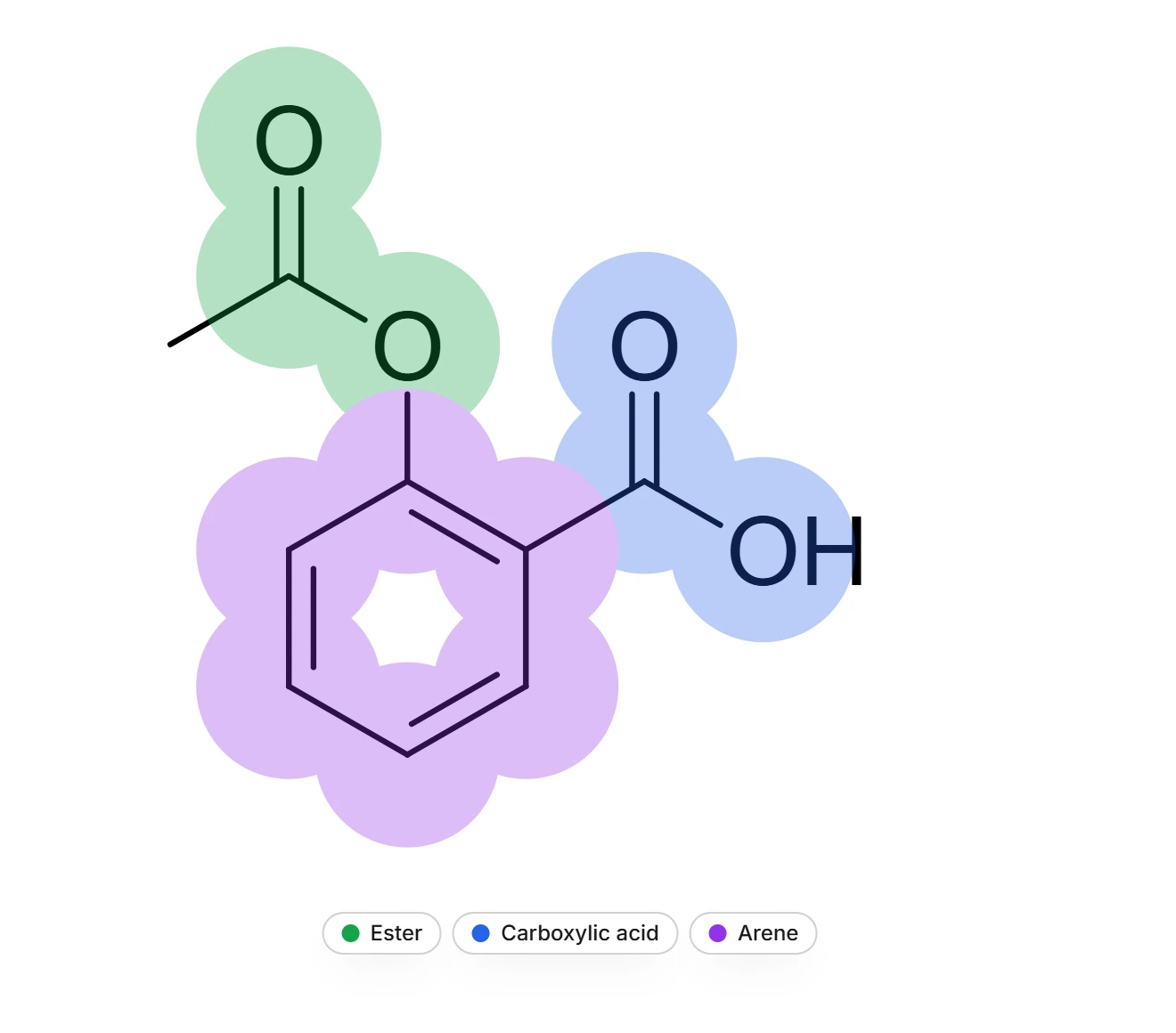
Choose the command again to hide them.
The highlight is a view: it does not change the document or what you export. When nothing on the page is recognized, the legend says "No functional groups recognized on this page".
Is this helpful?
Last updated Nov 12, 2026
- Still stuck? Read the FAQ or contact support.
- Something wrong on this page? Tell us.
- For AI tools: llms.txt