
How to turn a structure in space with the Perspective tool
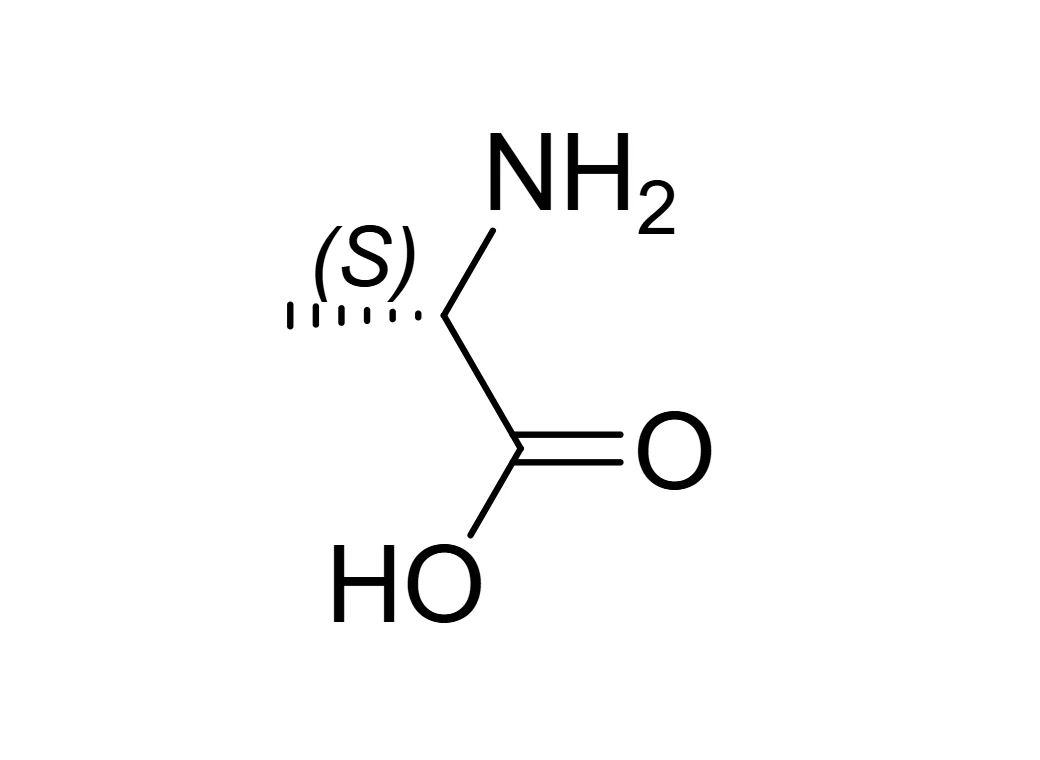
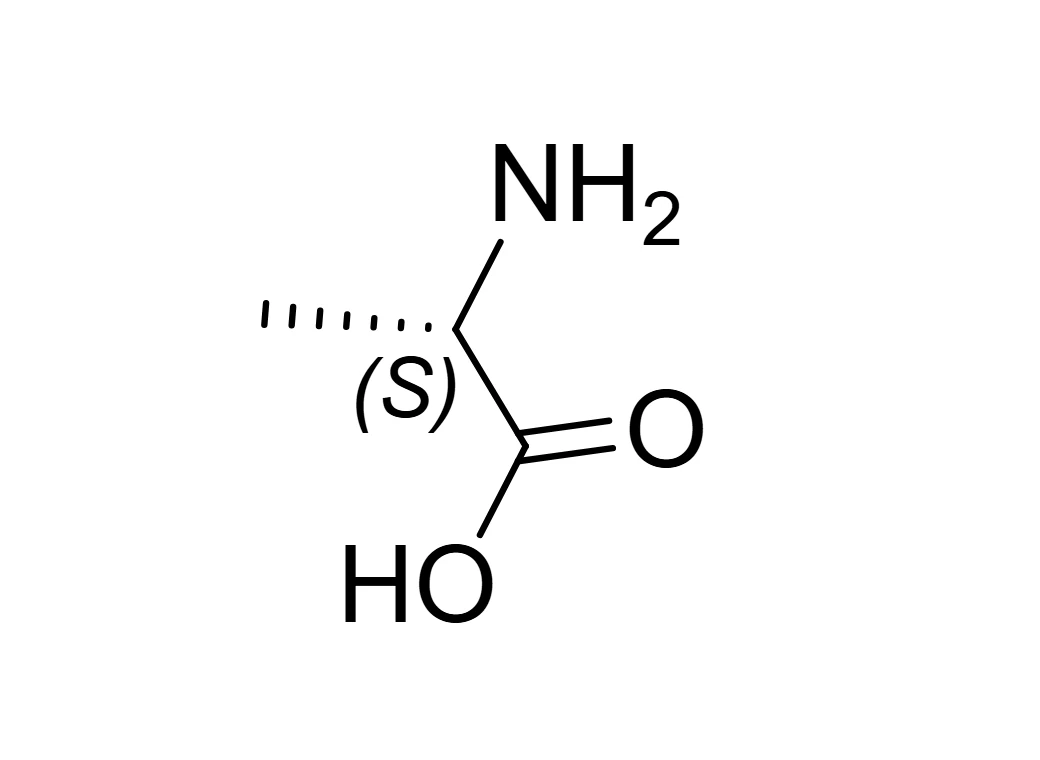
Choose Select › Perspective, or press K in the Select menu, and drag on a structure. It turns in space; Shift keeps to one axis, Ctrl turns in 15 degree steps and Alt turns it in the page. Wedges are redrawn for the new view, so R and S never change. Double-click puts it back.
Steps
Press V for Select, then choose Perspective on the Select bar (or press K).


Drag on the structure. Dragging sideways turns it about the vertical axis; dragging up or down turns it about the horizontal one.
Let go. One drag is one step: Ctrl+Z undoes it.


While you drag
| Hold | Does |
|---|---|
| Shift | Keeps the turn to one axis, the one your drag started along |
| Ctrl | Turns in 15 degree steps |
| Alt | Turns the structure in the plane of the page instead |
| Esc | Cancels the drag and puts it back |
Double-click the structure to return it to how it was drawn.
Stereochemistry is kept
Athanor reads your drawing as a 3D object, with each wedge coming toward you and each hash going away, and turns that. Afterward it redraws the wedges and hashes for the new view. A rotation never changes handedness, so every R stays R and every S stays S, even seen edge-on. Turn on View › Show stereochemistry to watch the labels while you turn. Centers you left undefined stay undefined.
If you let go with the structure edge-on, where it would be hard to read, it turns back to a readable angle. Hold Ctrl while letting go to keep the edge-on view.
Tip
To lay a single ring back for a Haworth-style drawing, Tilt into perspective is quicker. For a full 3D model you can spin freely, use the 3D view.
Is this helpful?
Last updated Nov 12, 2026
- Still stuck? Read the FAQ or contact support.
- Something wrong on this page? Tell us.
- For AI tools: llms.txt