
How to draw a mixture
Select the structures and choose Object › Chemistry › Make mixture. They go in one bracket with a 1 : 1 ratio; change the proportions in Properties, where each component shows its mol % and wt %.
Steps
Draw or insert the components, for example ethanol and water, and select them all.
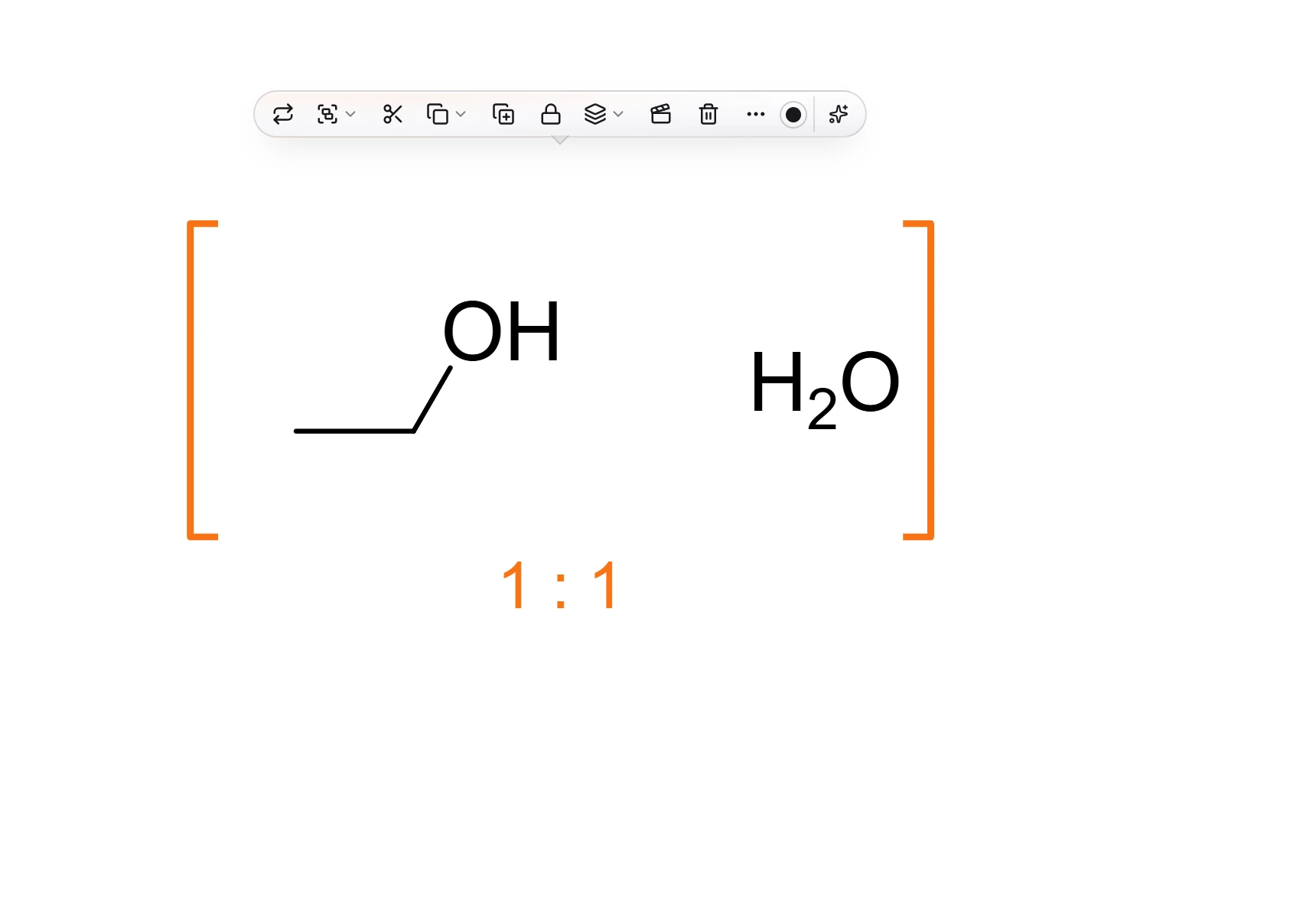
Choose Main menu › Object › Chemistry › Make mixture. They are bracketed together with their ratio under the bracket, 1 : 1 to start.
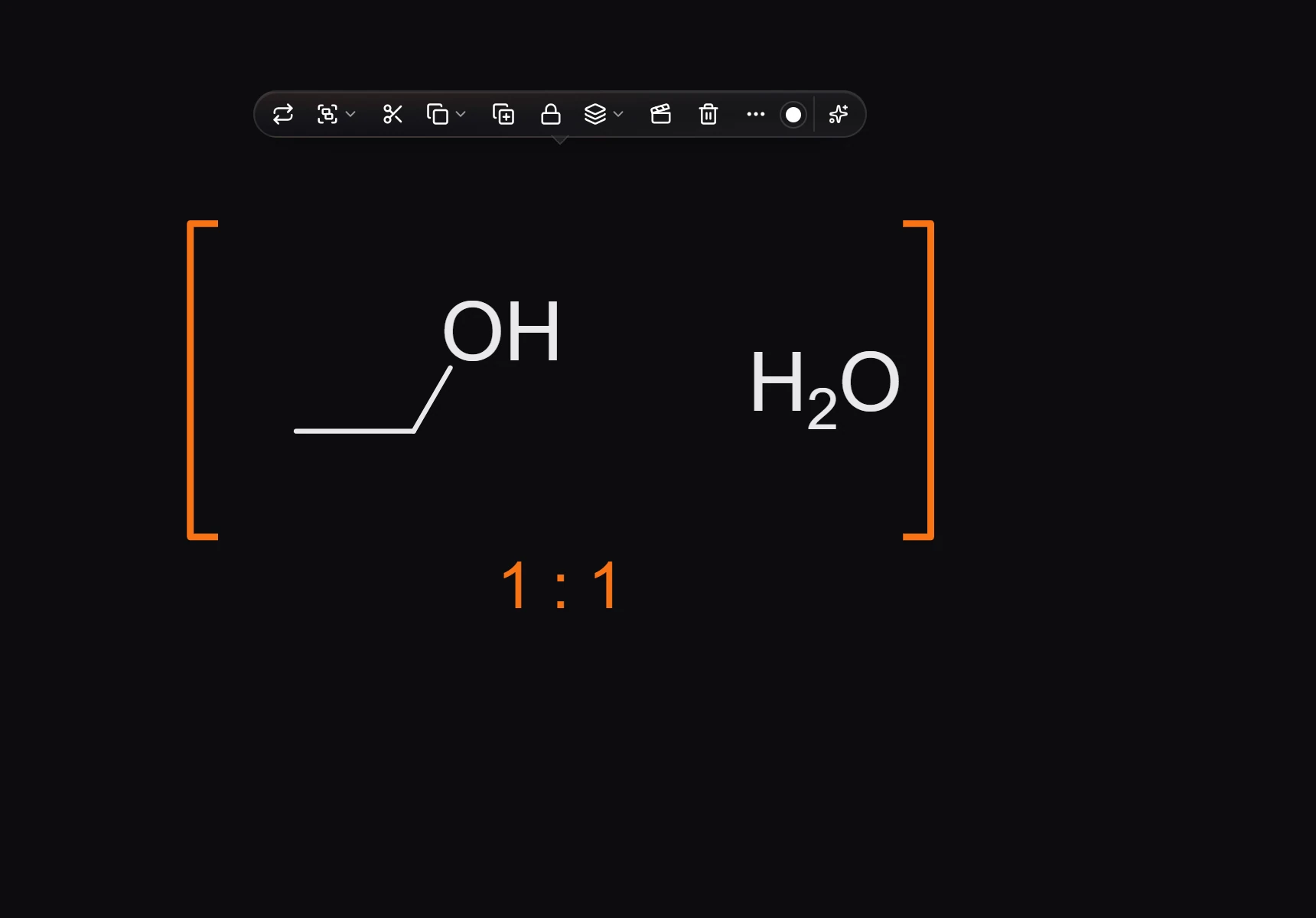
In Properties, under Proportions, type a number for each component. They are molar, left to right, and any positive numbers work, such as 3 and 1 or 0.7 and 0.3.
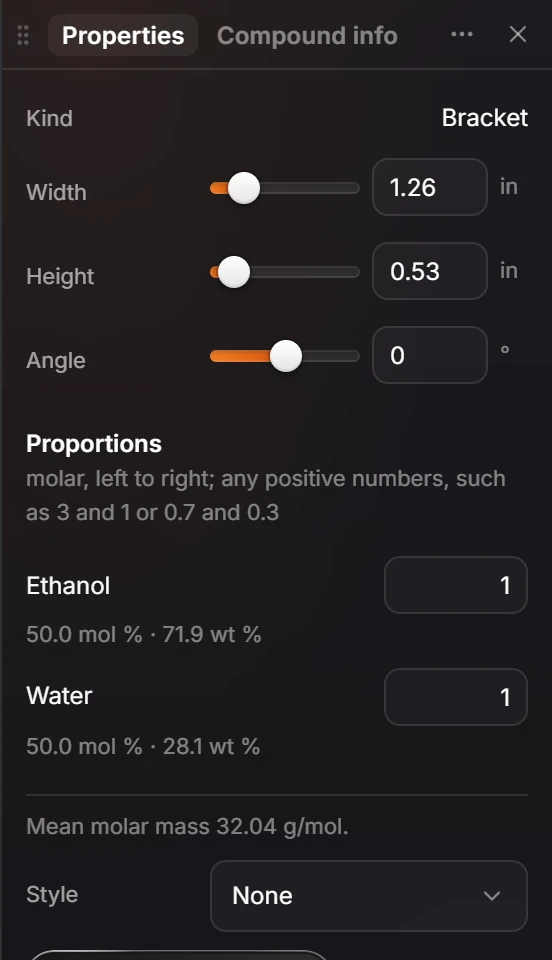
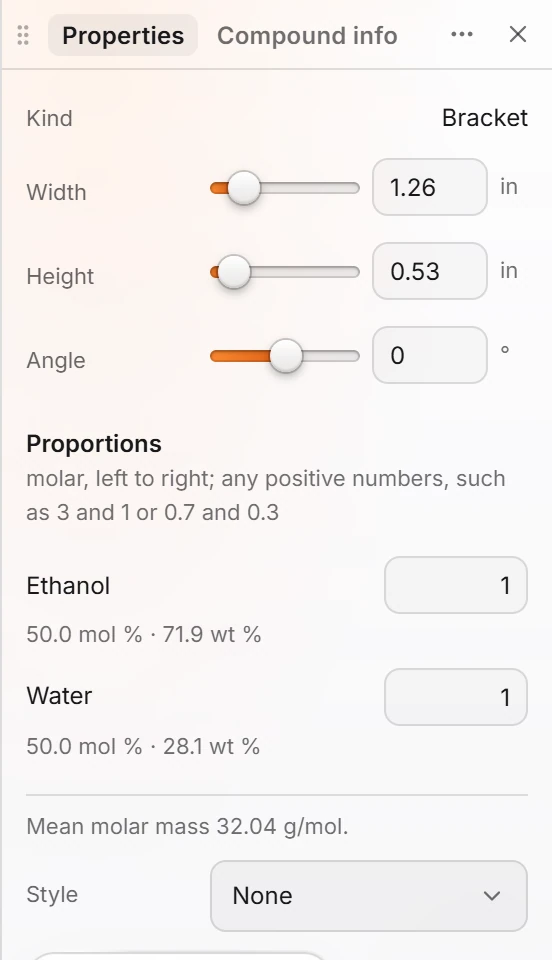
Each component shows its mol % and wt %, and the mixture its mean molar mass.
Is this helpful?
Last updated Nov 12, 2026
- Still stuck? Read the FAQ or contact support.
- Something wrong on this page? Tell us.
- For AI tools: llms.txt