
How to sprout a reaction from a structure
Select a structure and choose Object › Chemistry › Sprout reaction. An arrow and a copy of the structure appear to its right; edit the copy into the product.
Steps
Select the starting material, for example toluene.
Choose Main menu › Object › Chemistry › Sprout reaction.
An arrow and a copy of the structure appear to its right.
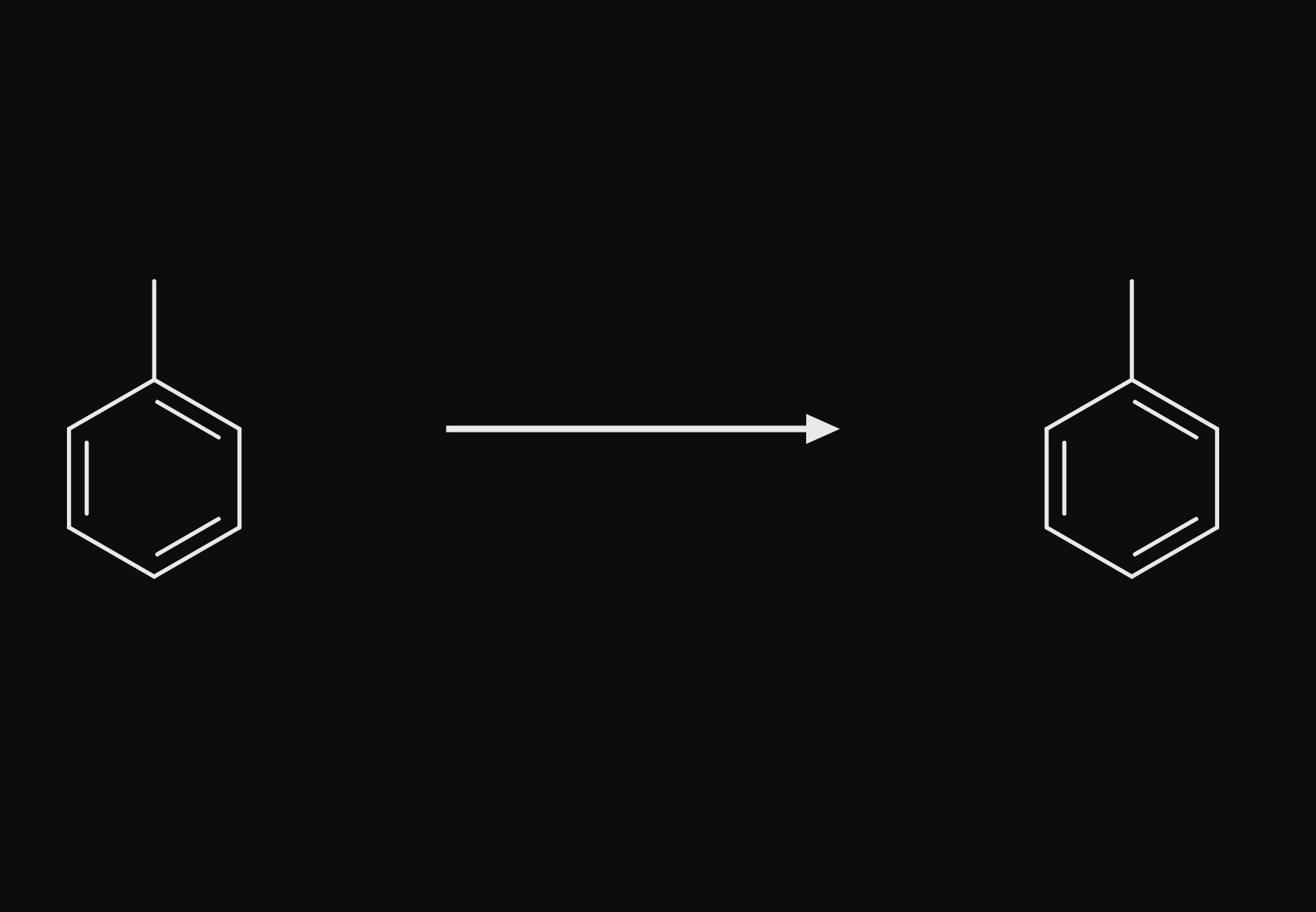
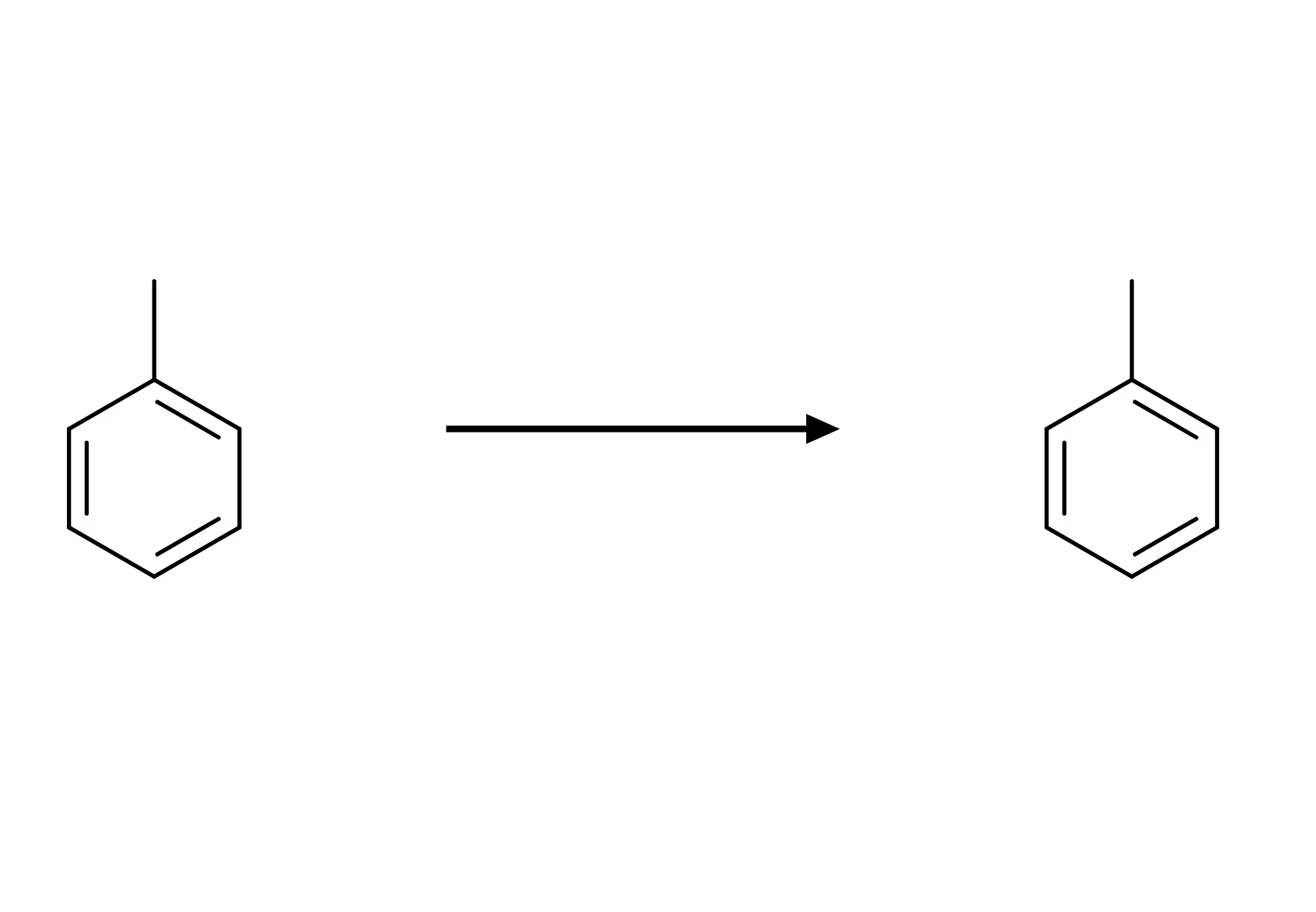
Edit the copy into the product, and add conditions over the arrow. See How to draw a reaction.
Is this helpful?
Last updated Nov 12, 2026
- Still stuck? Read the FAQ or contact support.
- Something wrong on this page? Tell us.
- For AI tools: llms.txt