
How to draw a catalytic cycle
Select the intermediates in order and press Ctrl+Alt+Y (Make catalytic cycle). Select an arc to Name this step…, Make this step reversible or Make this step one-way. Tidy, Reverse and Remove catalytic cycle act on the whole cycle.
A catalytic cycle shows a catalyst passing through a series of intermediates and coming back to where it started, with an arrow for each step.
Steps
Draw or insert the intermediates, two or more.
Select them, in the order the cycle runs. Ctrl+A takes them in the order they were drawn.
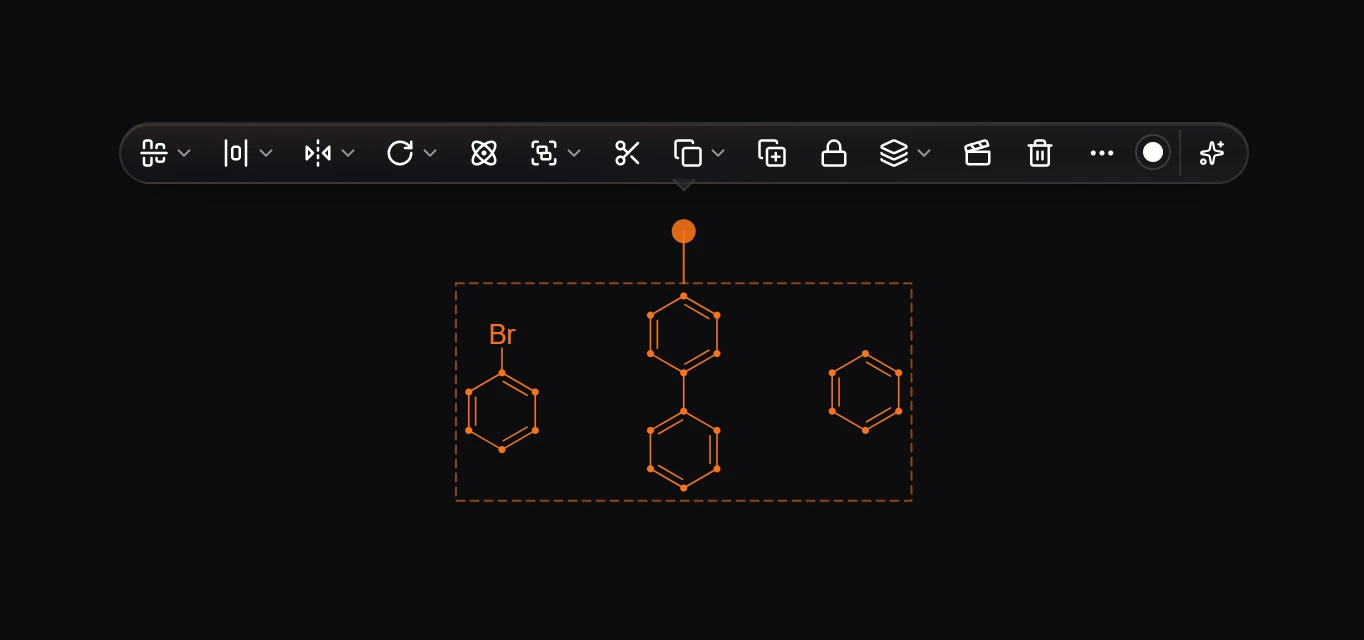
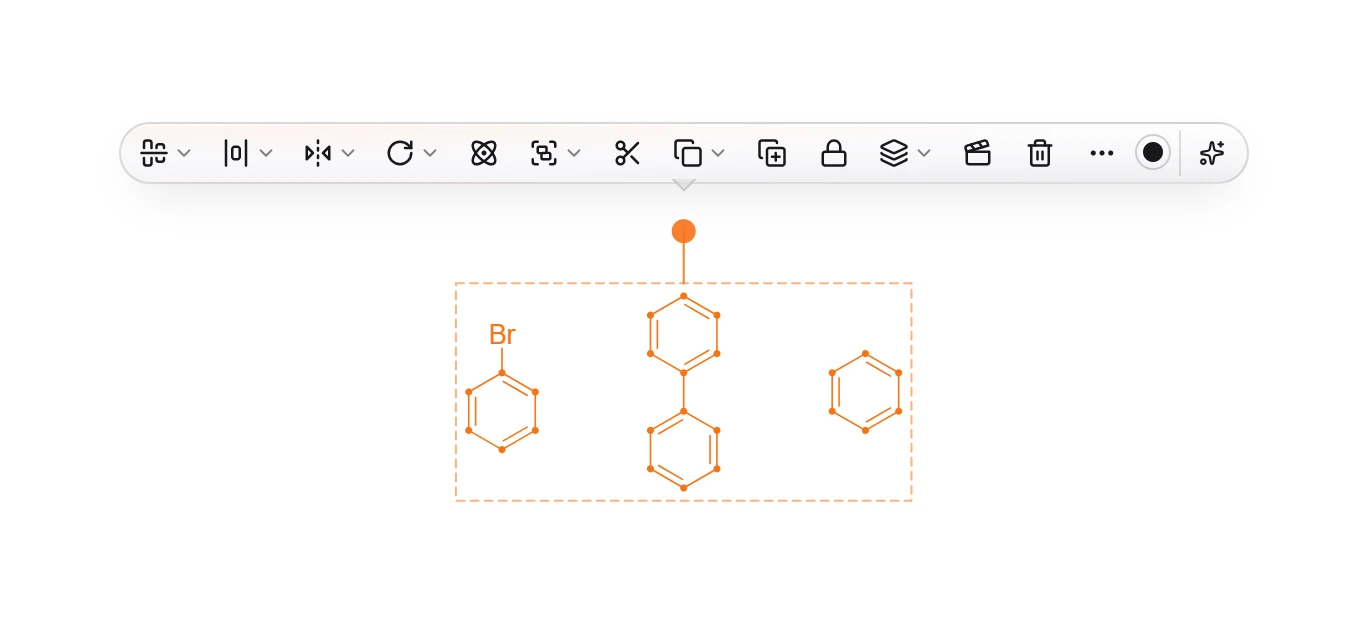
Press Ctrl+Alt+Y, or choose Insert › Make catalytic cycle. The structures move onto a circle with a curved arrow from each one to the next.

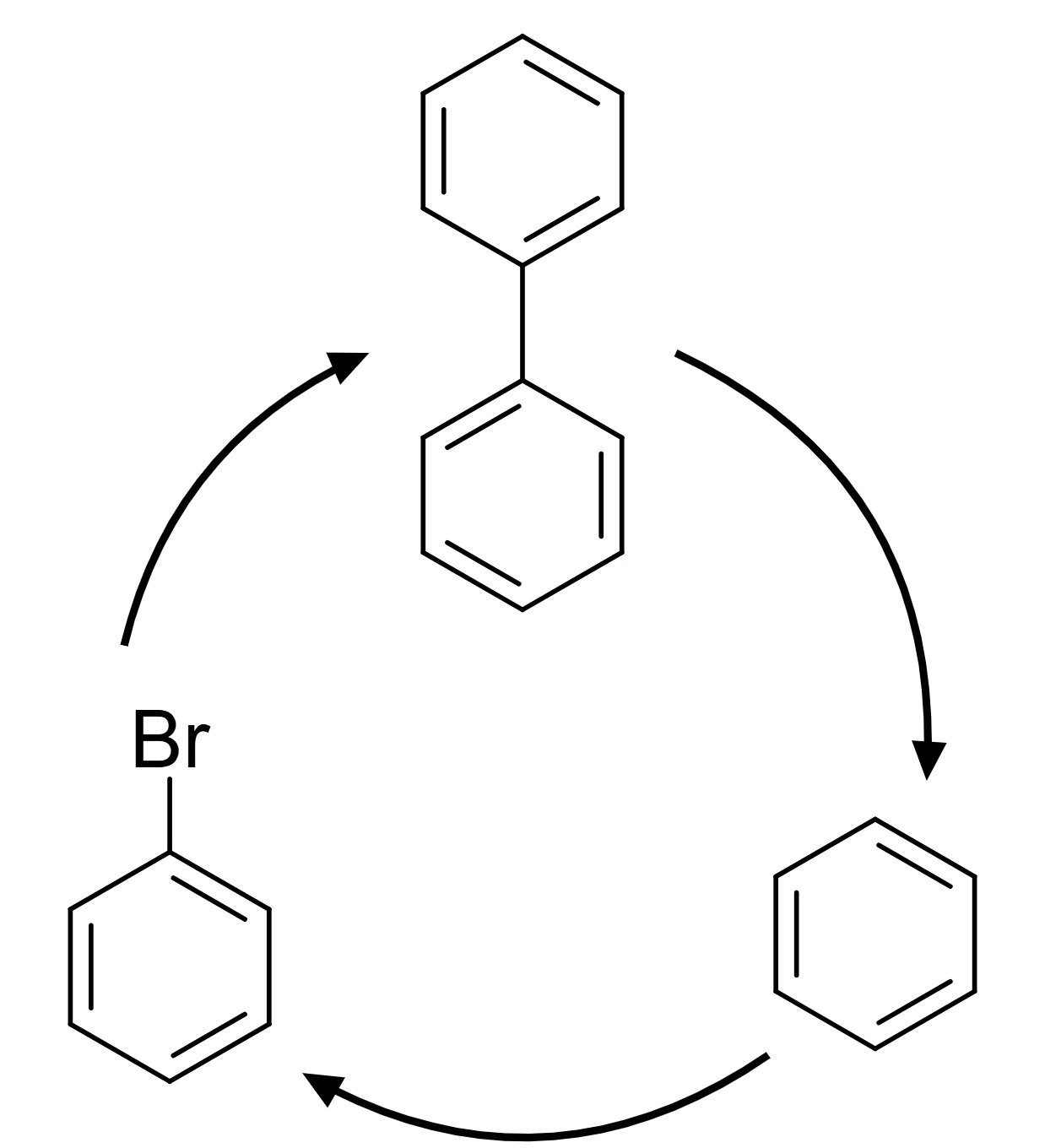
Edit the cycle
Select one of the arrows of the cycle (an arc), then from the Object menu:
- Name this step… writes the step's name, such as "oxidative addition", beside its arrow.
- Make this step reversible and Make this step one-way change its arrow.
For the whole cycle, select any structure on it and use the Insert menu:
- Tidy catalytic cycle spaces everything evenly on the circle again.
- Reverse catalytic cycle runs it the other way.
- Remove catalytic cycle takes the arrows away and leaves the structures.
Is this helpful?
Last updated Nov 12, 2026
- Still stuck? Read the FAQ or contact support.
- Something wrong on this page? Tell us.
- For AI tools: llms.txt