
How to balance a chemical equation
Choose Object › Chemistry › Balance a typed equation and type it, such as Fe + O2 -> Fe2O3. Athanor gives 4Fe + 3O2 -> 2Fe2O3 with the oxidation states. Press Insert to place it.
Balance a typed equation
Choose Main menu › Object › Chemistry › Balance a typed equation.
Type the equation. Separate species with + and write the arrow as -> or =. Charges go after ^, as in
MnO4^-orFe^3+.Under Solution, keep As written, or pick Acidic or Basic for a redox reaction in water.
The balanced equation appears, with the Oxidation states and what is Oxidized and Reduced.
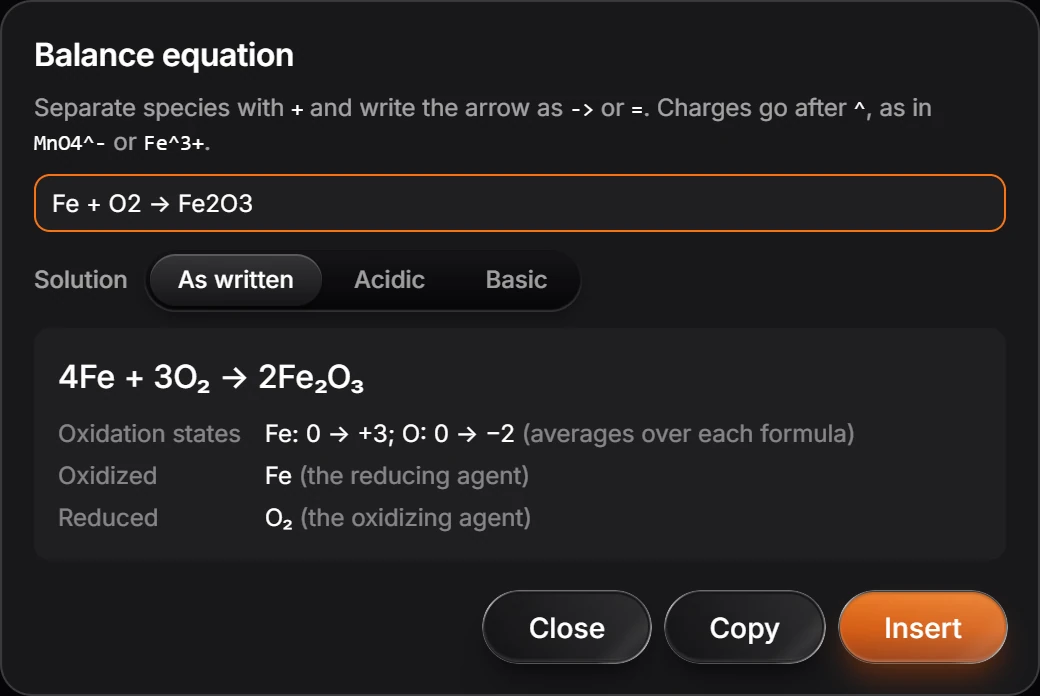
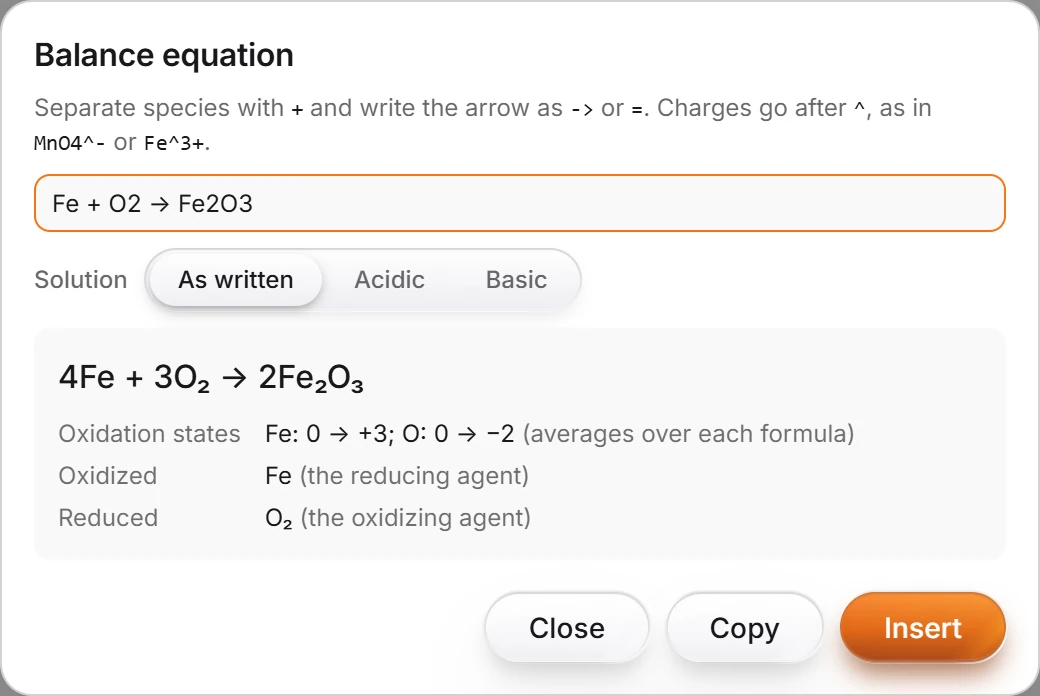
Press Insert to put it on the page, or Copy.
Balance a drawn reaction
Select a drawn reaction and choose Main menu › Object › Chemistry › Balance equation. When no coefficients balance every element, for example because a by-product such as water is not drawn, Athanor says so and offers Open balancer.
Is this helpful?
Last updated Nov 12, 2026
- Still stuck? Read the FAQ or contact support.
- Something wrong on this page? Tell us.
- For AI tools: llms.txt