
How to tidy a reaction scheme
Select the reaction arrow and press Ctrl+Shift+X (Clean up reaction). The reactants, arrow and products move into a row with even spacing; the structures themselves do not change.
Steps
Select the reaction's arrow: click it with Select (V), or click its row (Reaction arrow) in the Layers panel.
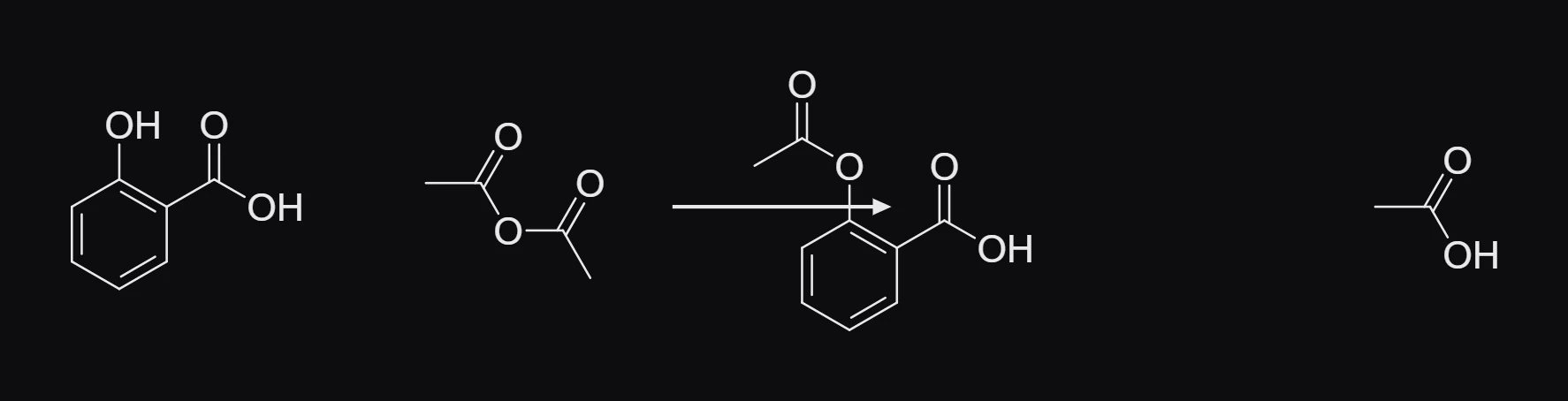
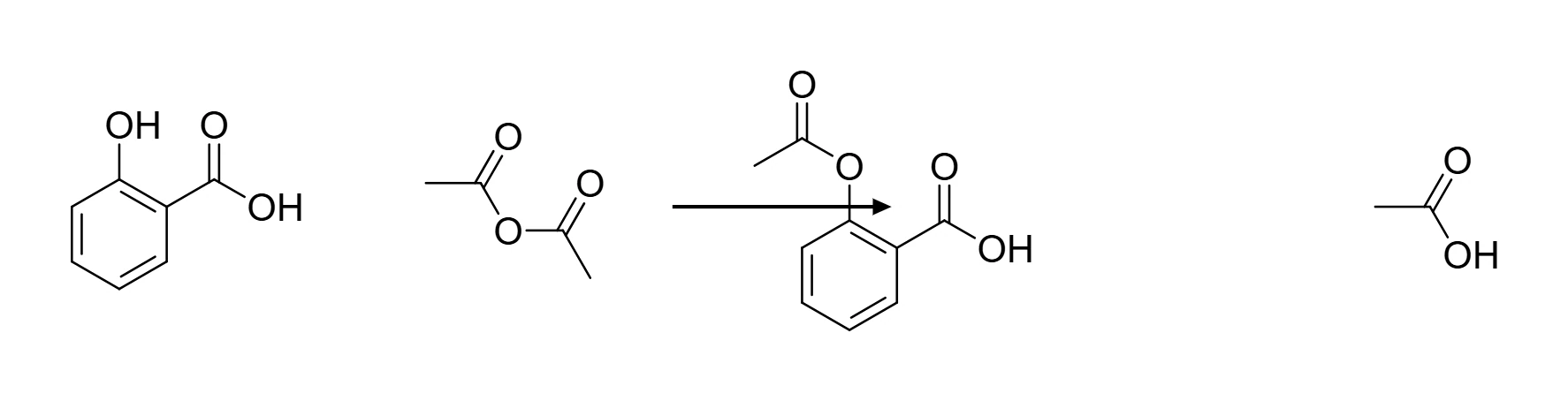
Press Ctrl+Shift+X, or choose Object › Chemistry › Clean up reaction.
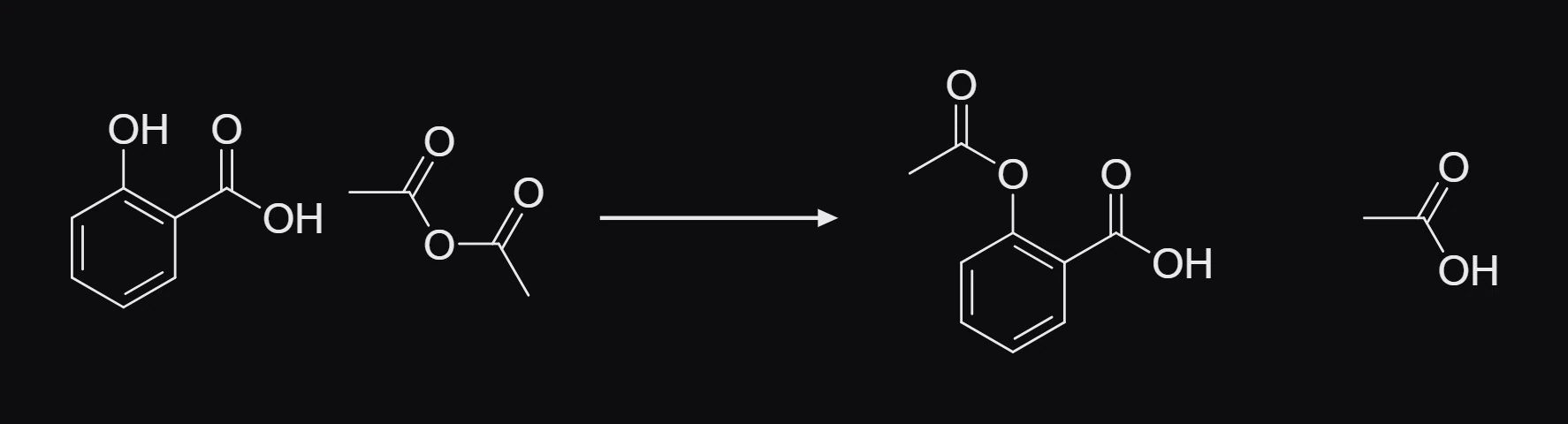
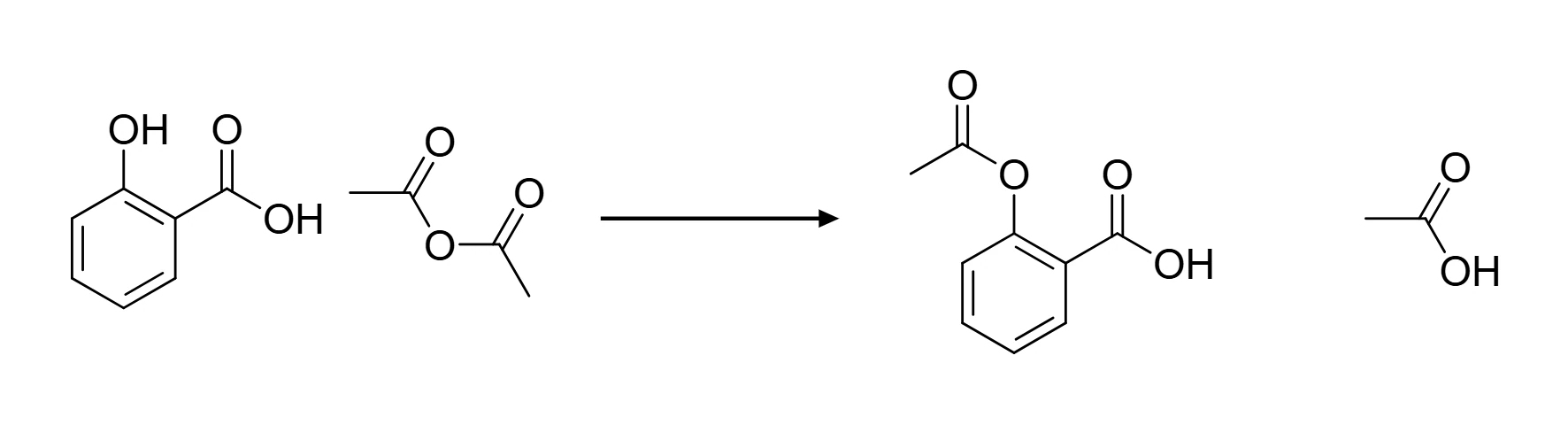
Only positions change. To tidy the drawing of each structure as well, select them and use Clean up structure (Ctrl+Shift+K).
Is this helpful?
Last updated Nov 12, 2026
- Still stuck? Read the FAQ or contact support.
- Something wrong on this page? Tell us.
- For AI tools: llms.txt