
How to make and apply a brand kit
Choose Insert › Brand kit. Make a kit from this document with a name, footer and logo, or import a kit file. Applying a kit locks its colors and text styles in the document.
Steps
Choose Main menu › Insert › Brand kit.
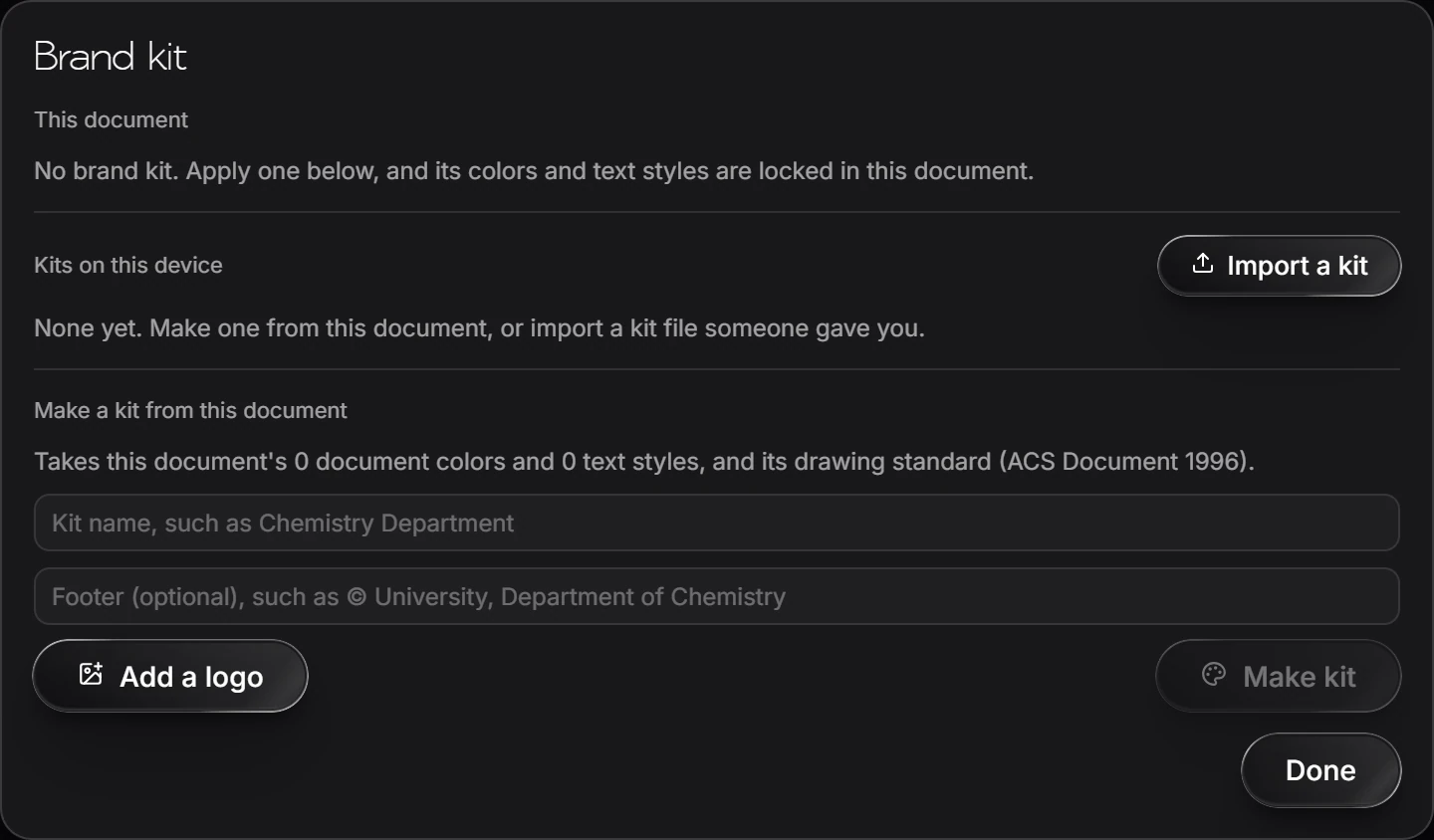
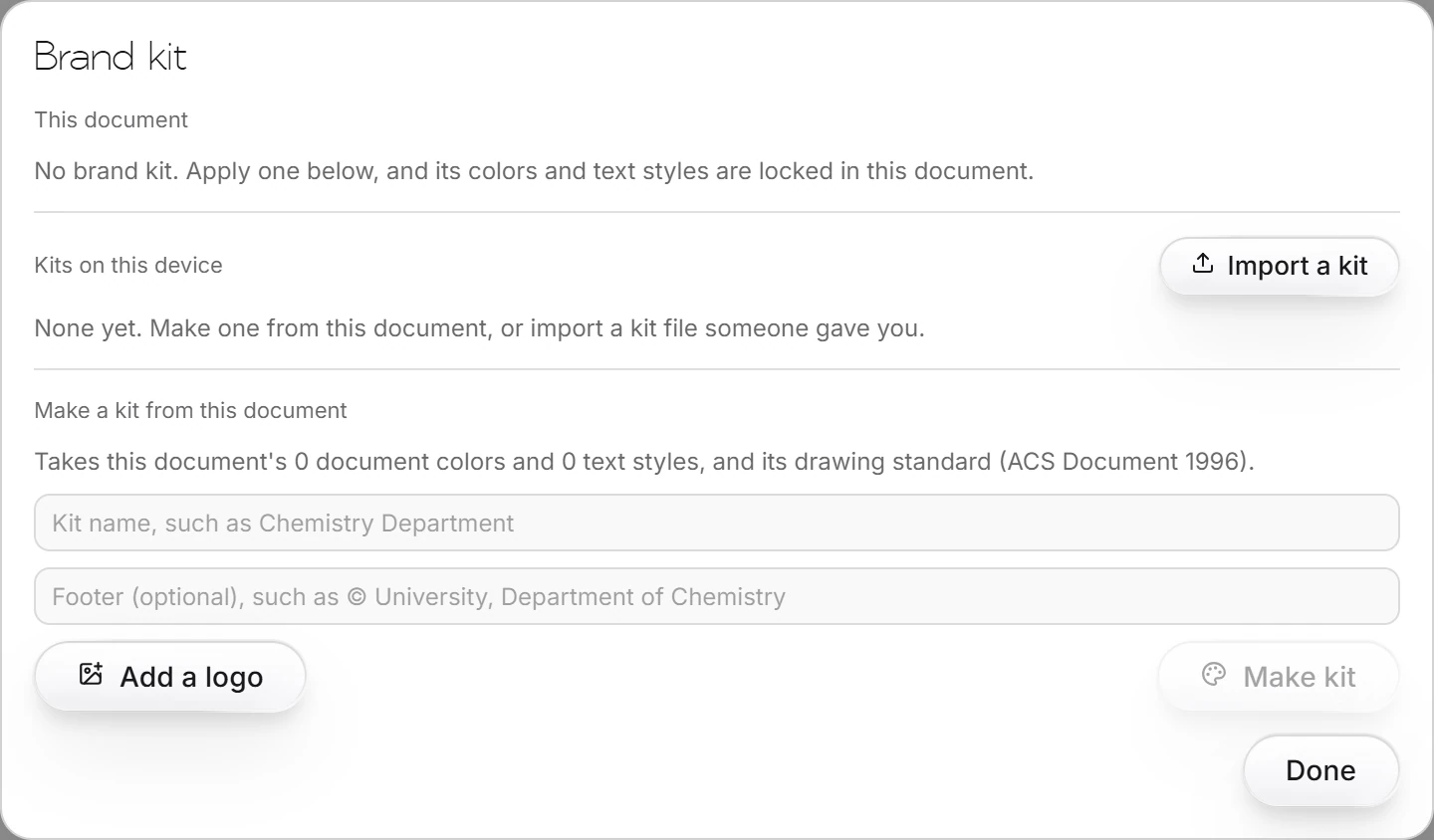
To make a kit, fill in Make a kit from this document: a name (such as a department), an optional footer, and Add a logo. The kit takes this document's document colors, text styles and drawing standard. Press Make kit.
To use a kit, pick it under Kits on this device, or Import a kit file someone gave you. Its colors and text styles are then locked in this document.
Kits are kept on this device.
Is this helpful?
Last updated Nov 12, 2026
- Still stuck? Read the FAQ or contact support.
- Something wrong on this page? Tell us.
- For AI tools: llms.txt