
How to pick a journal style
With nothing selected, open Properties and pick a Document type, such as ACS Document 1996. Every structure in the document is drawn to that standard.
Steps
Click an empty part of the canvas so nothing is selected.
In Properties, open Document type.
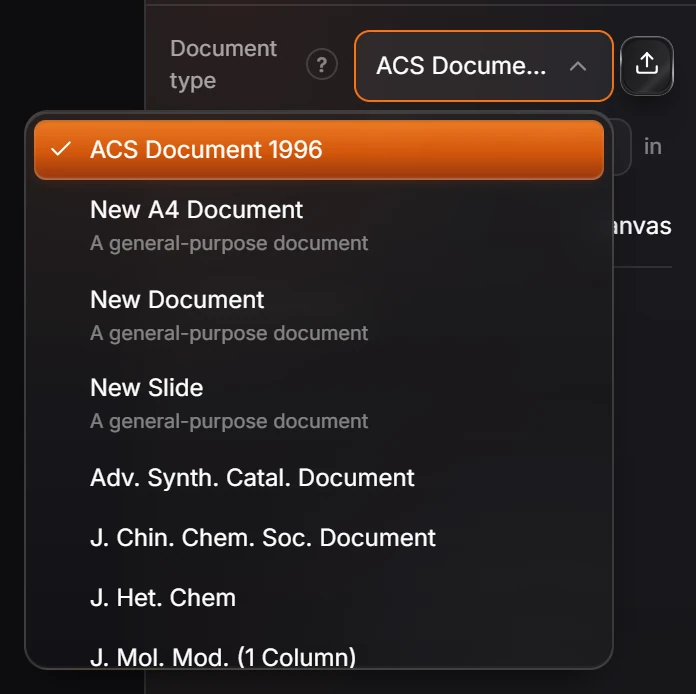
Pick the standard the journal asks for. Bond length, line widths, label fonts and spacing follow it for every structure in the document.
New documents start in ACS Document 1996, the style most chemistry journals accept. See How to export a figure for a paper.
Is this helpful?
Last updated Nov 12, 2026
- Still stuck? Read the FAQ or contact support.
- Something wrong on this page? Tell us.
- For AI tools: llms.txt