
How to build a peptide, DNA or RNA from its sequence
Choose Insert › Build from sequence…, type the one-letter sequence, pick Peptide, DNA or RNA and Residues or Full structure, and press Insert.
Steps
Choose Main menu › Insert › Build from sequence….
Type the sequence in one-letter codes, for example
GLSDGEWQQVLNVWGK. The window reads it back with the residue count, the three-letter sequence, the formula and the molar mass.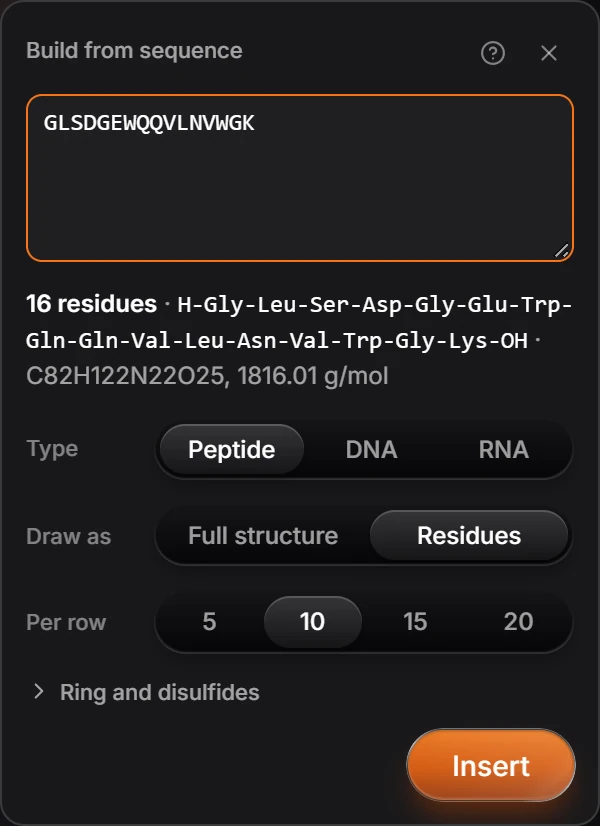
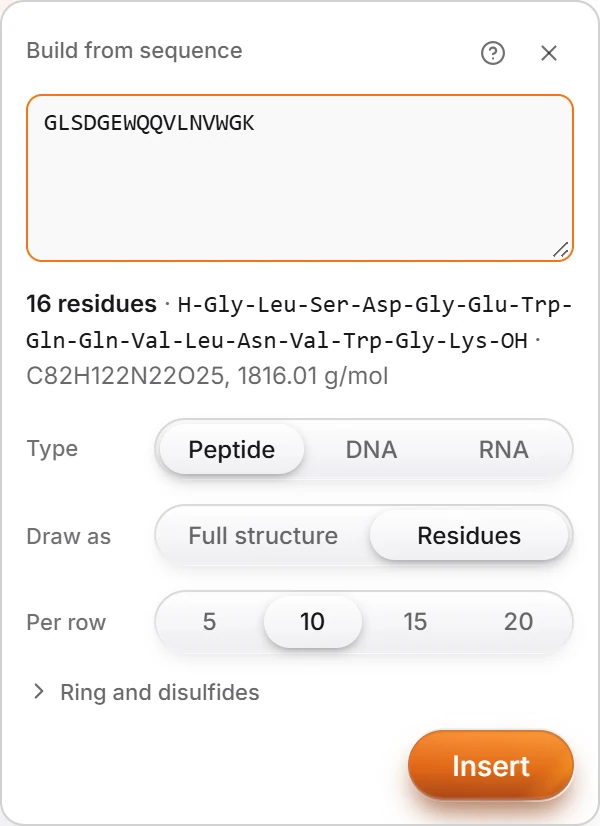
Pick the Type: Peptide, DNA or RNA.
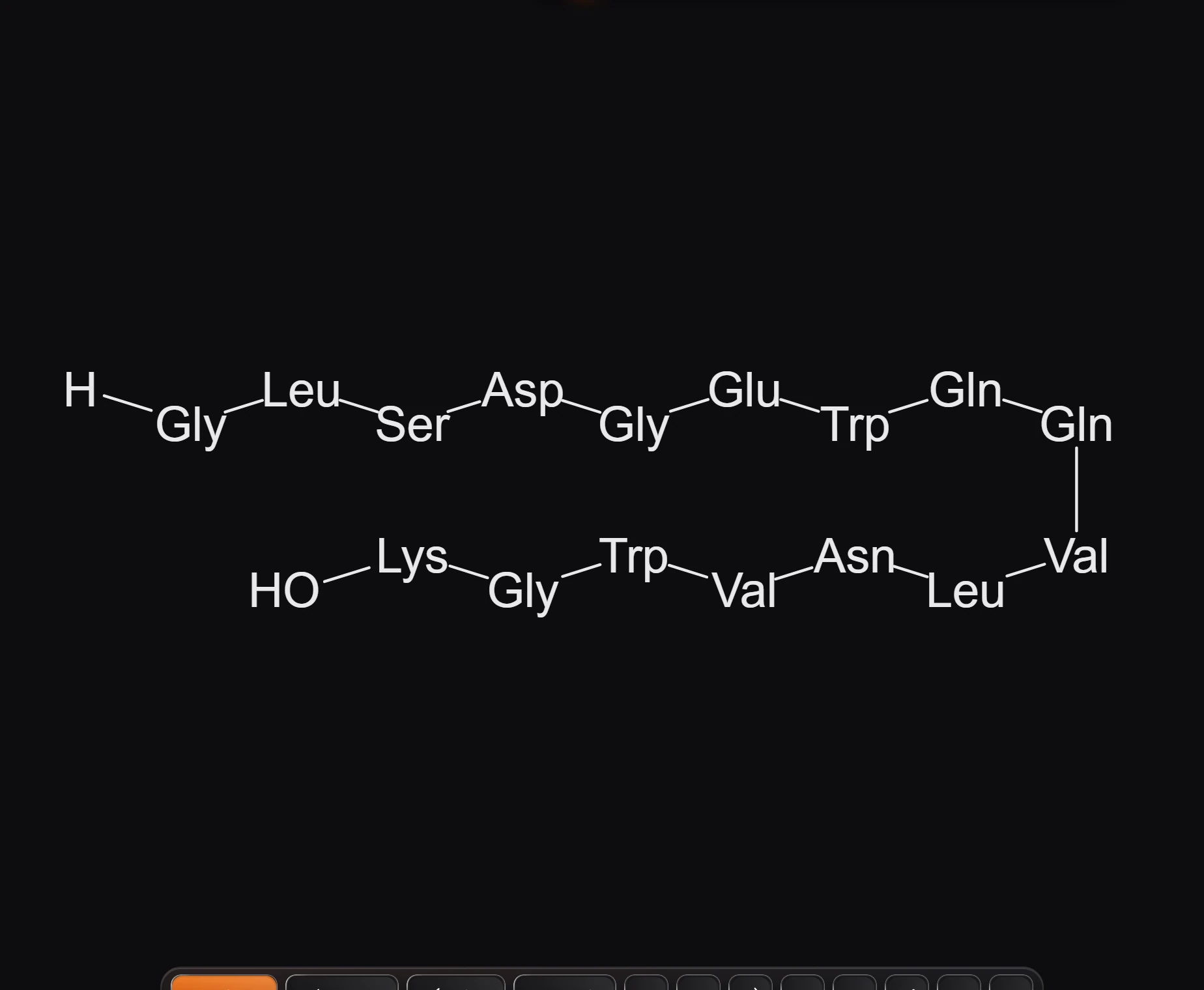
Pick Draw as: Residues for three-letter blocks, or Full structure for every atom. With residues, Per row sets how many go on a line.
Ring and disulfides opens the options for a cyclic chain and disulfide bridges.
Press Insert.
Is this helpful?
Last updated Nov 12, 2026
- Still stuck? Read the FAQ or contact support.
- Something wrong on this page? Tell us.
- For AI tools: llms.txt