
How to browse and add monomers
Choose Object › Chemistry › Monomers. Switch between Peptide, Nucleotide and Chemical, search by id or name, and add your own with an id and a SMILES with attachment points.
Steps
Choose Main menu › Object › Chemistry › Monomers.
Pick Peptide, Nucleotide or Chemical, and Name or Structure to show them as.
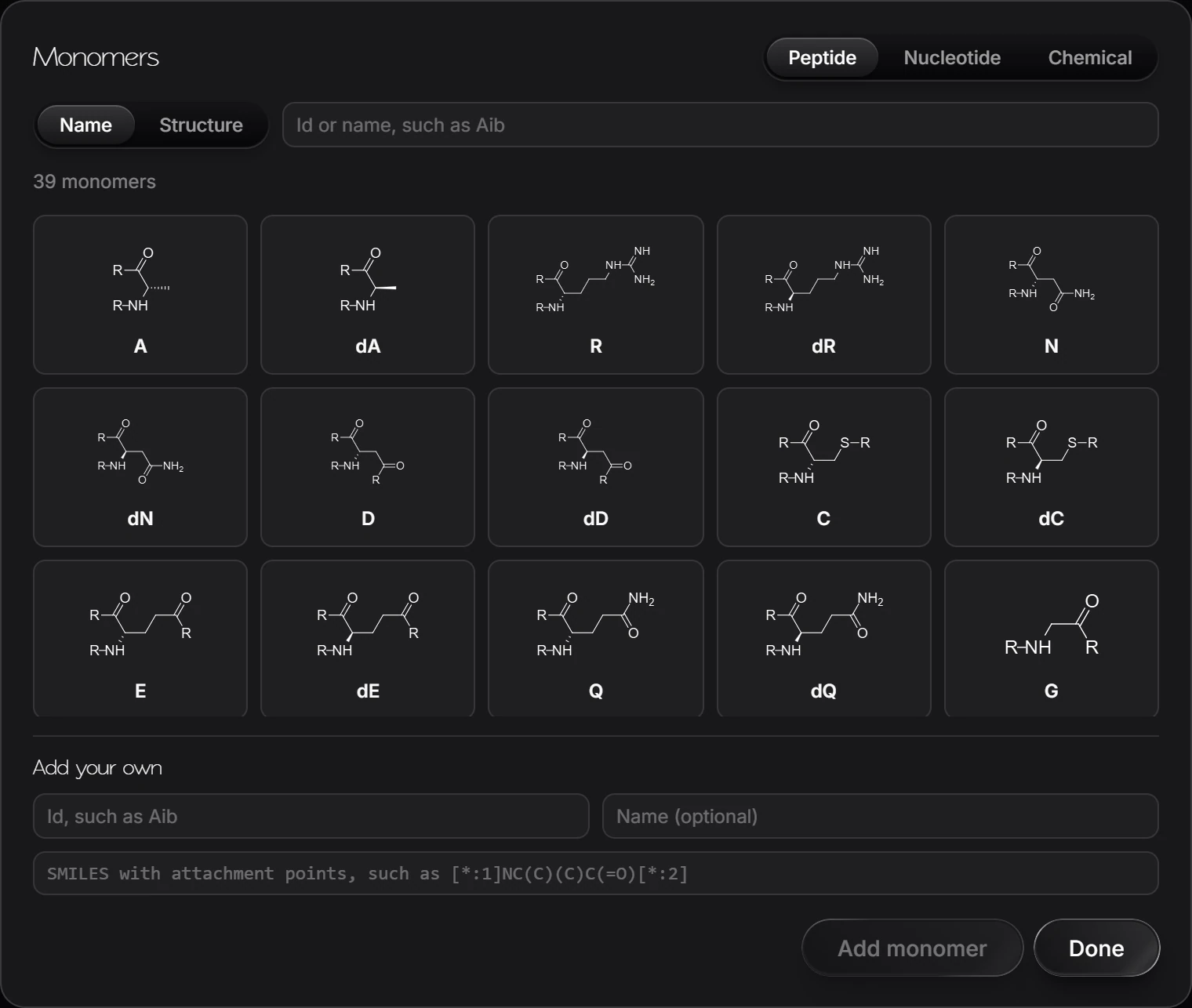
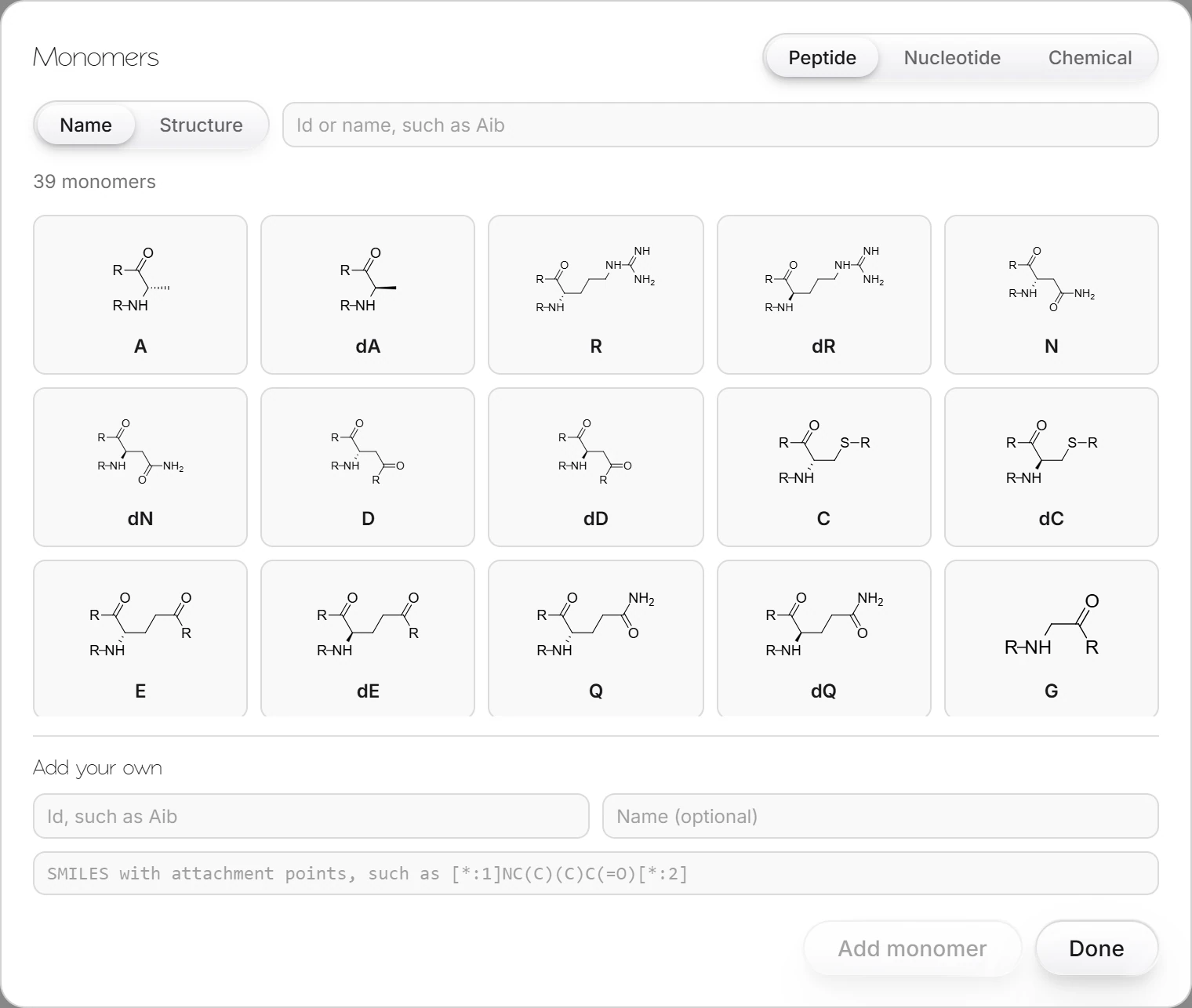
Search by id or name, for example
Aib.
Add your own
Under Add your own, give an id (such as Aib), an optional name, and a SMILES with attachment points, such as [*:1]NC(C)(C)C(=O)[*:2]. Press Add monomer.
Is this helpful?
Last updated Nov 12, 2026
- Still stuck? Read the FAQ or contact support.
- Something wrong on this page? Tell us.
- For AI tools: llms.txt