
How to draw a plasmid map
Choose Insert › Plasmid map…, paste a sequence, FASTA or GenBank (or Paste an example), pick Circular or Linear, check the Map, Sites and Primers tabs, and press Insert the map.
Steps
Choose Main menu › Insert › Plasmid map….
Paste a sequence, FASTA or GenBank text, or press Paste an example.
Choose the topology: As the file says, Circular or Linear. The line under it reads back the length and how the text was read.
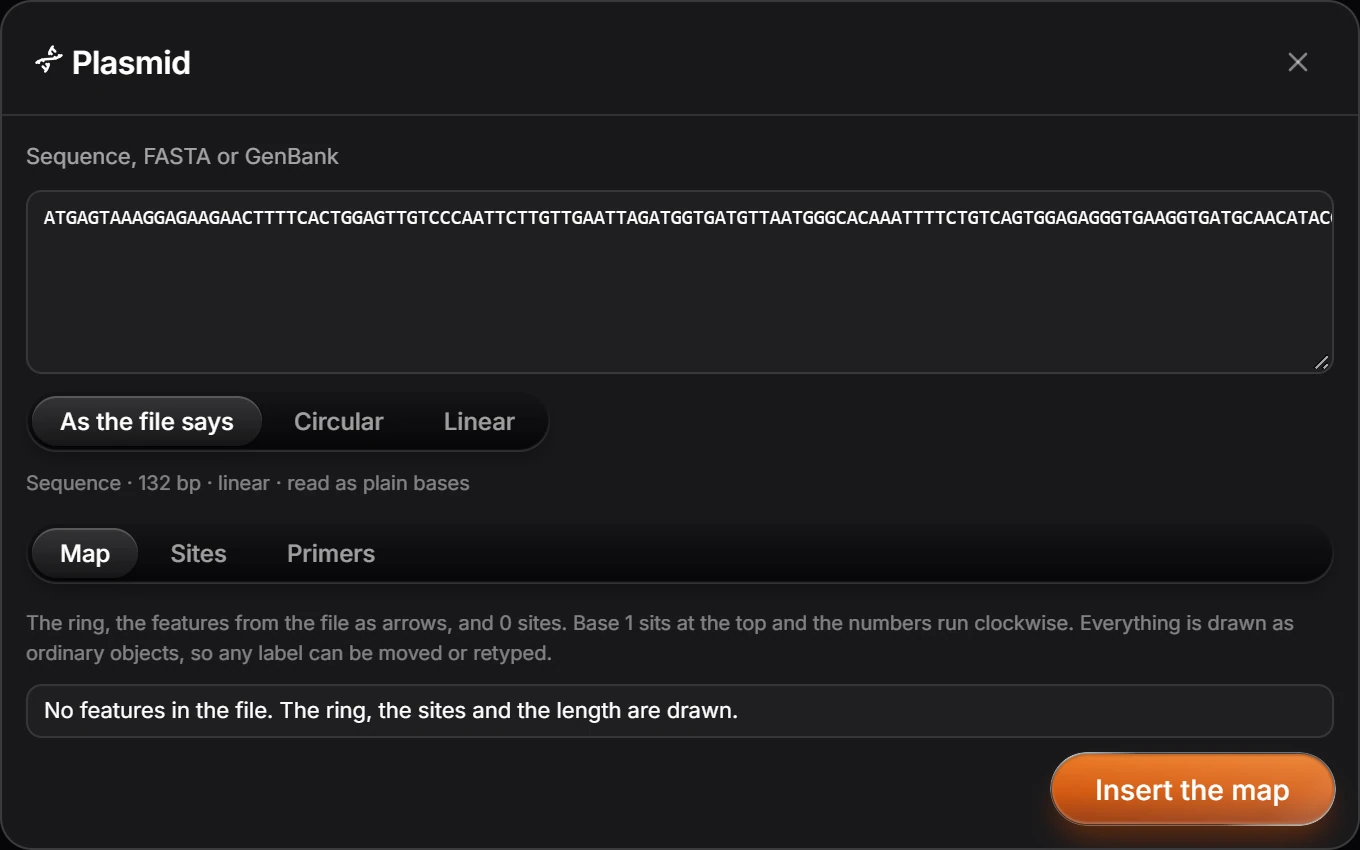
Check Map, Sites and Primers. The map draws the ring, the features from the file as arrows, and the sites; base 1 sits at the top and the numbers run clockwise.
Press Insert the map.
Everything is drawn as ordinary objects, so any label can be moved or retyped.
Is this helpful?
Last updated Nov 12, 2026
- Still stuck? Read the FAQ or contact support.
- Something wrong on this page? Tell us.
- For AI tools: llms.txt