
How to align two sequences
Select two sequences, or open Object › Chemistry › Align two sequences and paste two sequences or two FASTA records. Press Align to see the identity, gaps, score and the aligned pair.
Steps
Select the two sequences on the page, or choose Main menu › Object › Chemistry › Align two sequences and paste them: two sequences, one per line, or two FASTA records. DNA, RNA or one-letter protein all work.
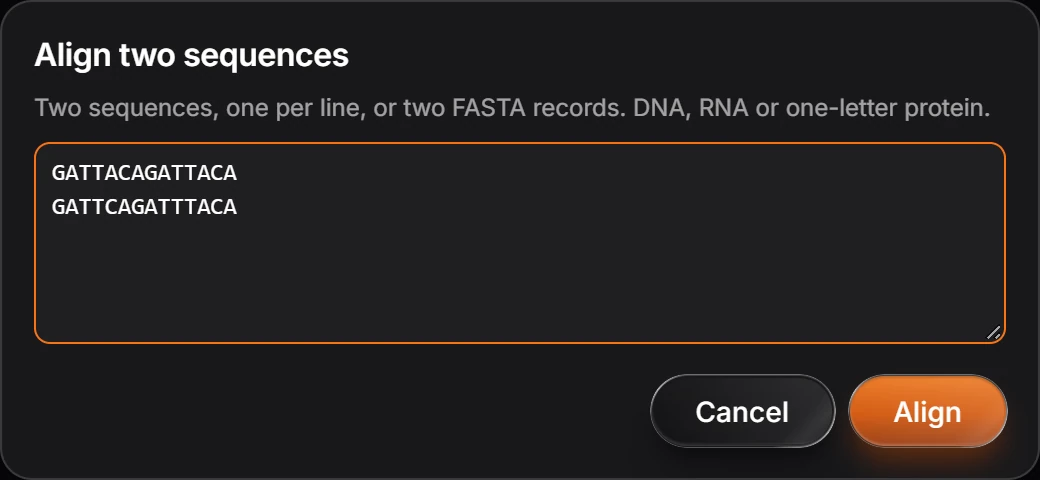
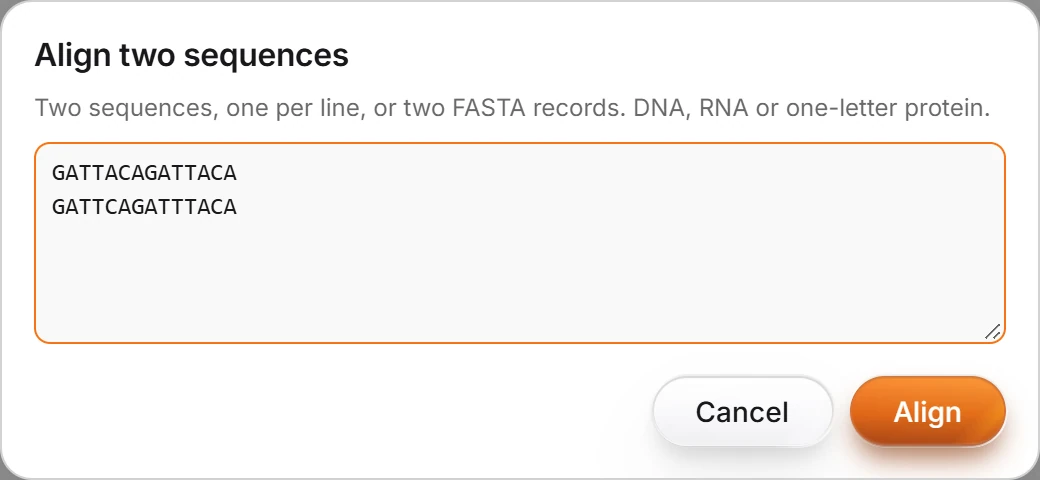
Press Align. The result gives the Identity, the Gaps and the Score, then the two sequences aligned, with a bar under each match and a dash at each gap.
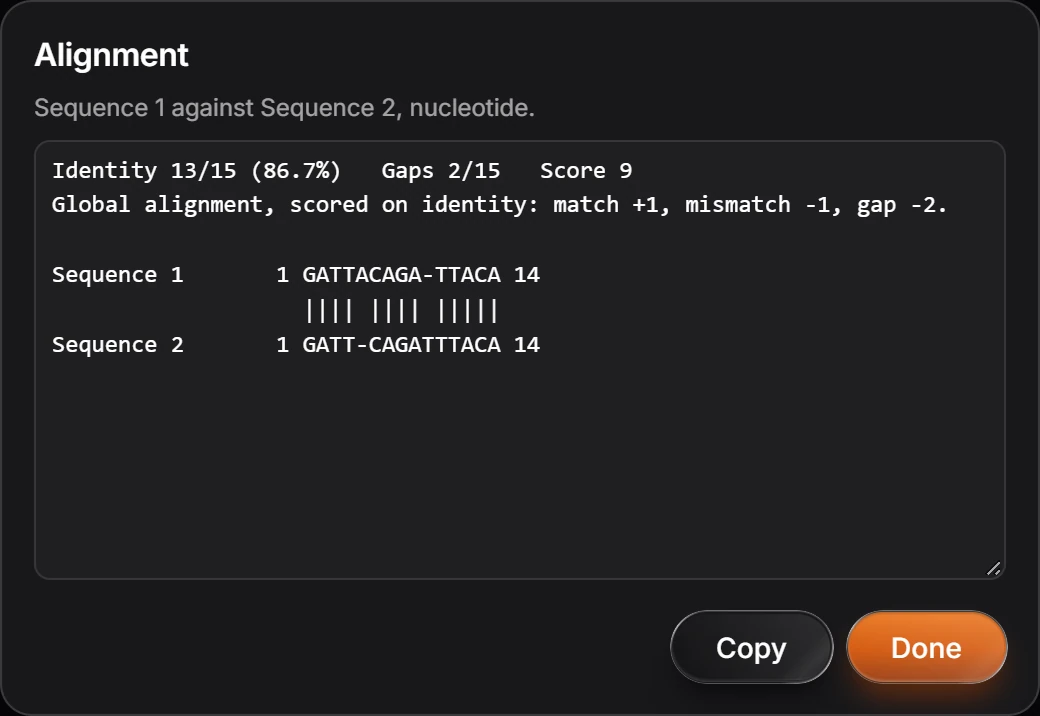
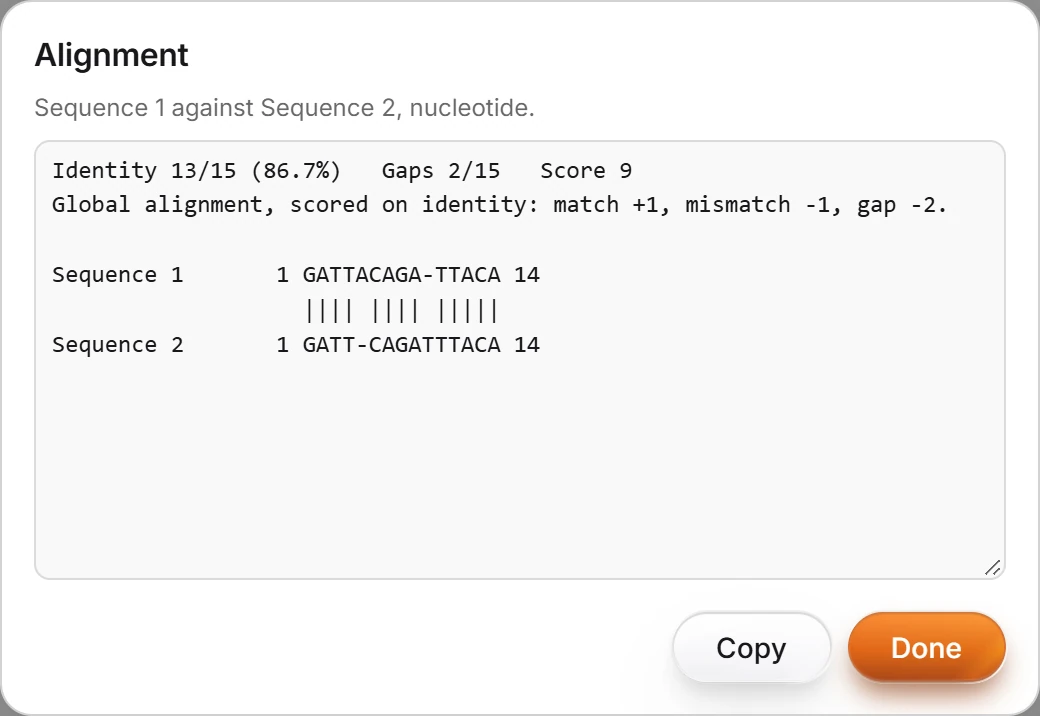
Press Copy to copy the alignment as text.
The alignment is global, scored on identity: a match is +1, a mismatch -1 and a gap -2.
Is this helpful?
Last updated Nov 12, 2026
- Still stuck? Read the FAQ or contact support.
- Something wrong on this page? Tell us.
- For AI tools: llms.txt