
How to label and measure in 3D
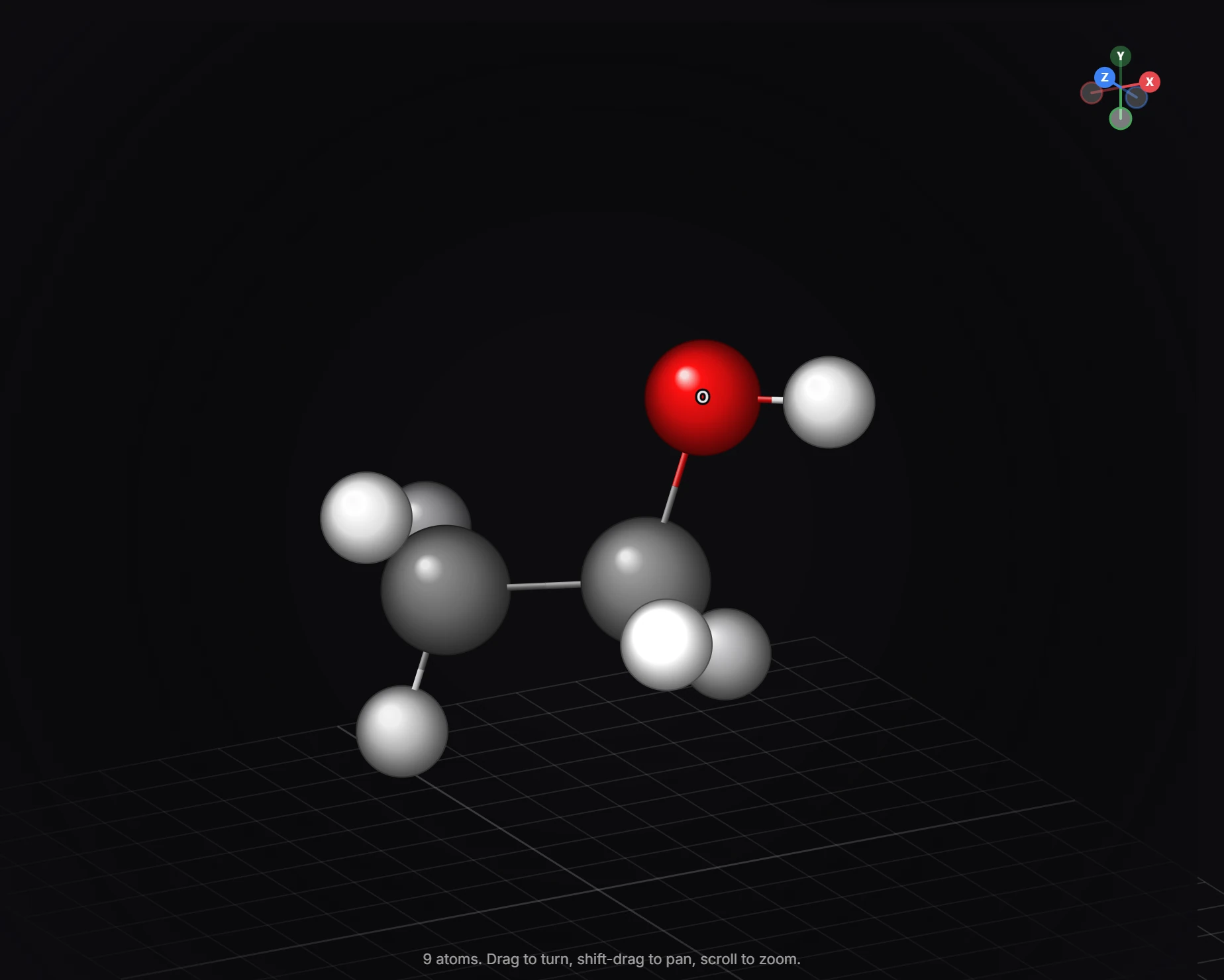
In the 3D view, pick a style (ball and stick, stick, space filling, ionic radii, wireframe) and turn on Hydrogens (H), Labels (T), Lone pairs (L), Orbitals (O), Bond angles (A) and Symmetry elements (S).
Open the 3D view (Shift+D).
Style
The first buttons on the upper bar set the style: Ball and stick, Stick, Space filling, Ionic radii (ions at Shannon's six-coordinate radii, other atoms at van der Waals radii) and Wireframe. Look and Material set how the camera and surfaces render.
What to show
| Button | Key | Shows |
|---|---|---|
| Ground grid | G | A grid to orient the structure against |
| Hydrogens | H | The hydrogens, placed by VSEPR (they are implicit in the drawing) |
| Labels | T | Element symbols, and R/S and E/Z from the drawing |
| Lone pairs | L | Lone pairs on every atom that has one |
| Orbitals | O | The orbitals attached to atoms, see-through |
| Bond angles | A | The angles at the selected atom. Select an atom first |
| Symmetry elements | S | Rotation axes and mirror planes of this conformer |
Views
Front (1) looks straight at the plane it was drawn in, Top (7) and Side (3) from above and the side, Reset the view (0) goes back, and Focus (F) centers on what is selected. Esc goes back to 2D.
Is this helpful?
Last updated Nov 12, 2026
- Still stuck? Read the FAQ or contact support.
- Something wrong on this page? Tell us.
- For AI tools: llms.txt