
How to use the guides in the Library
Open Library › Guides and pick a guide, such as Drawing shortcuts, Orbitals and diagrams, Reading an MO diagram or AI assistant: what to ask.
Steps
Open the Library tab and choose Guides.
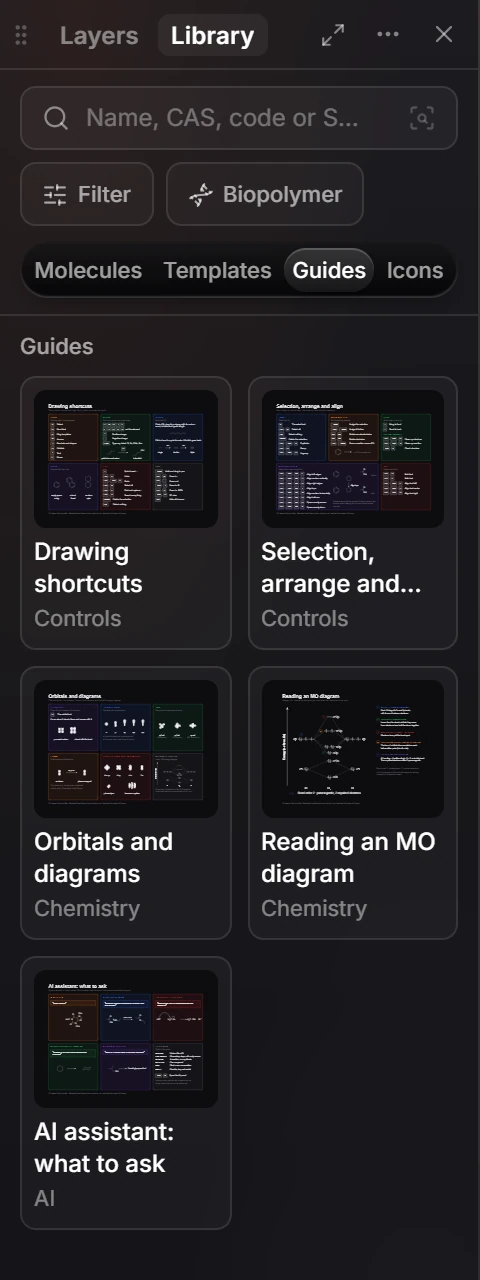
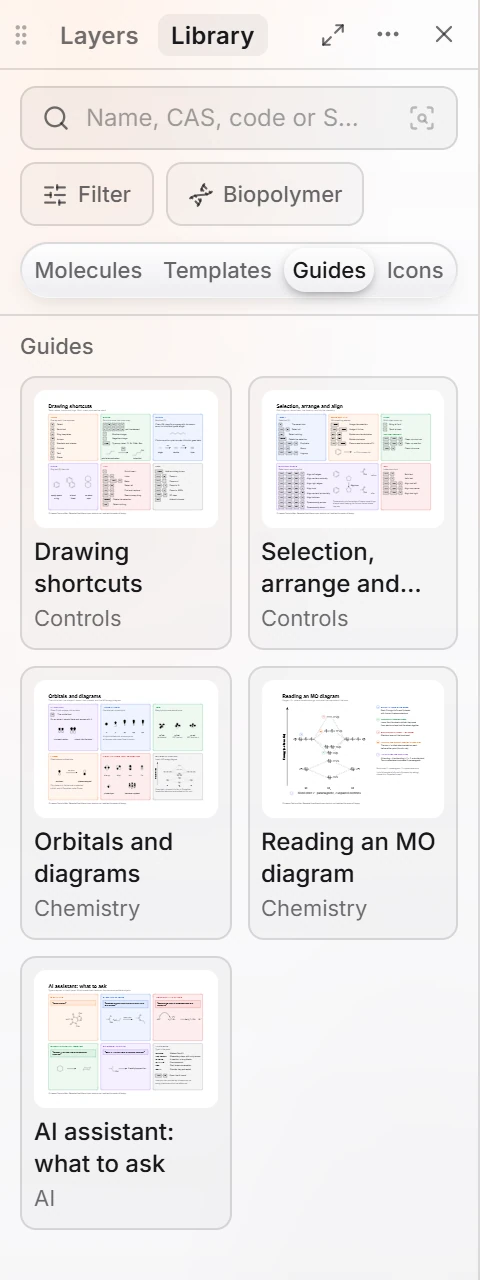
Pick a guide. Drawing shortcuts is generated from Athanor's own shortcuts, so it matches the version you are using.
| Guide | Covers |
|---|---|
| Drawing shortcuts | Tools, atoms, bonds and rings |
| Selection, arrange and… | Selecting and arranging |
| Orbitals and diagrams | Drawing orbitals |
| Reading an MO diagram | What an MO diagram shows |
| AI assistant: what to ask | Example requests |
The full list of shortcuts is also at Keyboard shortcuts.
Is this helpful?
Last updated Nov 12, 2026
- Still stuck? Read the FAQ or contact support.
- Something wrong on this page? Tell us.
- For AI tools: llms.txt