
How to search the library
Open the Library tab and type in the search box, for example caffeine. Matches are listed with their formula; official entries carry the Athanor mark. Drag one onto the canvas.
Steps
Open the Library tab beside Layers.
Type a name, CAS number, code or SMILES, for example
caffeine.Matches are listed with their formula. Official entries carry the Athanor mark.
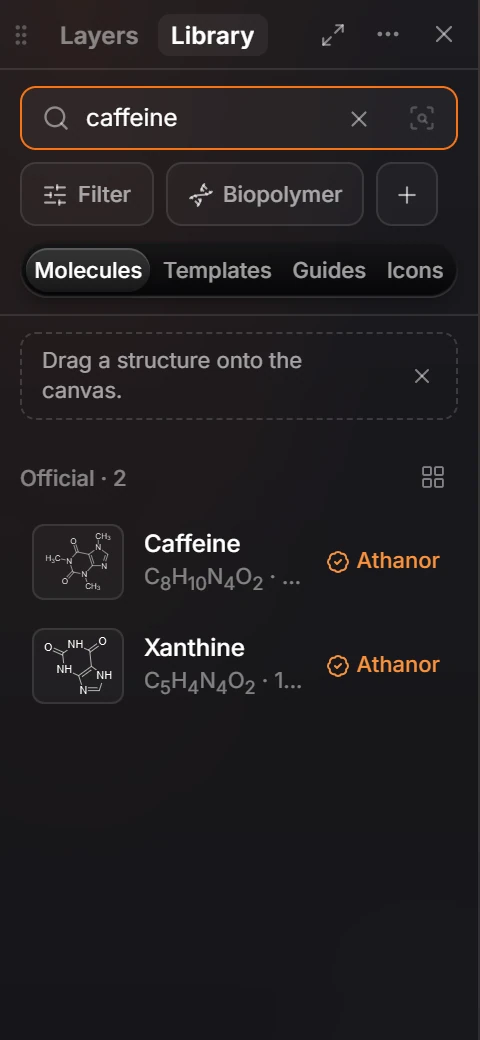
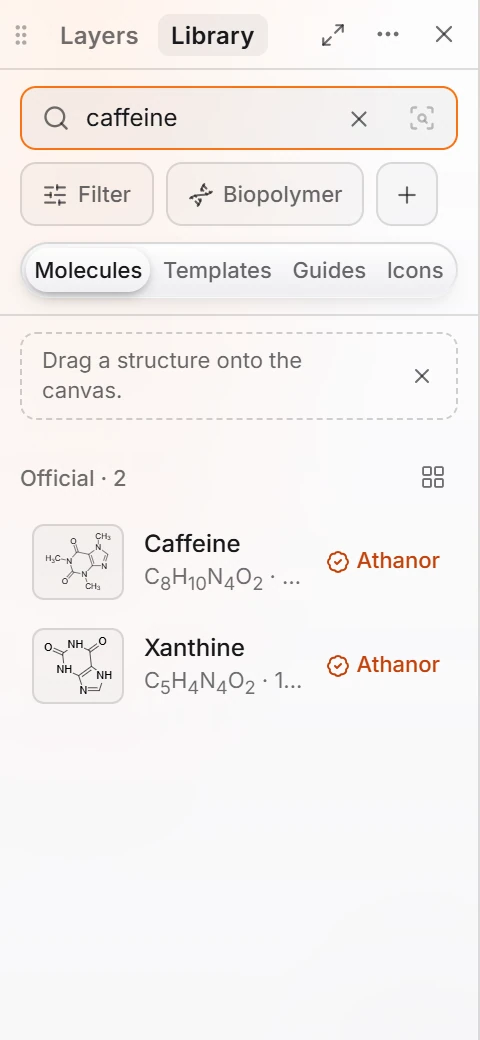
Drag one onto the canvas.
For a quick insert without opening the panel, press /. See Quick insert.
Is this helpful?
Last updated Nov 12, 2026
- Still stuck? Read the FAQ or contact support.
- Something wrong on this page? Tell us.
- For AI tools: llms.txt