
The Library panel
Open the Library tab beside Layers. Search by name, CAS, code or SMILES, browse categories, star favorites, and drag a structure onto the canvas.
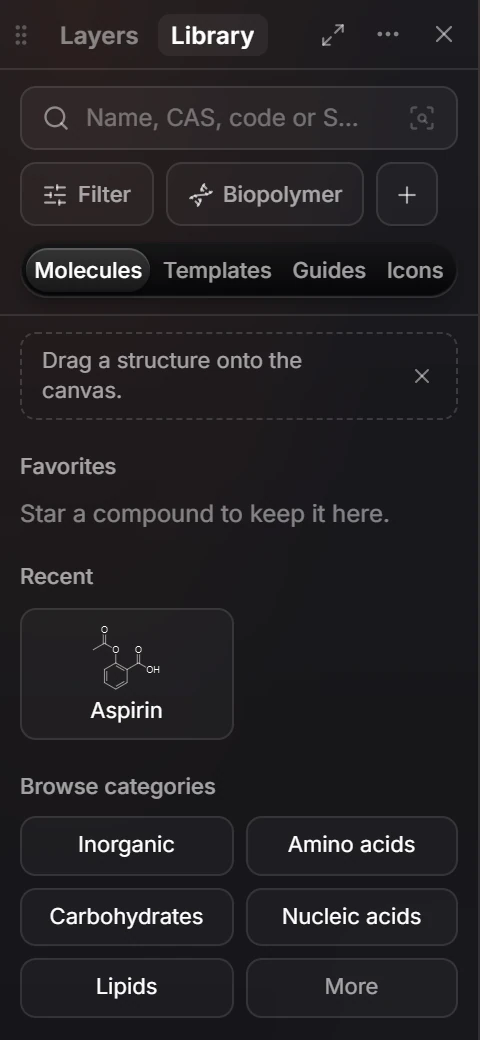
| Part | Does |
|---|---|
| Search | Finds a compound by name, CAS number, code or SMILES. See How to search the library |
| Filter | Narrows what is listed |
| Molecules, Templates, Guides, Icons | What the panel lists |
| Favorites | Compounds you starred |
| Recent | Compounds you used lately |
| Browse categories | Inorganic, Amino acids, Carbohydrates, Nucleic acids, Lipids and more |
Drag a structure onto the canvas to insert it.
Is this helpful?
Last updated Nov 12, 2026
- Still stuck? Read the FAQ or contact support.
- Something wrong on this page? Tell us.
- For AI tools: llms.txt