
How to export a mechanism as a video, GIF or slides
Open Export (Ctrl+Shift+E) and pick a format under Animation: MP4, GIF, Slides (.pptx), SVG, Lottie or Embed. Choose the background and the video size, then press Export. Save as video in the Timeline does the same.
Steps
Make the animation. See How to animate a reaction mechanism.
Press Ctrl+Shift+E for Export, or Save as video in the Timeline's bar.
Under Animation in the format list, pick one:
Format File Good for MP4 video Slides, video players, social posts GIF .gif Web pages and chat, plays everywhere Slides .pptx A PowerPoint deck SVG .svg An animated picture for web pages Lottie .json Apps and websites that play Lottie Embed a link Putting the live animation on another site Set Background (Transparent, White or Black) and Video size (720p, 1080p or 4K).
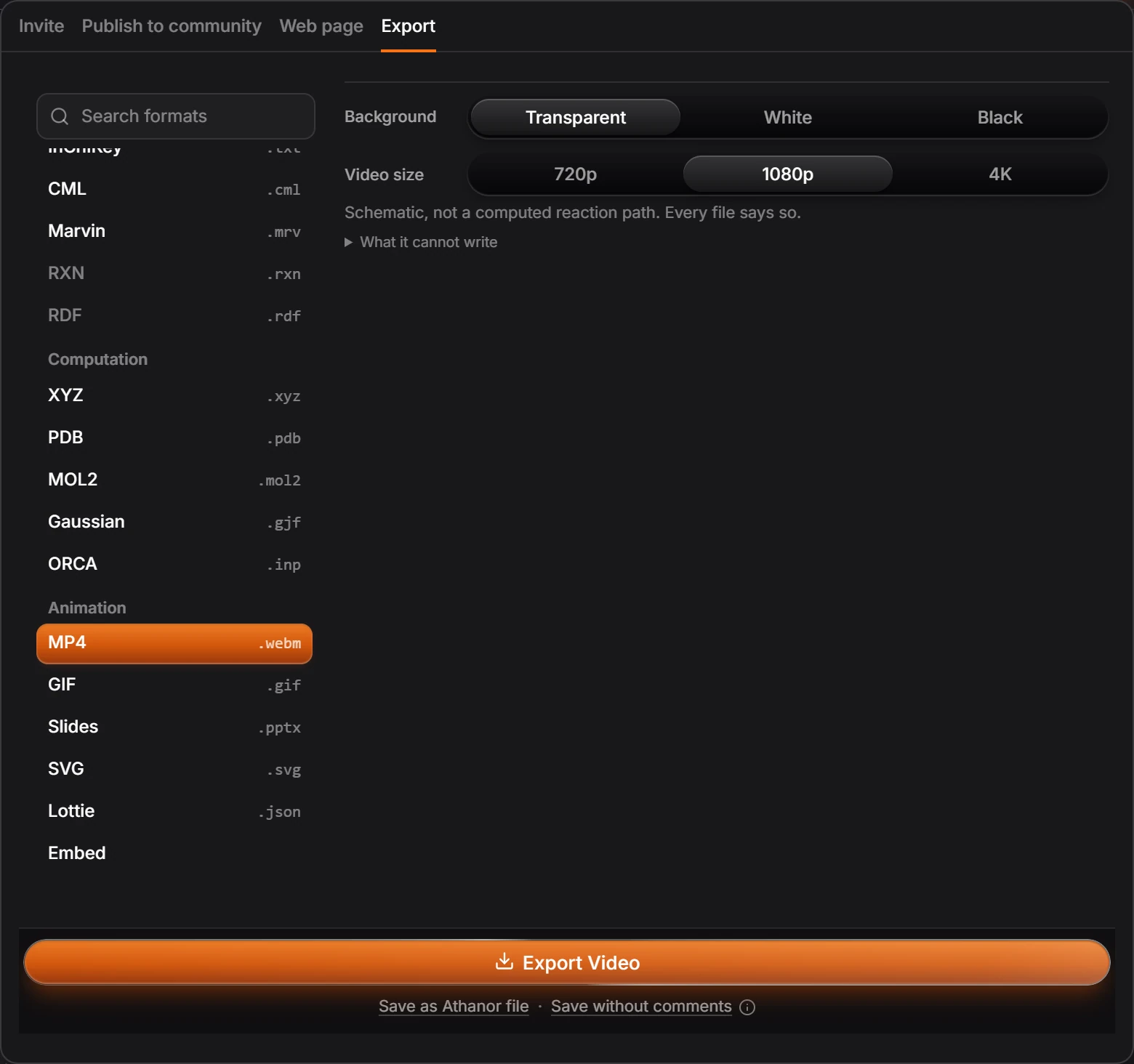
Press Export Video.
Note
The note under the options says what a film shows: a schematic, not a computed reaction path. What it cannot write lists anything the chosen format leaves out.
Needs an account
Embed publishes the animation to a link, which needs an arbastro account.
Is this helpful?
Last updated Nov 12, 2026
- Still stuck? Read the FAQ or contact support.
- Something wrong on this page? Tell us.
- For AI tools: llms.txt