
The Periodic table plugin
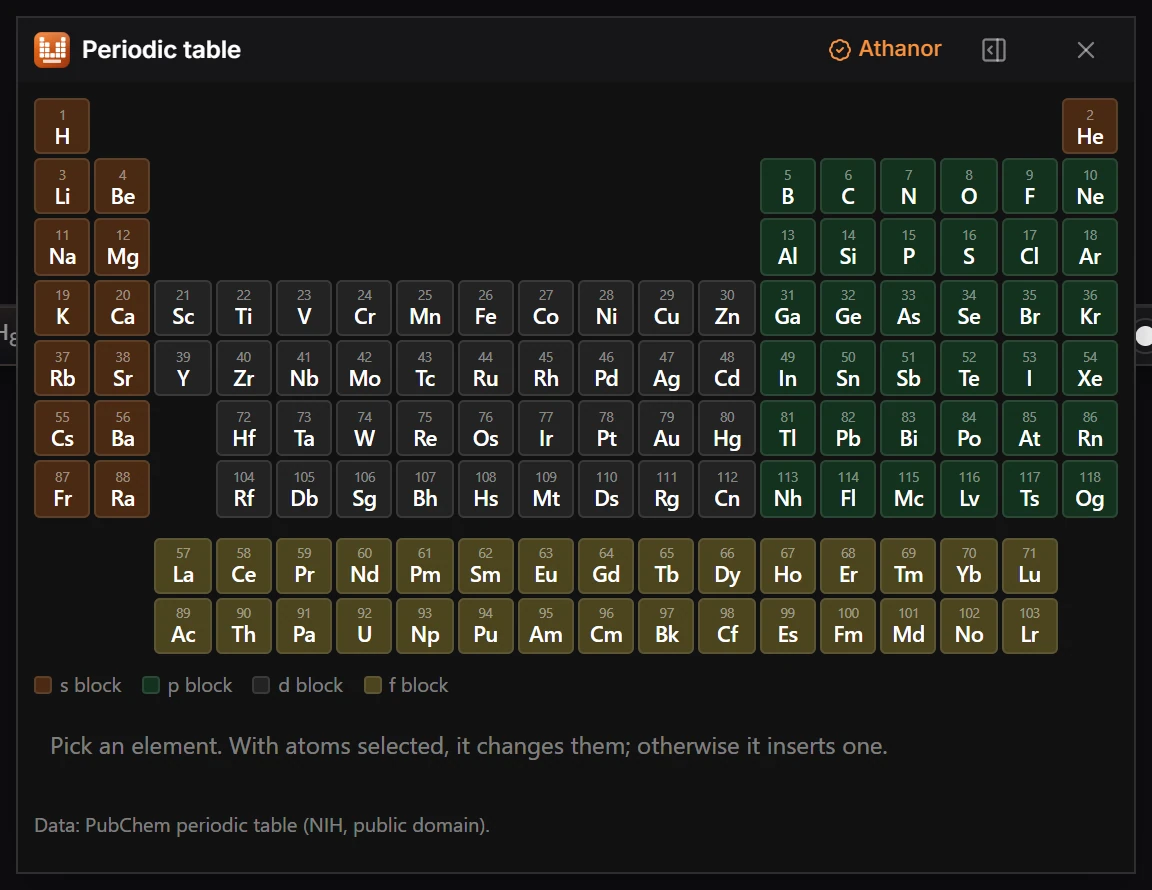
Choose Plugins › Periodic table › Open Periodic table, then pick an element. With atoms selected it changes them; without a selection it inserts the element.
Steps
- Choose Plugins in the top bar, then Periodic table › Open Periodic table.
- To change atoms, select them first, then pick an element. Without a selection, picking an element inserts it.
- Plugins › Periodic table › Search Elements… finds an element by name or symbol.
The elements are colored by block (s, p, d and f). The data is the PubChem periodic table (NIH, public domain).
To change one atom without the window, point at it and type its symbol. See How to change atoms.
Is this helpful?
Last updated Nov 12, 2026
- Still stuck? Read the FAQ or contact support.
- Something wrong on this page? Tell us.
- For AI tools: llms.txt