
How to start a plugin and find where it lives
In the Plugins window, click the plugin. Where to find it says where its window or command lives, and the button under it, such as Open, starts it.
Steps
Open the Plugins window (Plugins › Browse plugins… or Manage plugins…) and click the plugin.
Read Where to find it in the detail column. For Solution and buffer calculator it says the window opens from Plugins in the top bar.
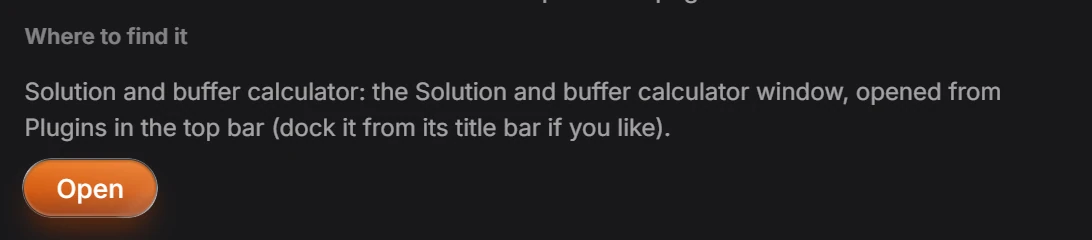
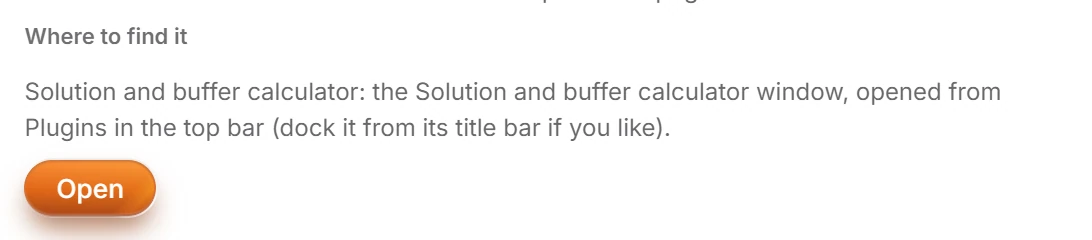
Press Open under it to start the plugin now.
From then on, a plugin's window opens from Plugins in the top bar, and its commands are also in Main menu › Object › Plugins and the command palette (Ctrl+K).
Is this helpful?
Last updated Nov 12, 2026
- Still stuck? Read the FAQ or contact support.
- Something wrong on this page? Tell us.
- For AI tools: llms.txt