
The Plugins button
Press Plugins in the top bar. The menu lists each installed plugin with what it opens, such as Periodic table or Formula finder, then Browse plugins to find more and Manage plugins for the ones you have.
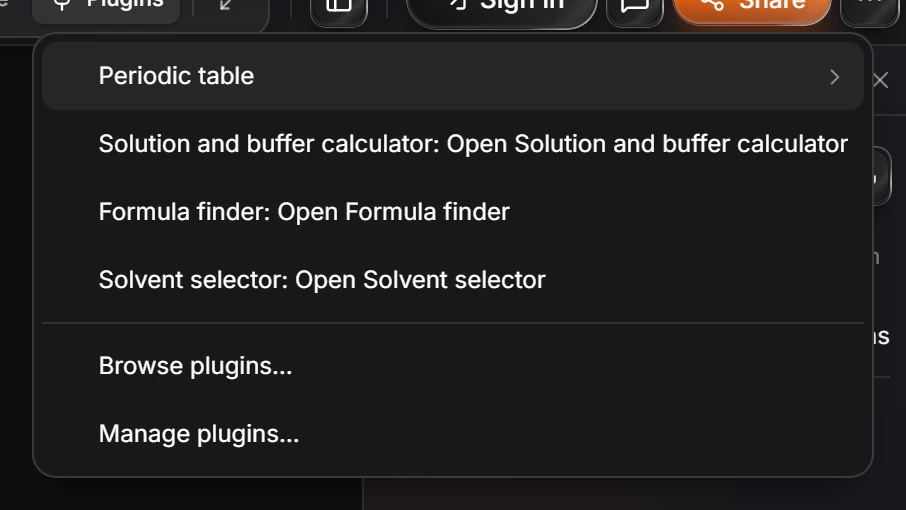
What the menu lists
- Each installed plugin and what it opens, for example Formula finder: Open Formula finder. A plugin with more than one command gets a submenu: Periodic table opens to Open Periodic table and Search Elements….
- Browse plugins… opens the Plugins window on Discover, to find and install more. See How to browse and install plugins.
- Manage plugins… opens it on Installed, where you turn plugins off, change what they may do, or uninstall them.
Four official plugins come installed: Periodic table, Solution and buffer calculator, Formula finder and Solvent selector. See Official plugins.
Other ways in
The same commands are in Main menu › Object › Plugins and in the command palette (Ctrl+K).
Is this helpful?
Last updated Nov 12, 2026
- Still stuck? Read the FAQ or contact support.
- Something wrong on this page? Tell us.
- For AI tools: llms.txt