
How to move, dock and close plugin windows
A plugin window opens floating over the canvas. Drag its title bar to move it, press the dock button in the title bar to dock it beside the canvas, and close it with the X.
Steps
Open a plugin's window, for example Plugins › Periodic table › Open Periodic table. It floats over the canvas with the plugin's name in its title bar.
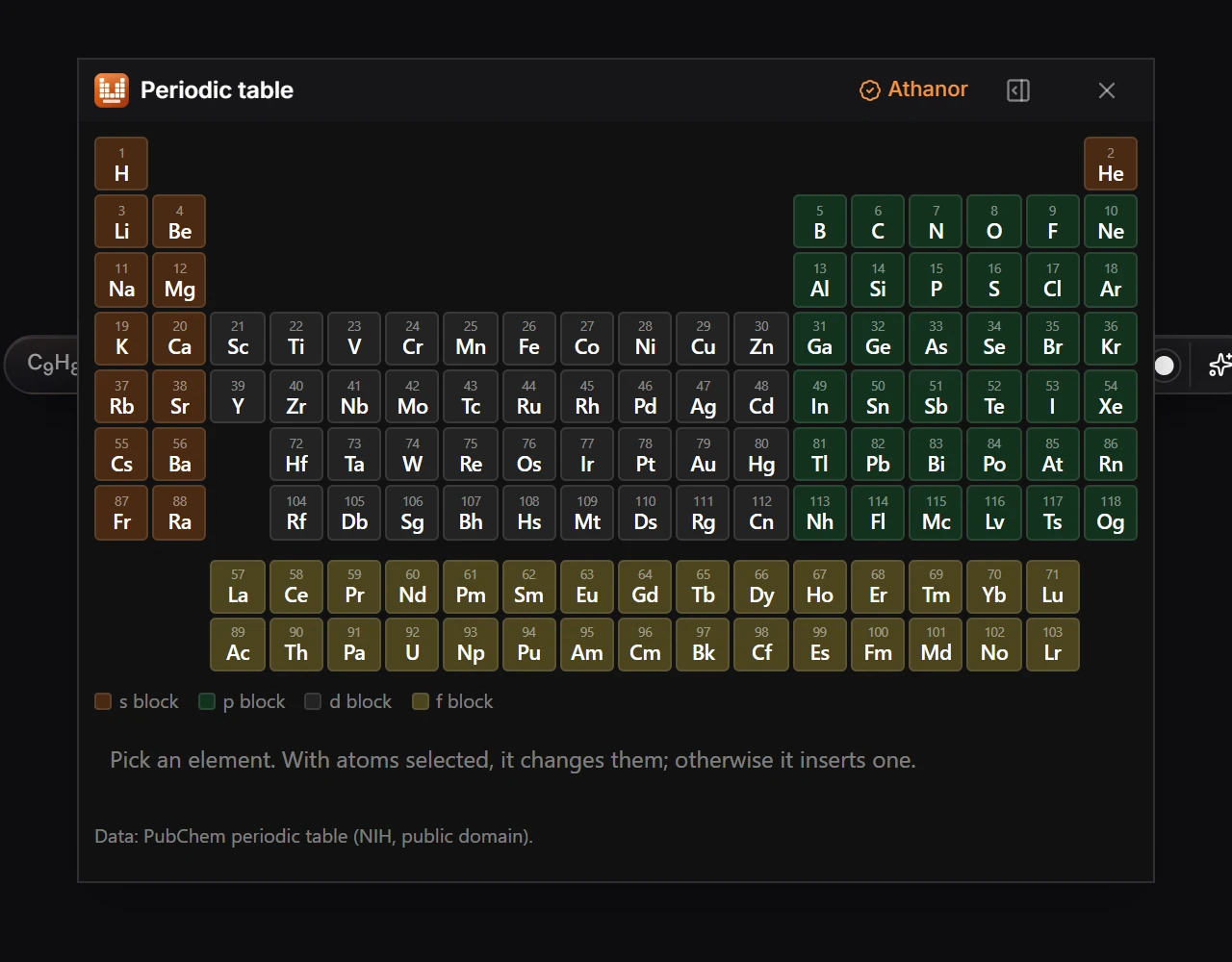
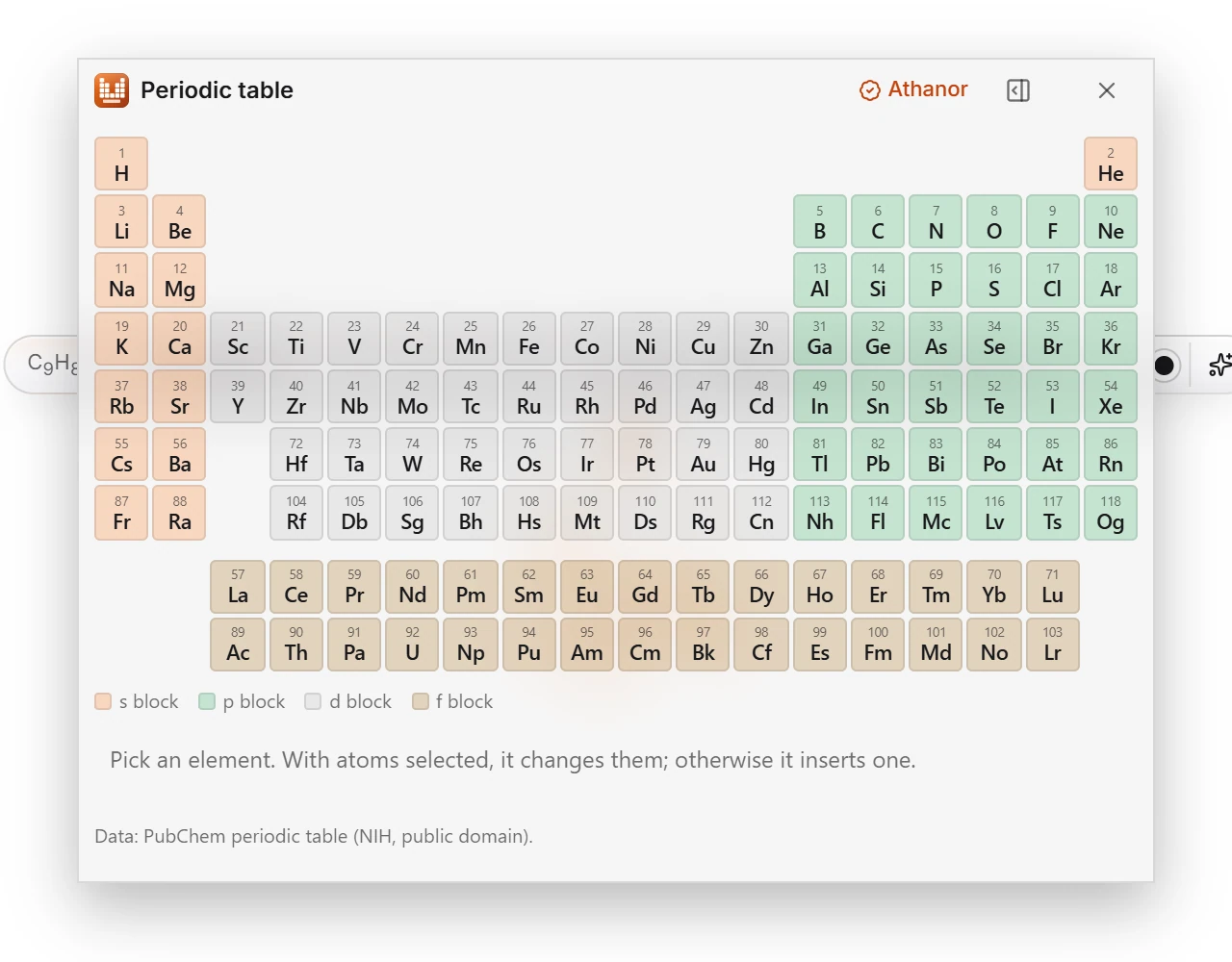
Drag the title bar to move the window out of the way of what you are drawing. The canvas stays live while it is open.
To dock it beside the canvas instead, press the dock button in its title bar, between the Athanor mark and the close button.
Press the close button in its title bar to close it. Open it again from Plugins in the top bar.
Is this helpful?
Last updated Nov 12, 2026
- Still stuck? Read the FAQ or contact support.
- Something wrong on this page? Tell us.
- For AI tools: llms.txt