
Switching from ChemDraw to Athanor
Open your CDX or CDXML files with Open a file (Ctrl+O), draw with the same kinds of tools, pick your journal style in Document type, and type ChemDraw's command names into Search everything (Ctrl+K) to find the Athanor command.
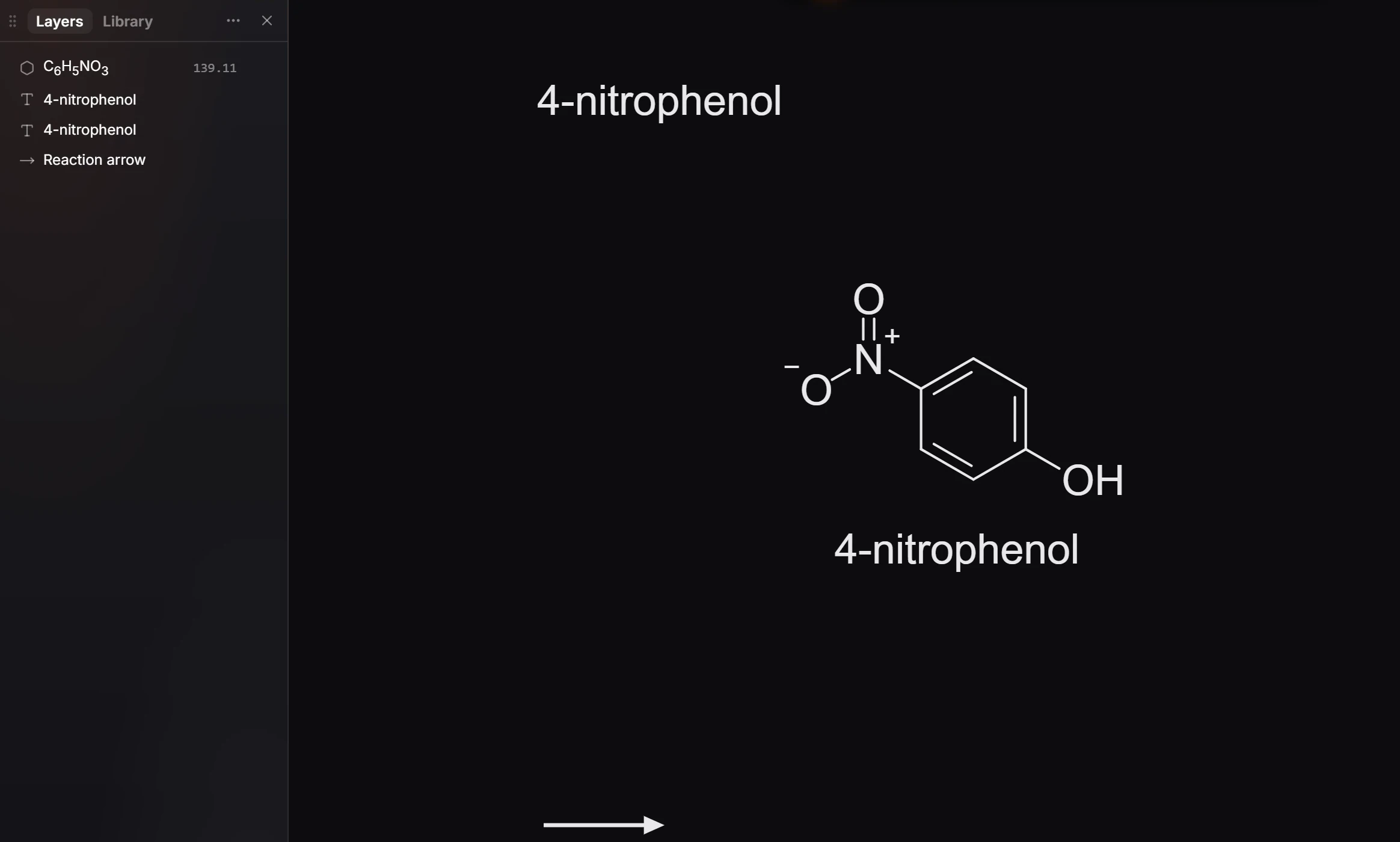
Athanor is a free chemistry editor in your browser and on Windows. It reads and writes ChemDraw's files and journal styles, so you can keep working on what you already have. This checklist takes you through the first day, one page at a time.
Your first day
- Open your files. Press Ctrl+O and choose a
.cdxor.cdxmlfile. Structures, arrows and text stay editable. See How to open CDX and CDXML files. - Find ChemDraw's commands. Most have an Athanor command with the same or a similar name. Type ChemDraw's name into Ctrl+K. See ChemDraw commands and their Athanor names.
- Learn the keys. Point at an atom and press an element letter, as in ChemDraw. Tools have one-letter keys, and ChemDraw classic puts ChemDraw's own keys back. See Keyboard shortcuts for ChemDraw users.
- Keep your journal style. Document type in the Properties panel lists ACS Document 1996 and the other ChemDraw journal styles. See How to use your ChemDraw style sheets.
- Bring your templates. The Library imports ChemDraw template (
.ctp), document (.cdx) and style (.cds) files. See How to import your ChemDraw templates and libraries. - Send files back. Export CDXML or CDX for colleagues still on ChemDraw. See How to send a file to someone using ChemDraw.
- Know what is different. No save button, problems flagged rather than fixed, and actions beside your selection. See What works differently from ChemDraw.
Tip
New to drawing in Athanor? The two-minute Draw your first structure tutorial covers the tools you will use most.
Is this helpful?
Last updated Nov 12, 2026
- Still stuck? Read the FAQ or contact support.
- Something wrong on this page? Tell us.
- For AI tools: llms.txt