
How to use your ChemDraw style sheets
Pick a style from Document type in the Properties panel (with nothing selected): ACS Document 1996 and the other ChemDraw journal styles are there. File › Save document type as ChemDraw style sheet writes a .cds file for colleagues still on ChemDraw.
Steps
Click an empty part of the canvas so nothing is selected. The Properties panel shows the document's own settings: Document type, Bond length and Layout.
Open Document type. New documents start as ACS Document 1996. The list has the ChemDraw journal styles: ACS Document 1996, Adv. Synth. Catal., J. Chin. Chem. Soc., J. Het. Chem., J. Mol. Mod. (one and two column), Nature Research, Phytomedicine, RSC (one and two column), Science of Synthesis, SYNTHESIS and SYNLETT, Helv. Chim. Acta and Wiley, plus general documents and slide styles.
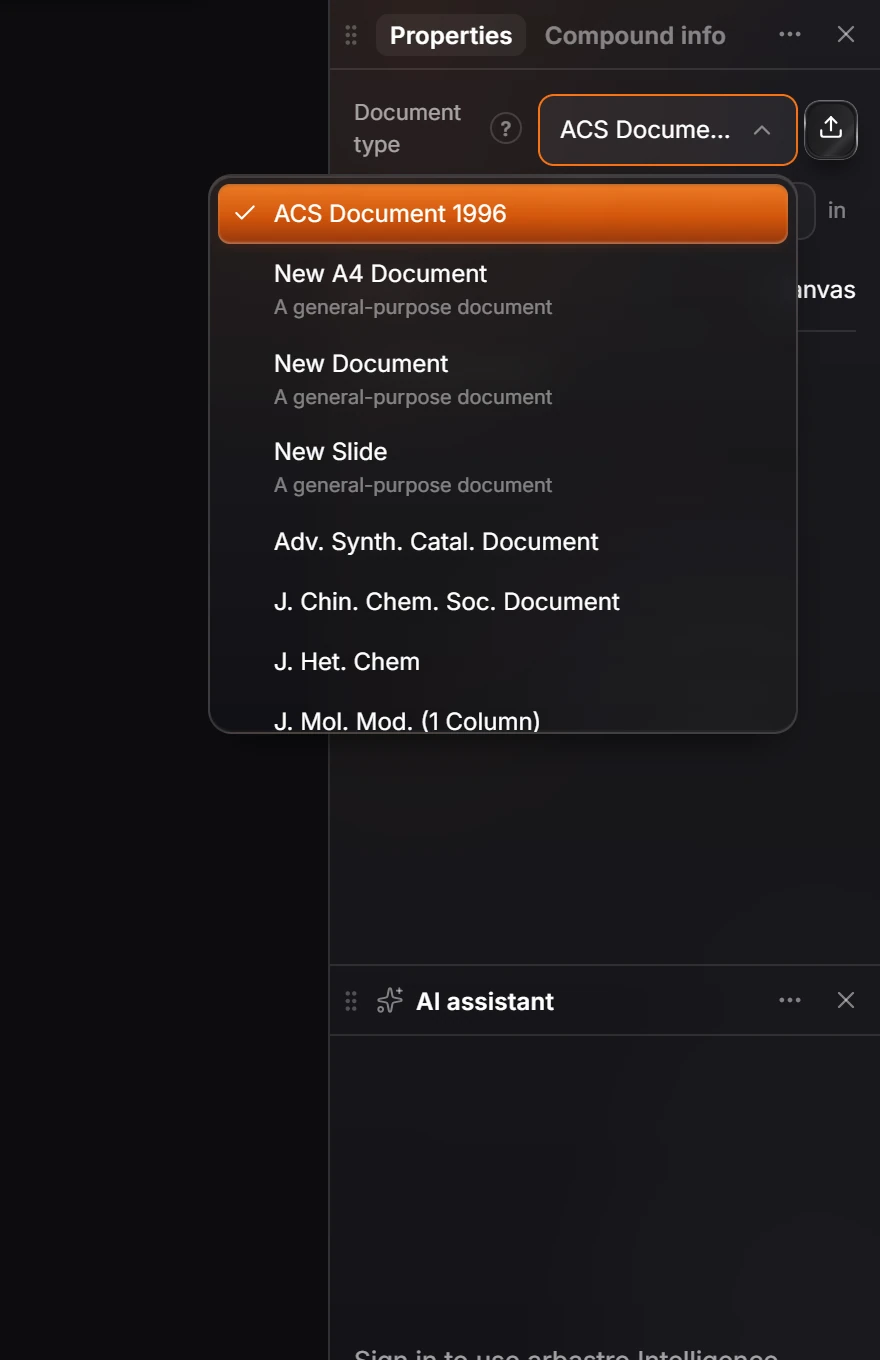
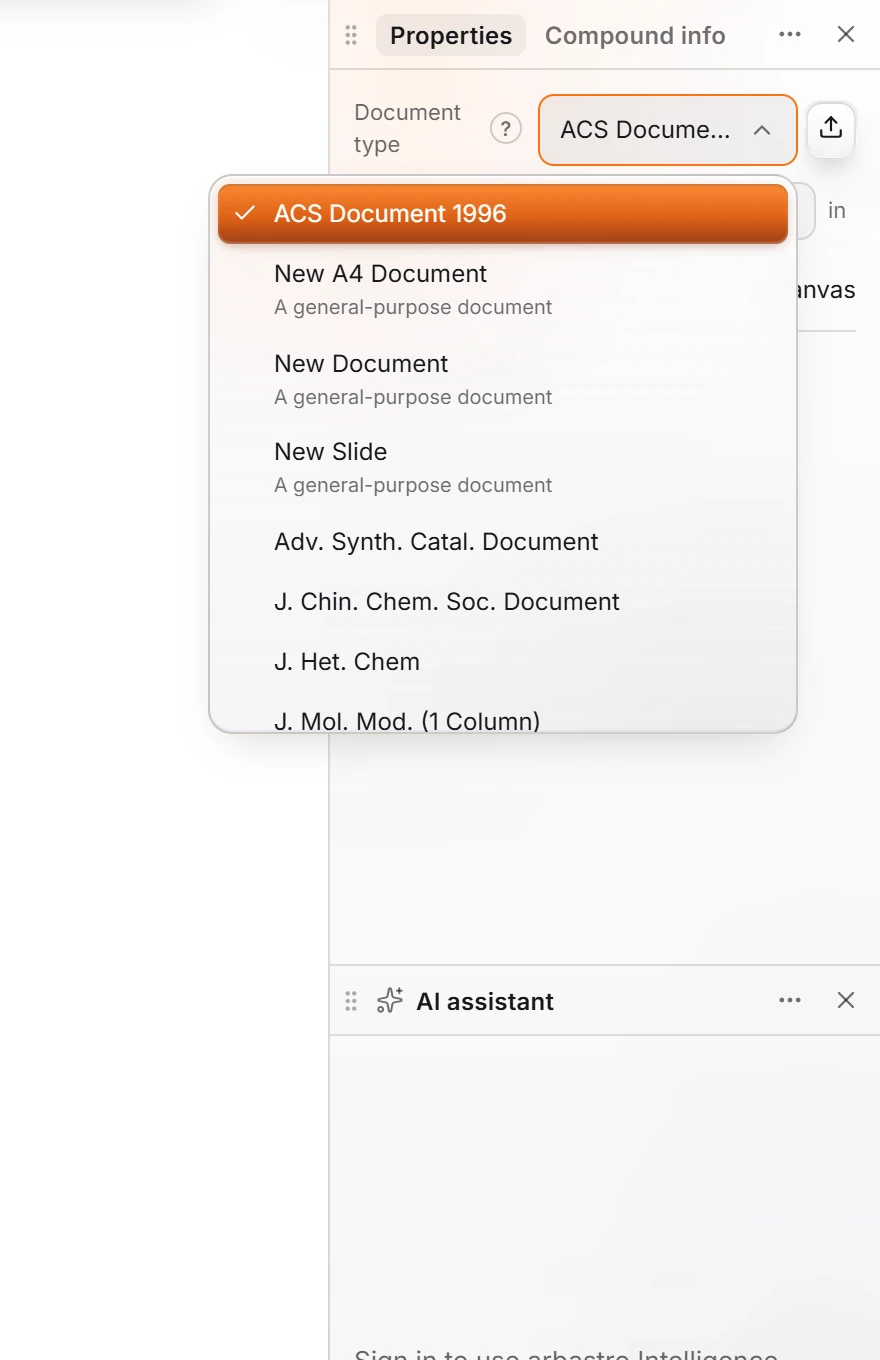
Pick one. Bond length, line widths and fonts change for the whole document, and exports use the same style.
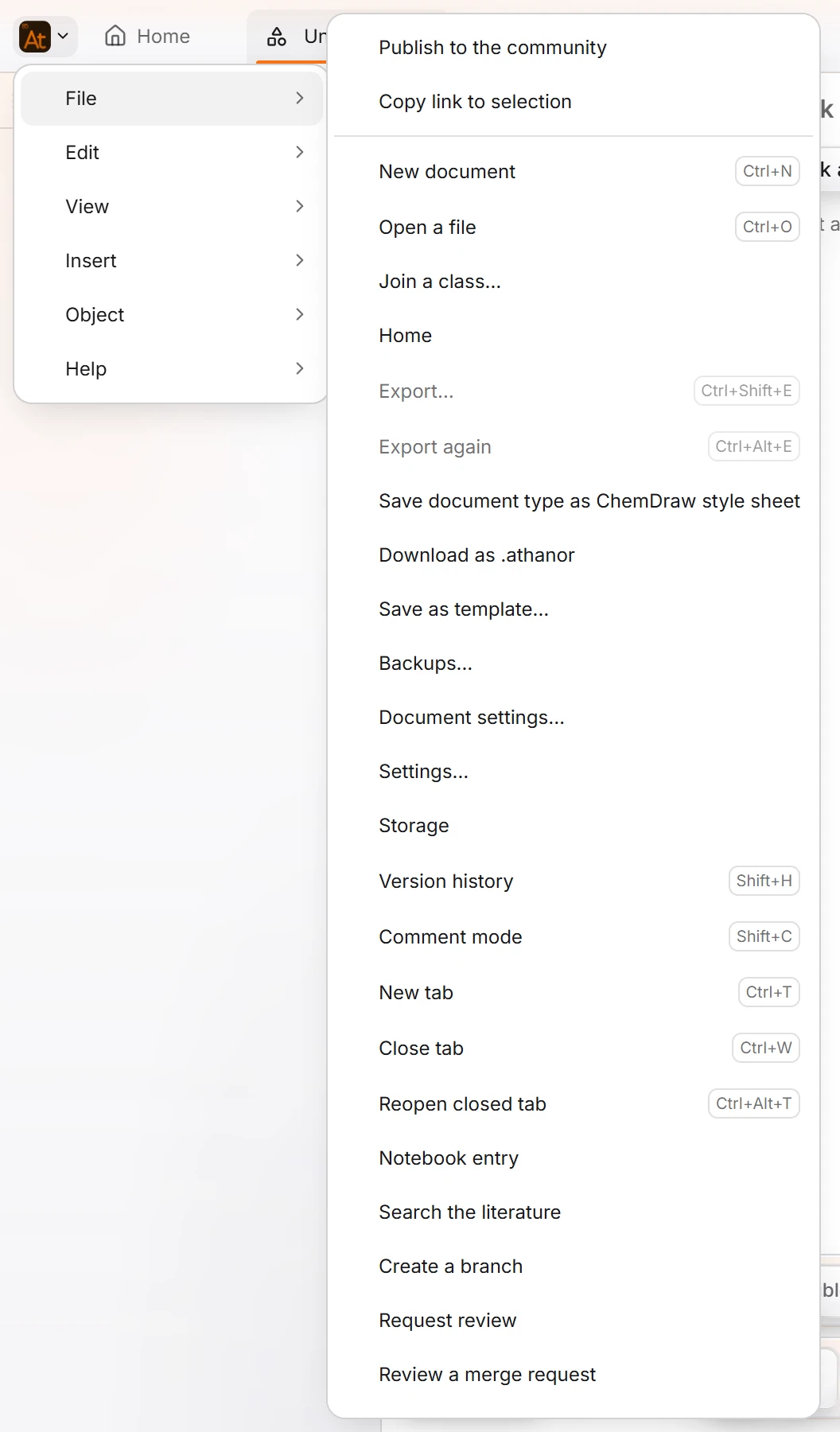
To give the style to someone on ChemDraw, open the Main menu and choose File › Save document type as ChemDraw style sheet. Athanor saves a
.cdsfile they can apply in ChemDraw.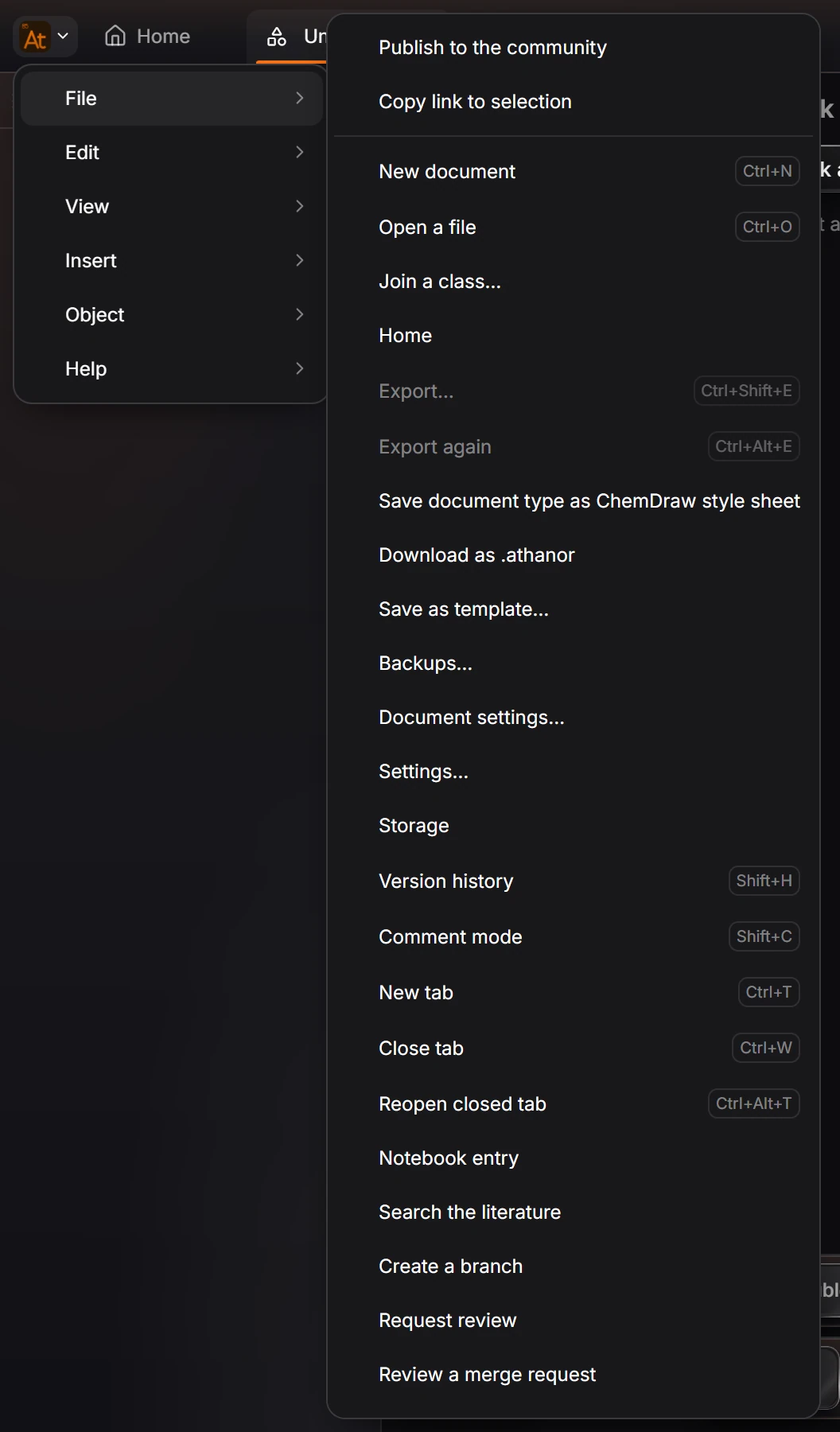
Your own ChemDraw style sheets
Have a .cds style sheet of your own? Import it from the Library: choose Add to the library, then Import a file…, and pick the .cds file. See How to import your ChemDraw templates and libraries.
Is this helpful?
Last updated Nov 12, 2026
- Still stuck? Read the FAQ or contact support.
- Something wrong on this page? Tell us.
- For AI tools: llms.txt