
How to import your ChemDraw templates and libraries
Open the Library panel, choose Add to the library (the + button), then Import a file…, and pick your ChemDraw template (.ctp), document (.cdx) or style sheet (.cds). SVG and SDF files import the same way.
Steps
Open the Library panel: click its tab beside Layers, or press Shift+B.
Choose Add to the library (the + button next to Filter).
Choose Import a file…. The menu lists what it accepts:
.ctpChemDraw templates,.cdxChemDraw documents,.cdsChemDraw style sheets,.svgpictures and.sdfstructure files.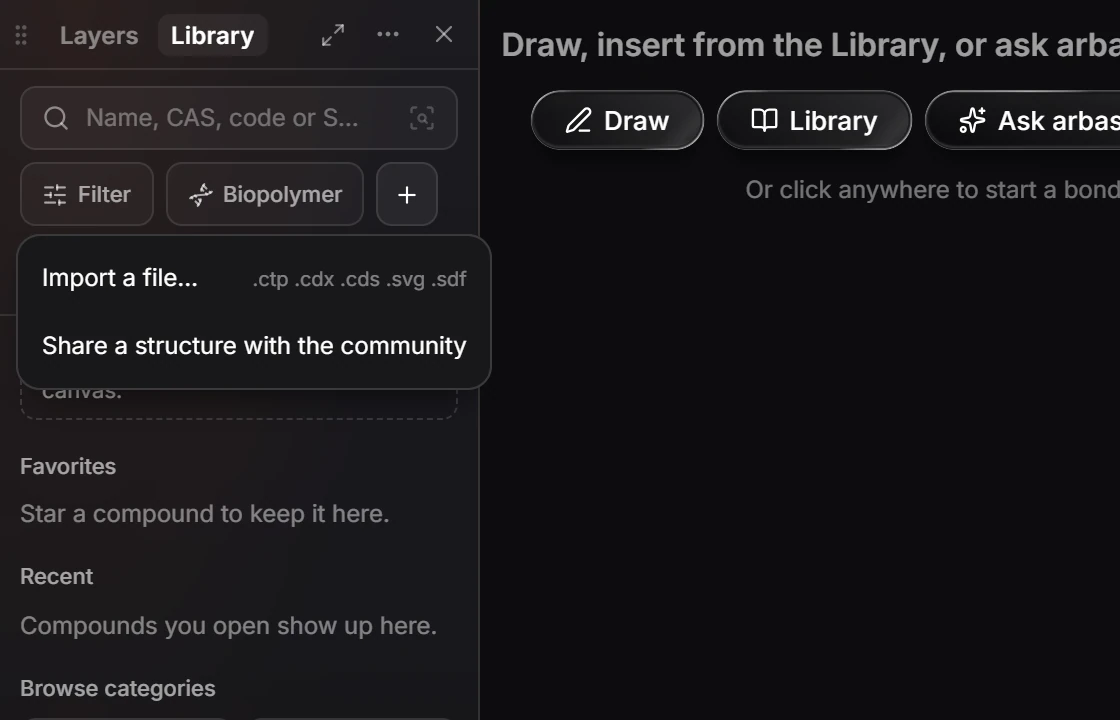
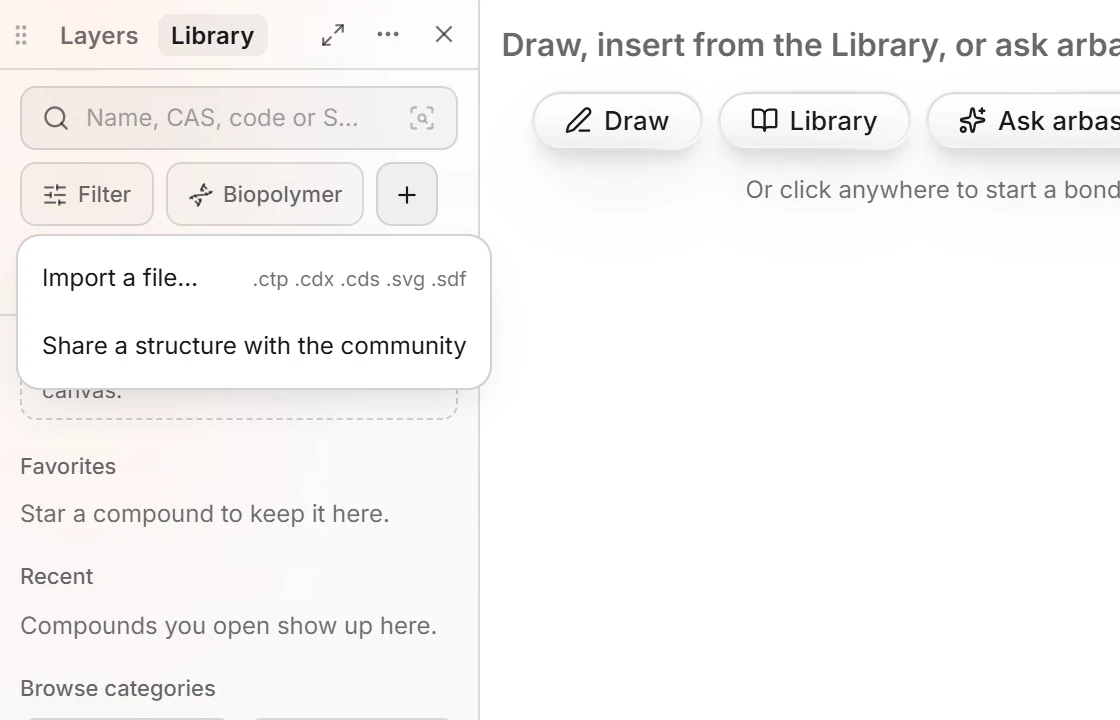
Pick the file. Its contents are added to your own part of the library, ready to drag onto the canvas.
Note
Share a structure with the community, in the same menu, publishes a structure for everyone. Importing keeps it to yourself.
Is this helpful?
Last updated Nov 12, 2026
- Still stuck? Read the FAQ or contact support.
- Something wrong on this page? Tell us.
- For AI tools: llms.txt