
How to select atoms, structures and objects
Press V. Click takes a whole structure, Marquee (M) takes only the atoms inside the box you drag, and Lasso (L) takes whatever you draw around. Select all is Ctrl+A, and Shift+click adds to the selection.
Steps
Press V for the Select tool. The row above the toolbar shows its three ways to select: Click, Marquee and Lasso.
Pick one:
Click (V): click a structure to select all of it, or an arrow, text or shape to select that.
Marquee (M): drag a box. Only the atoms and objects inside it are selected, so you can take part of a structure.
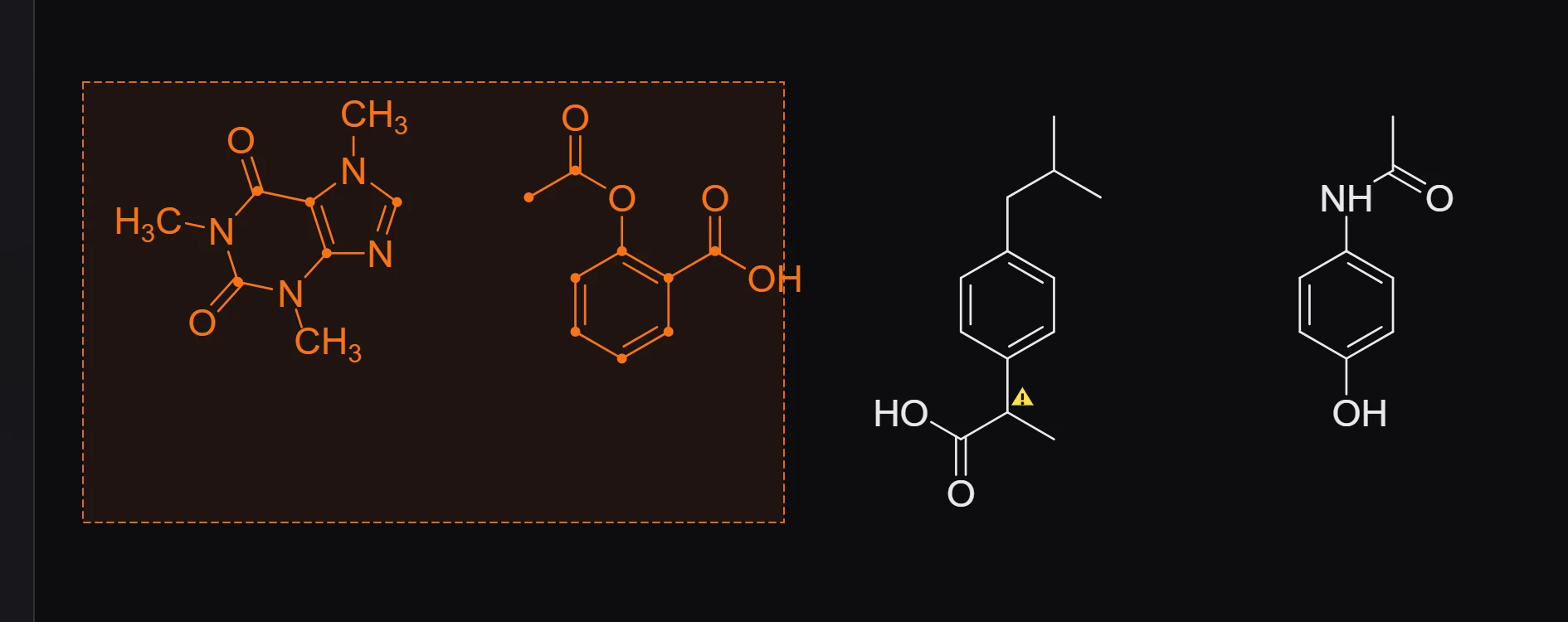
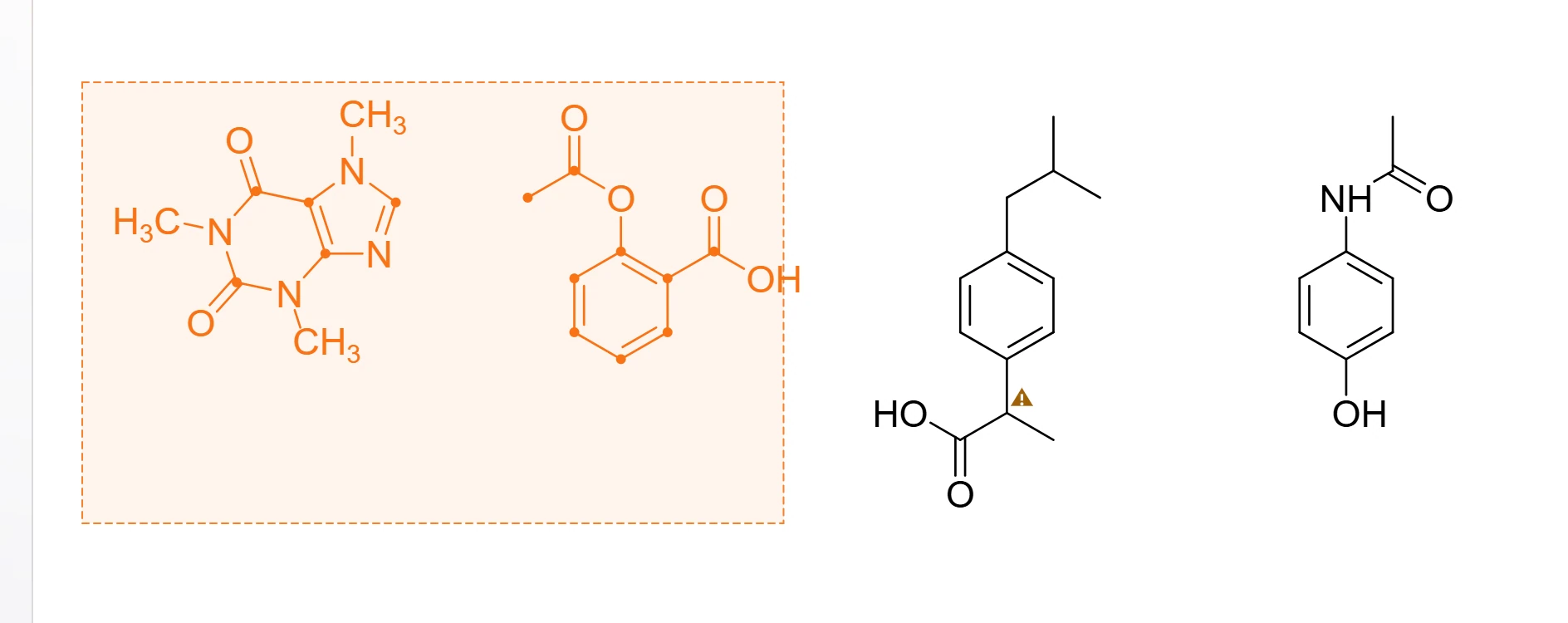
Lasso (L): draw a loop around what you want, for odd shapes a box cannot fit.
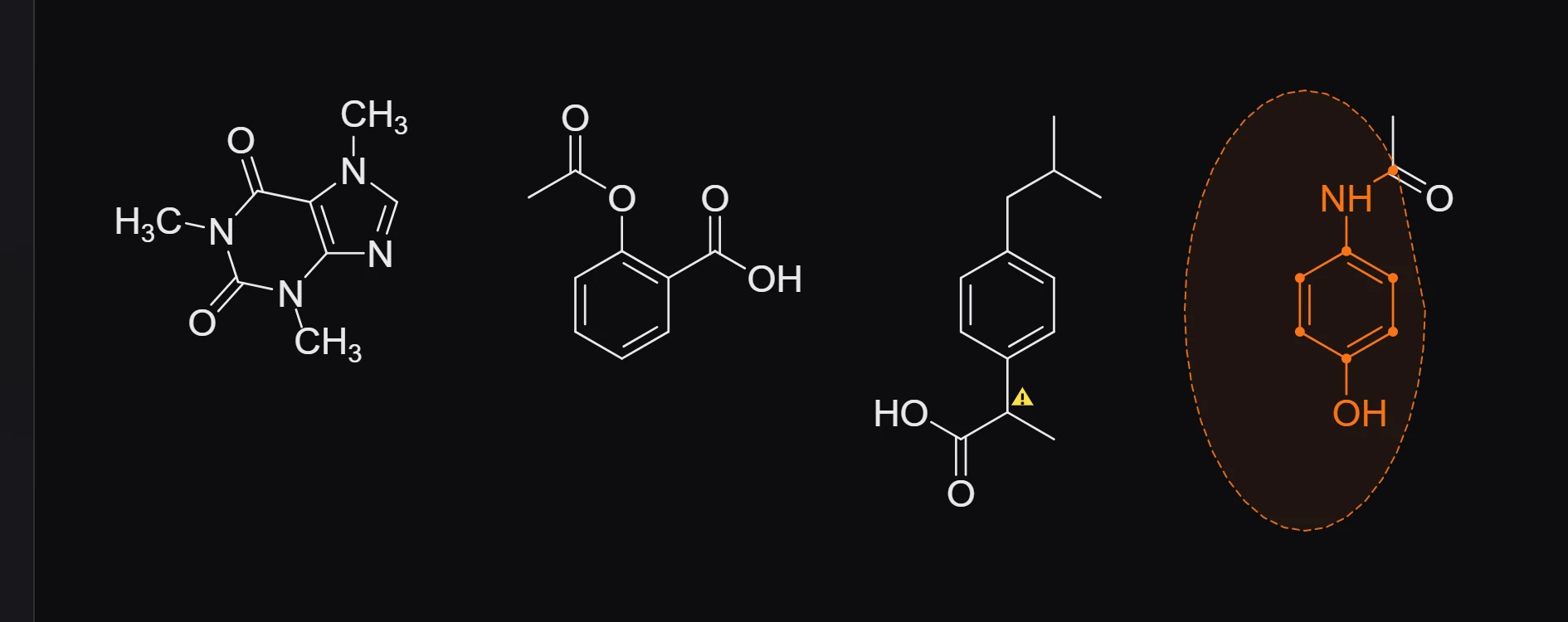
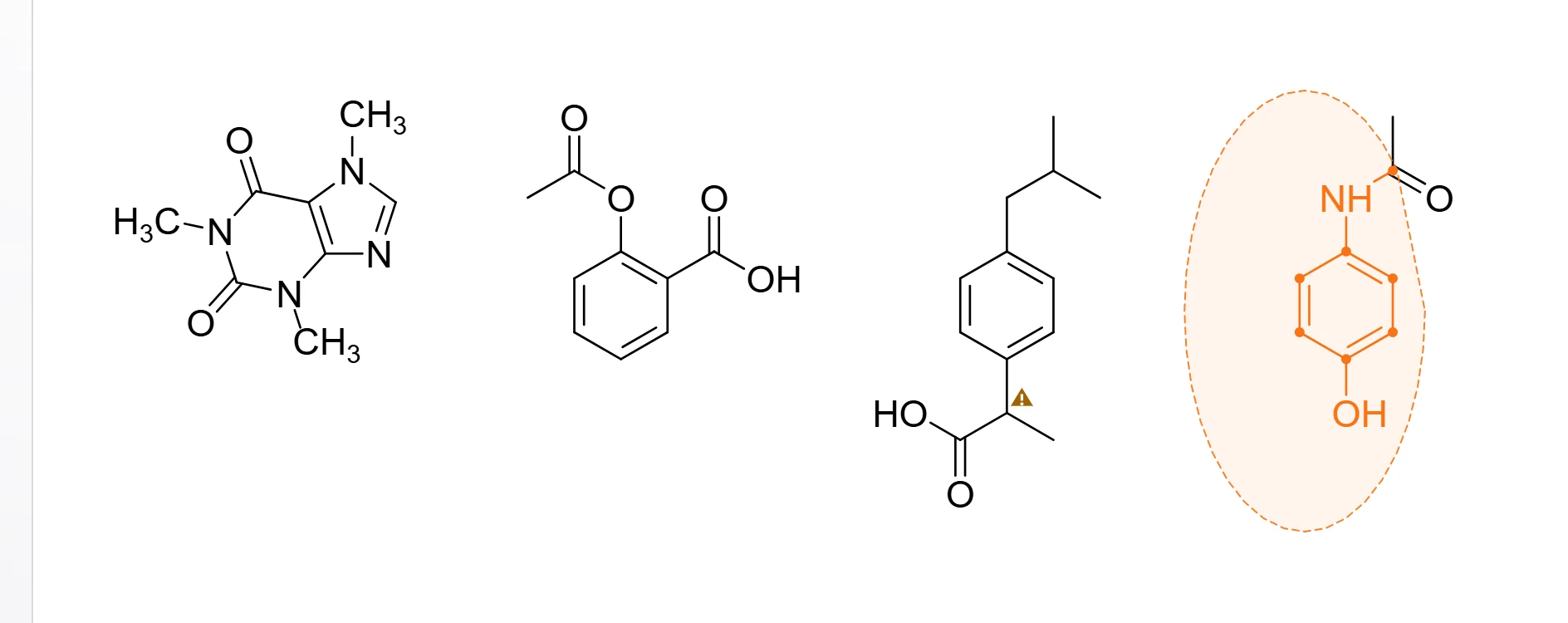
The selection shows in orange, with a bar of actions above it: align, flip, rotate, group, lock, copy and more.
More ways to select
| To | Do this |
|---|---|
| Select everything | Ctrl+A |
| Add to the selection | Shift+click |
| Pick one atom, or one member of a group | Ctrl+click |
| Select atom by atom | Ctrl+drag |
| Select a whole reaction | Double-click its arrow |
| Select nothing | Esc |
You can also select by clicking rows in the Layers panel.
Is this helpful?
Last updated Nov 12, 2026
- Still stuck? Read the FAQ or contact support.
- Something wrong on this page? Tell us.
- For AI tools: llms.txt