
How to group and ungroup
Select the objects and press Ctrl+G (Object › Group). Layers shows them as one Group. Ctrl+Shift+G (Object › Ungroup) splits it.
Steps
Select the objects.
Press Ctrl+G, or choose Main menu › Object › Group. In Layers they become one Group, and a click on any of them selects the whole group.
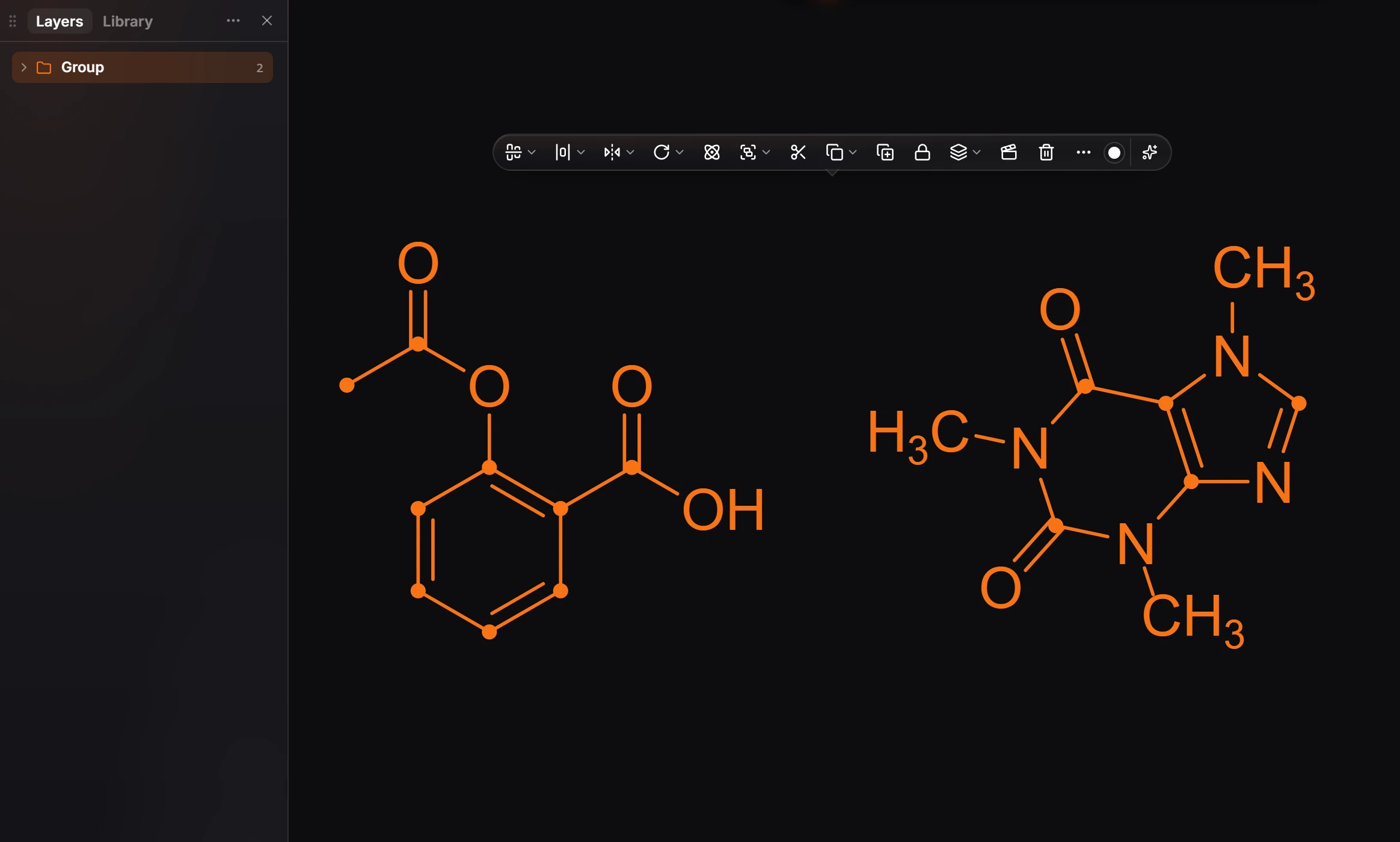
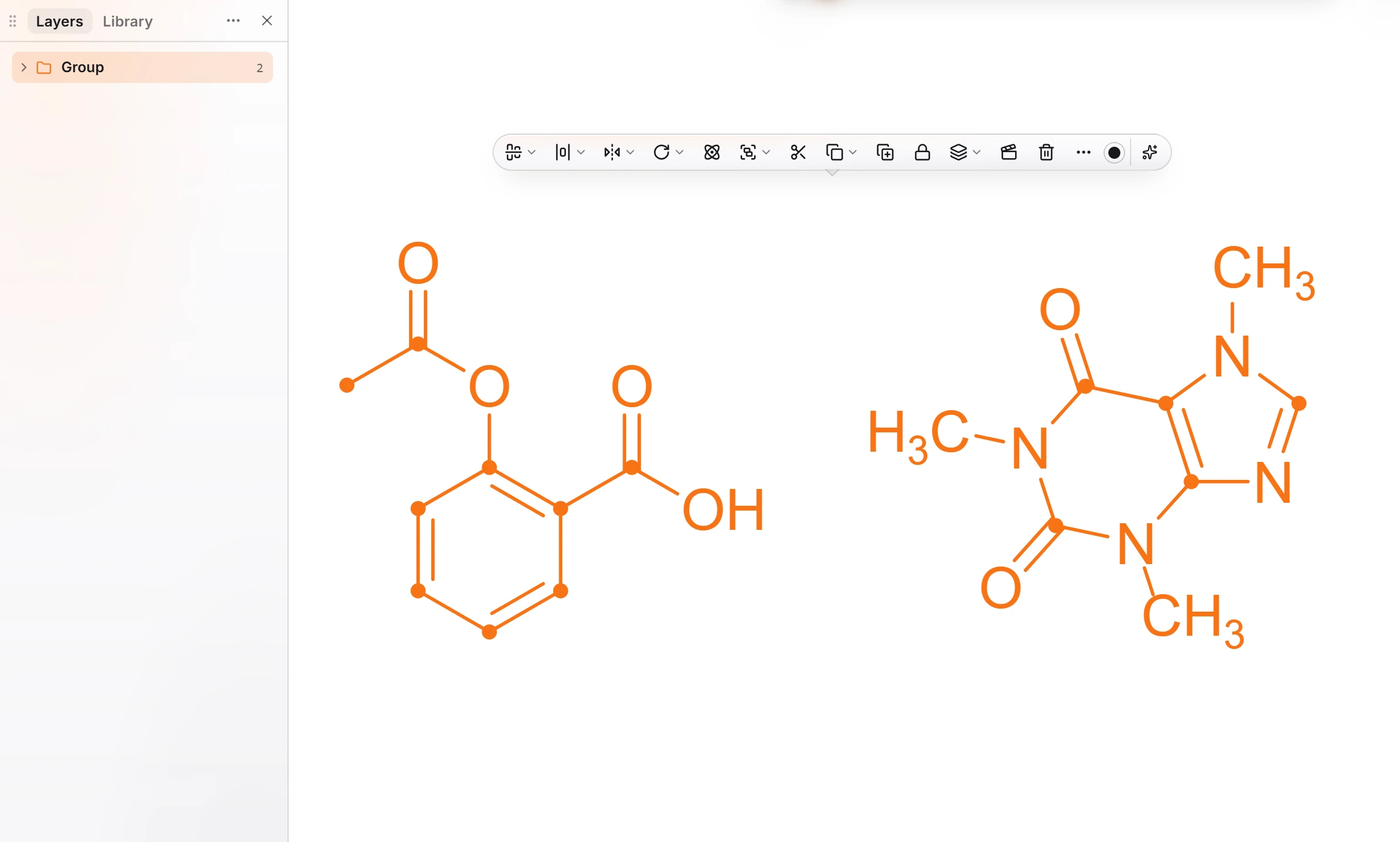
To split it, select the group and press Ctrl+Shift+G (Main menu › Object › Ungroup).
Is this helpful?
Last updated Nov 12, 2026
- Still stuck? Read the FAQ or contact support.
- Something wrong on this page? Tell us.
- For AI tools: llms.txt